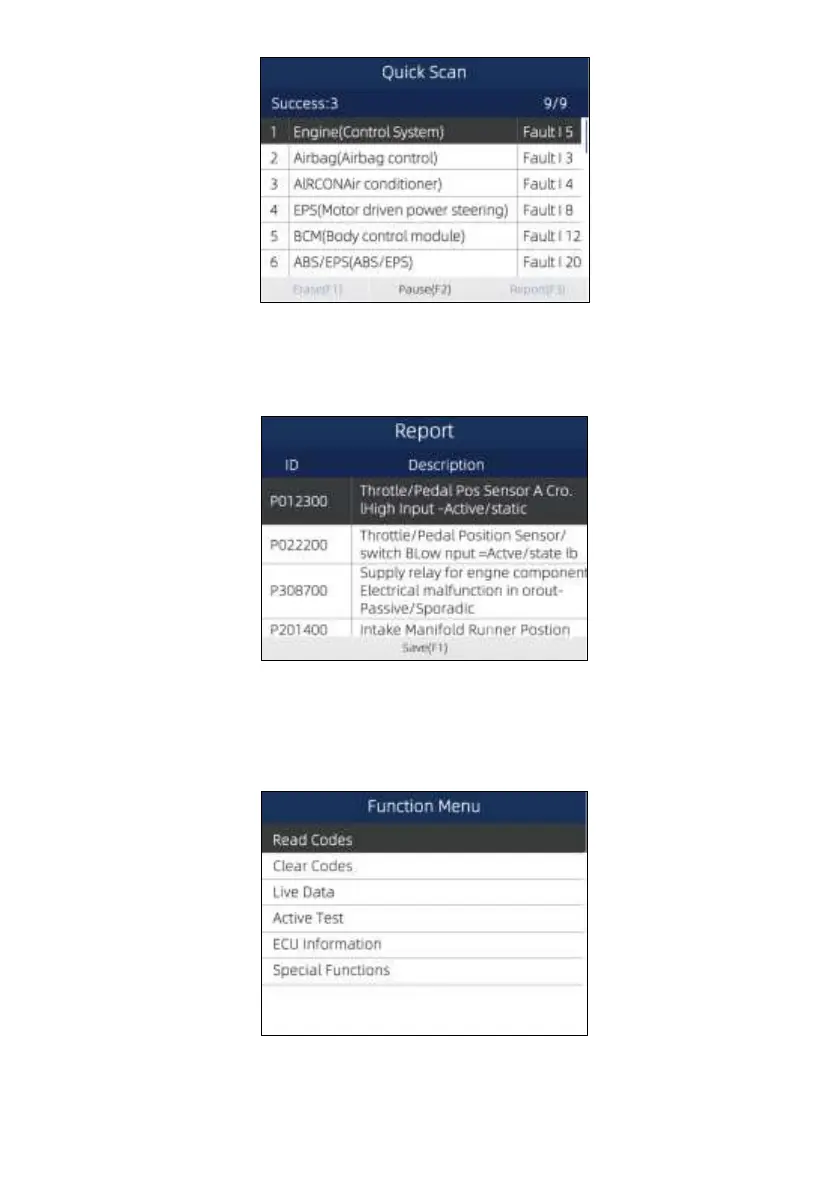
Figure 5-3 Sample Quick Scan Screen
4. If there is diagnostic trouble code(s) detected in a control unit, press the function key corresponding
with Report on the screen to view details of code information. Or press the function key Erase to
clear them.
Figure 5-4 Sample DTC Screen
5. Press function key F1 to save the trouble code information.
6. Select the system you would like to test, and press the ENTER key. When the scanner has
established connection with the vehicle, the Function Menu displays.
Figure 5-5 Function Menu screen


 To Next Page