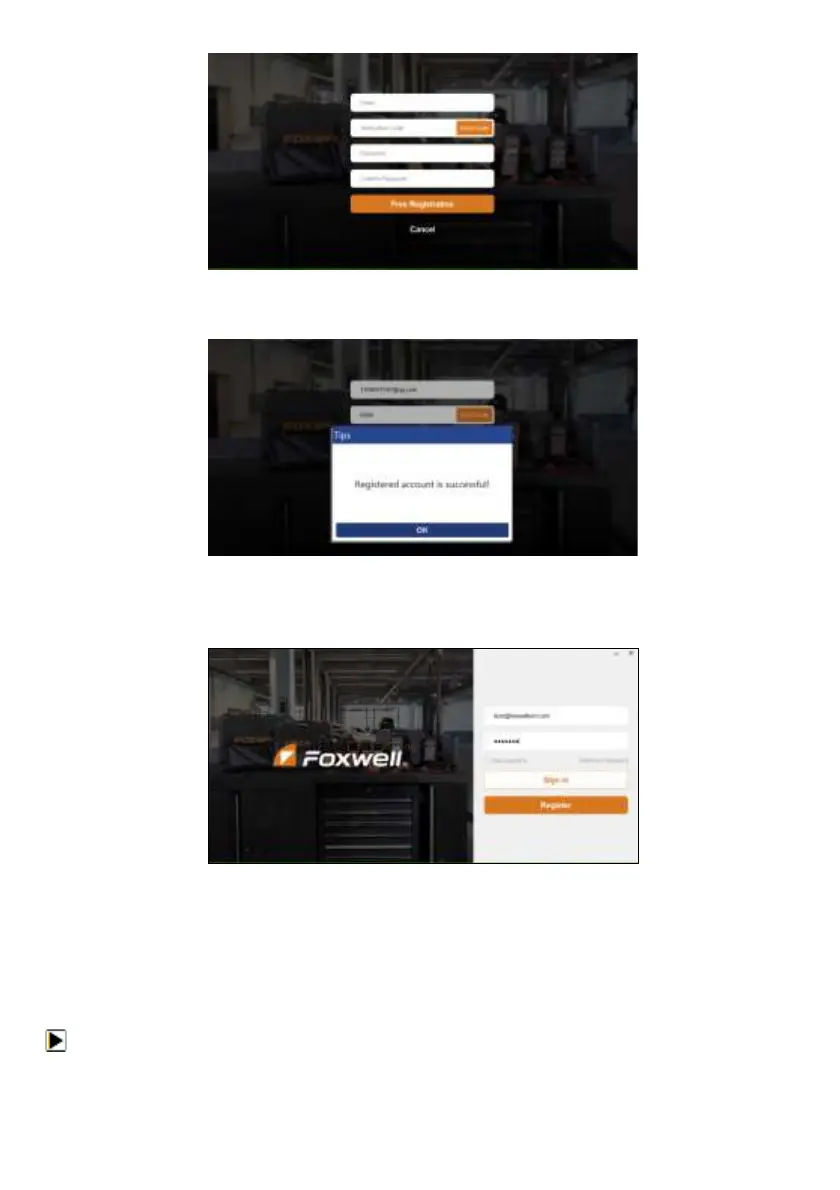
Figure 8-12 Sample Register Screen
5. A Registered account is successful message will appear if you registered successfully.
Figure 8-13 Sample Registration Success Screen
6. Click OK. It skips to the login page automatically. You can input your FOXWELL ID and Password
to sign in.
Figure 8-14 Sample Sign in Screen
8.2 Register Your Scanner
Register With FoxAssist
To register with FoxAssist:
1. Launch the PC application FoxAssist. Sign in with your Foxwell ID/ registered email and password.


 To Next Page