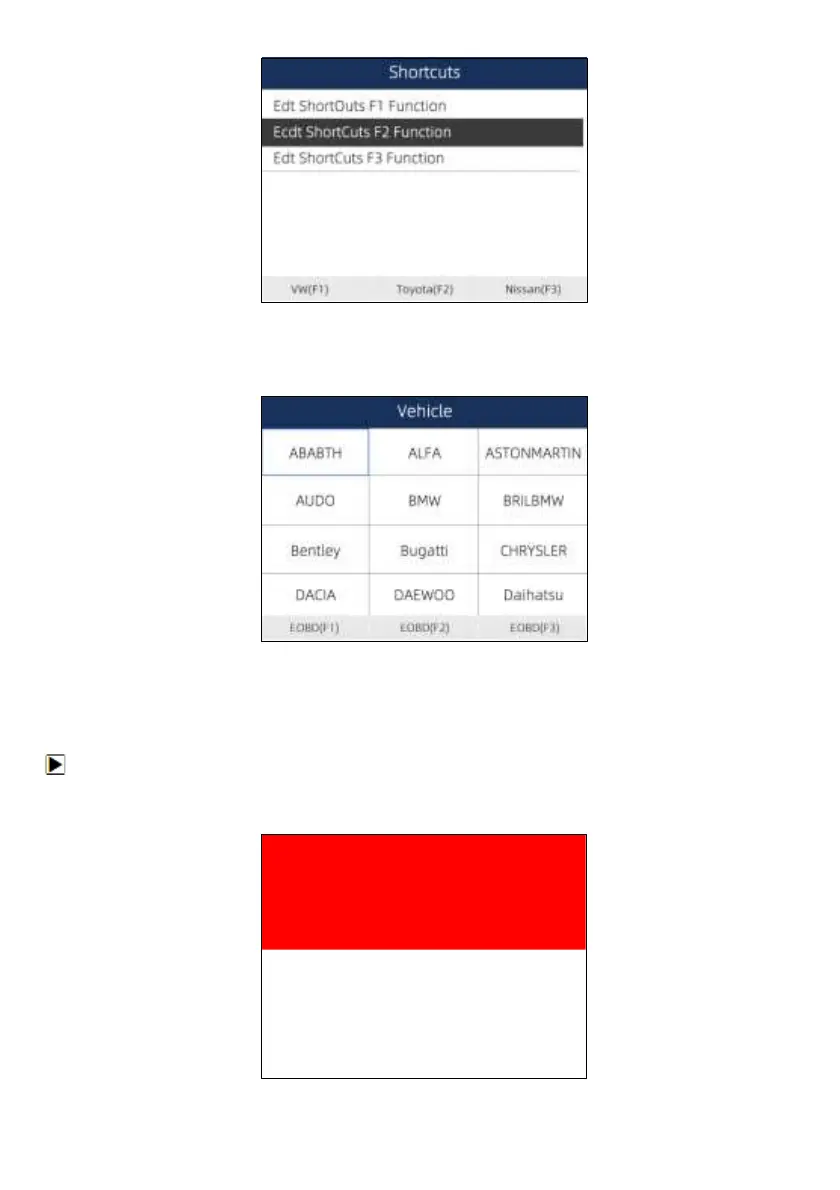
Figure 7-6 Sample Shortcuts Screen
3. Scroll with the arrow keys to highlight an application and press the ENTER key to assign the
application to the shortcut key.
Figure 7-7 Sample Shortcuts Screen
7.4 Display Test
Selecting Display Test option opens a screen that allows you to check the functionality of the display.
To test the display:
1. Scroll with the arrow keys to highlight Display Test from Settings menu and press the ENTER key
to start test. Check if there are any missing spots in the LCD screen.


 To Next Page