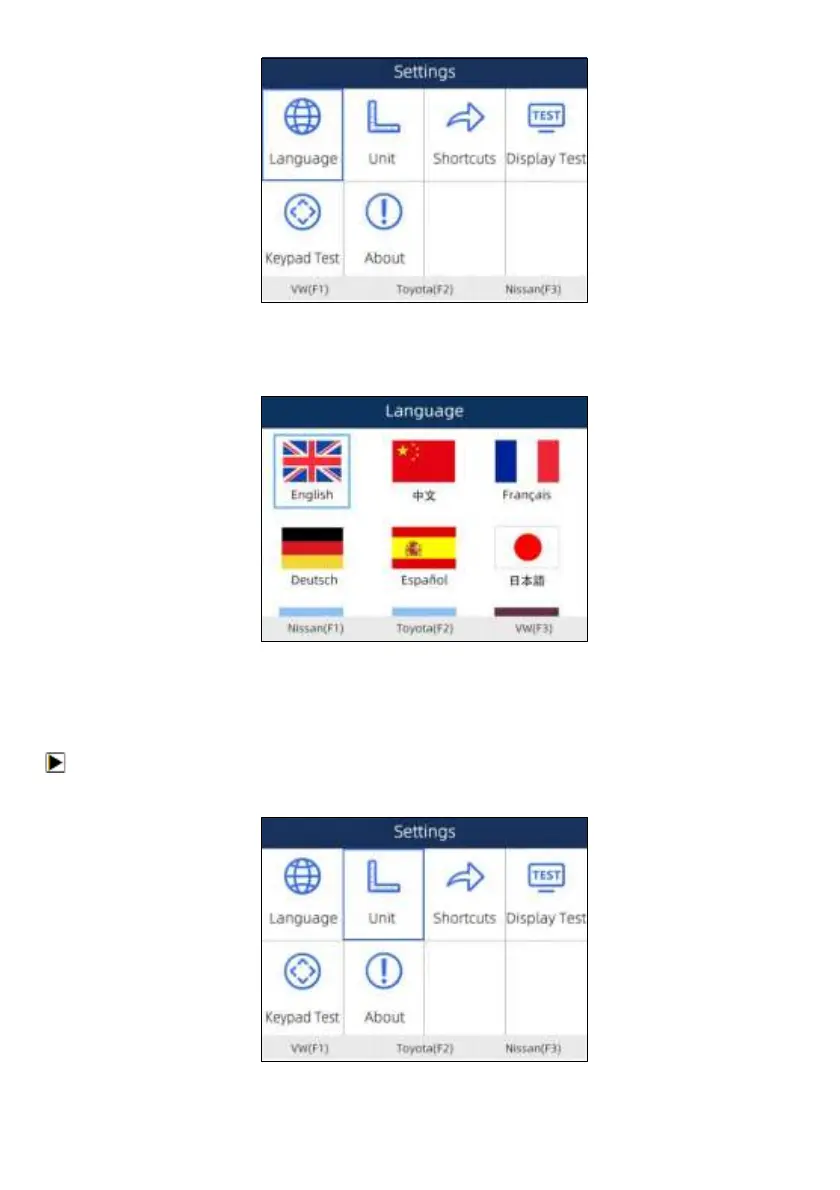
Figure 7-1 Sample Settings Screen
2. Press left and right arrow key select a language and press the ENTER key to confirm. Press the
Back key to exit and return.
Figure 7-2 Sample Language Selection Screen
7.2 Change Units
Selecting Unit opens a dialog box that allows you to choose units of measure.
To change the unit setup:
1. Scroll with the arrow keys to highlight Units from Settings menu and press the ENTER key.


 To Next Page