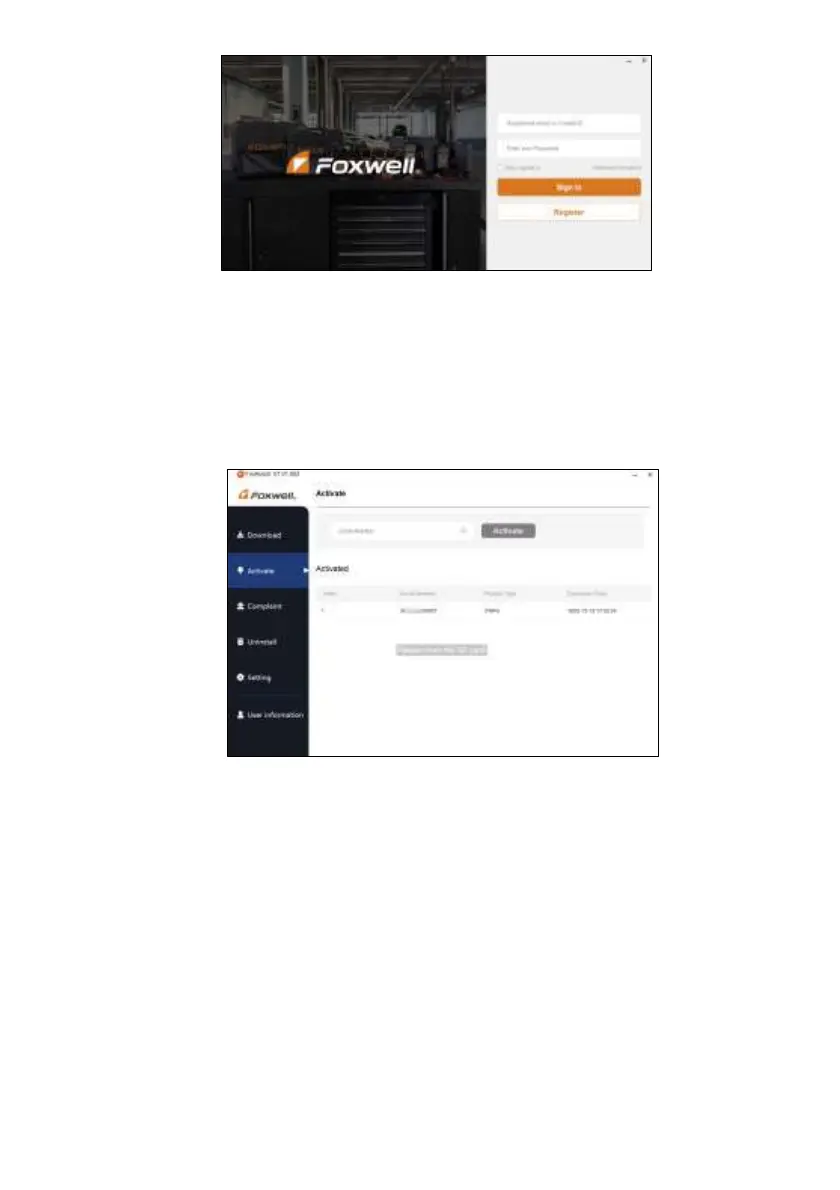
Figure 8-18 Sample Sign in Screen
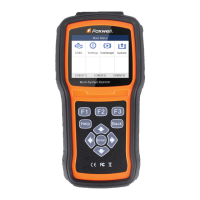
2. Select Activate and input serial number to complete product registration. If you have multiple
scanners to be registered, please enter all serial numbers you wish to activate. Or you can also
connect the scanner with your PC via USB cable, choose the Update icon and press the Enter Key
on the scanner, then your serial number will be automatically acquired by the FoxAssist and please
click Activate to complete.
Figure 8-19 Sample New Product Activate Screen
8.3 Update the Scanner
To update scanner, you need the following tools:
● The scan tool
● PC application FoxAssist
● PC or laptop with USB ports
● Internet service
To be able to use update tool, PC or laptop must meet the following minimum requirements:
● Operation System: Windows 7, Windows 8 and Windows 10.


 To Next Page