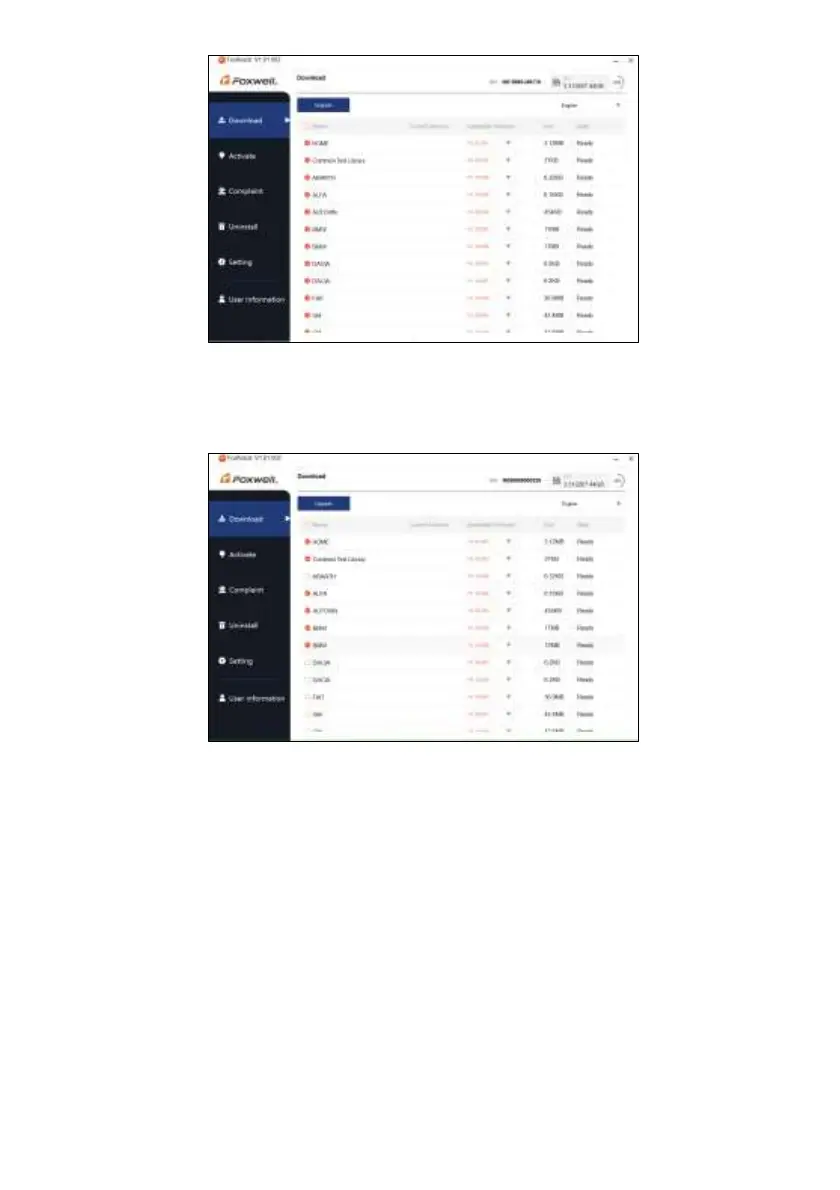
Figure 8-21 Sample Download Screen
5. Click the check box(es) in front of the software(s) you wish to update and then click the Upgrade
button on the top of the software(s) to download.
Figure 8-22 Sample Upgrade Check Screen
6. When Upgrade button is clicked, it begins to download. And you can check the Current Status. If
the Current Status shows Downloading, please do not close the update application.


 To Next Page