Foxwell F1000B OBDII&Battery Tester User’s Guide_ English Version_V1.00
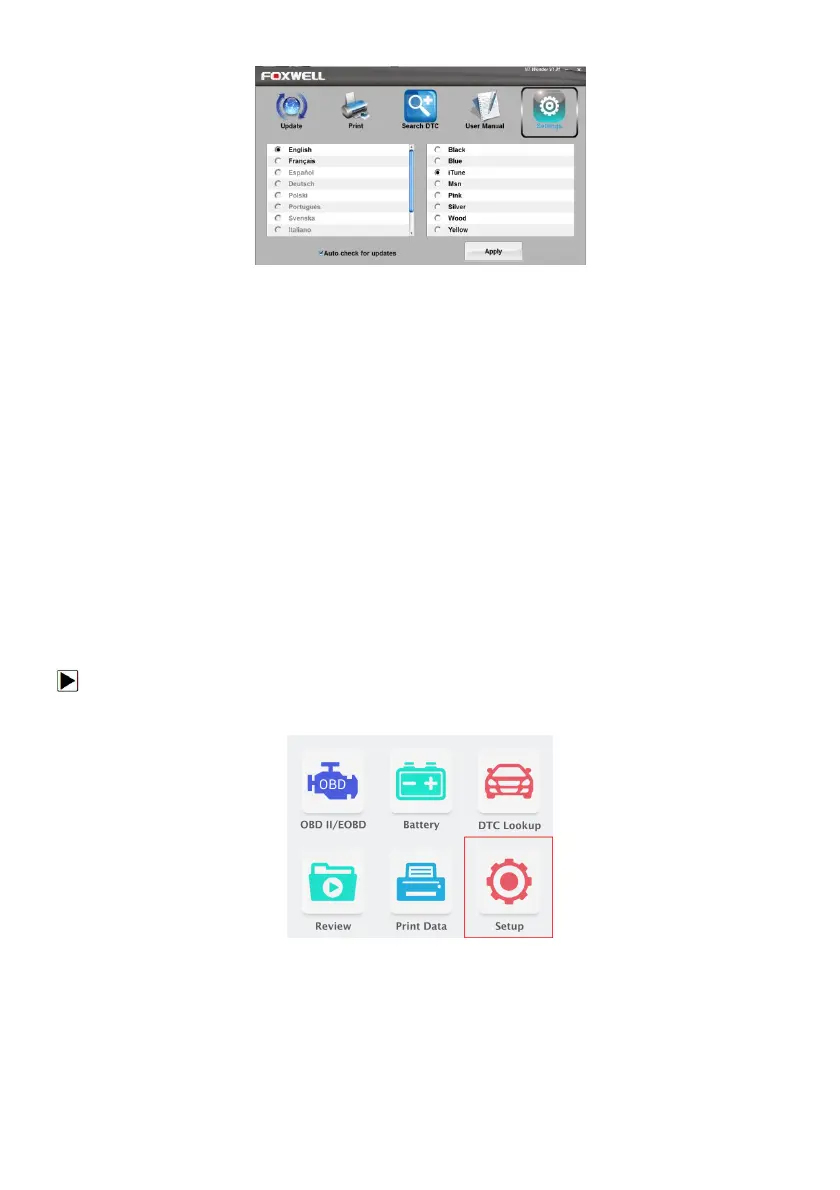
Figure 9-10 Sample Update Tool Setting Screen.
9 System Setup
This section illustrates how to program the OBDII&Battery tester to meet your specific needs.
When Setup application is selected, a menu with available service options displays. Menu options
typically include:
● Language
● Configure monitors
● Unit of measure
● Key Beep Set
● Diag Beep Set
● Tool self-test
9.1 Select Language
Selecting Language opens a screen that allows you to choose system language.
To configure system language:
1. Use the LEFT/RIGHT key to highlight Setup from home screen and press the ENTER key.
Figure 8-1 Sample Home Screen
2. A screen of a list of menu options displays.


 To Next Page