Foxwell F1000B OBDII&Battery Tester User’s Guide_ English Version_V1.00
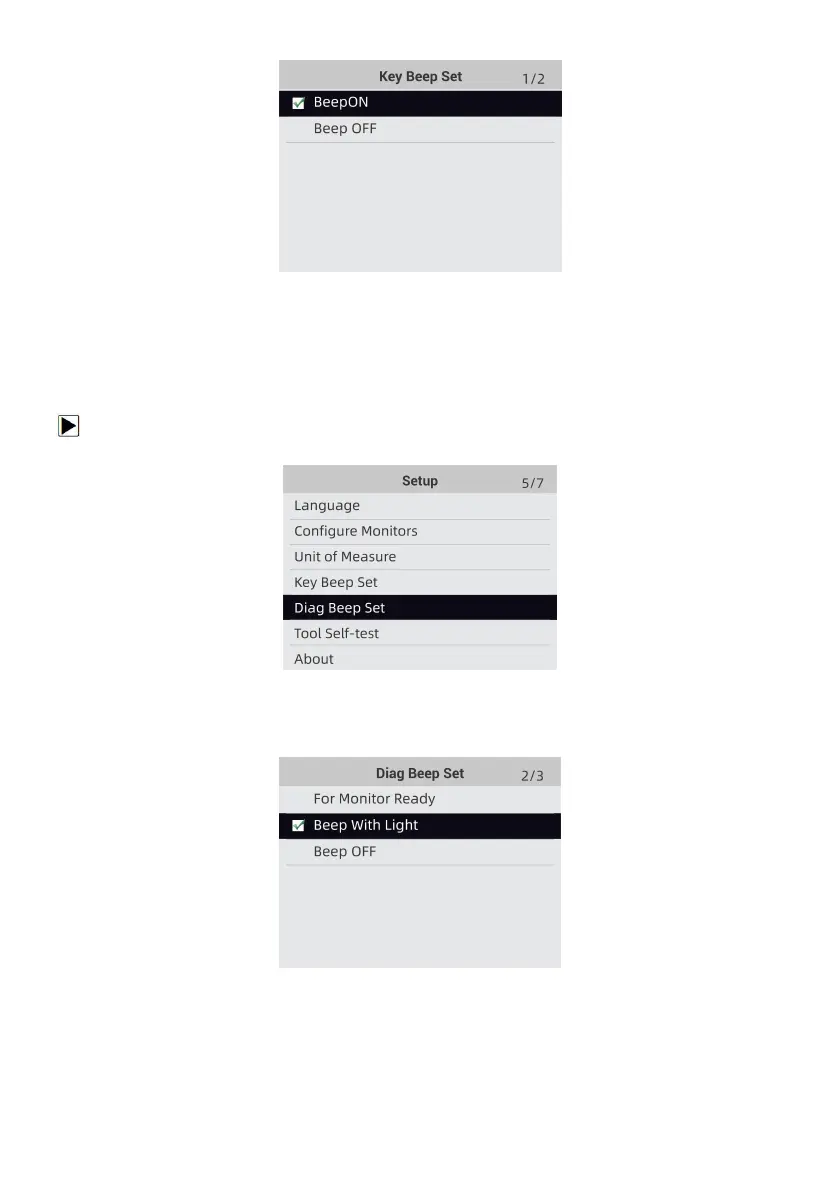
Figure 8-16 Sample Beep Set Selection Screen
9.5 Diag Beep Set
Key beep set opens a dialog box that allows you to turn on/off the built-in speaker when
performing diagnostics.
To set the diag beep:
1. Use the UP/DOWN key to highlight Key Beep Set from Setup menu and press the ENTER key.
Figure 8-17 Sample Setup Screen
2. Press the UP/DOWN key to select an item and press the ENTER key to save and return.
Figure 8-18 Sample Diag Beep Selection Screen
9.6 Tool Self-test
Key beep set opens a dialog box that allows you to check if the LCD display and the operation of
keypad and LED are working correctly. Typical menu includes:
● Display Test


 To Next Page