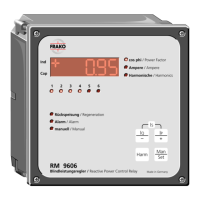
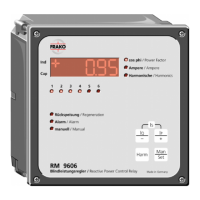
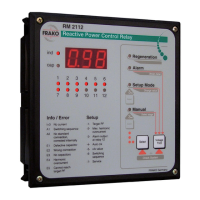
RM 2106 / 2112
34
Note:
The check system mode denes the
present stage ratings as reference values
for subsequent stage rating checking.
(see section 3)
5.4 Manual mode
Pressing ”Select” (i) for more than 3 seconds
switches the control relay to manual mode.
The ”Manual Mode” LED (g) lights up.
The ”Voltage THD” key (h) can now be used
to select a switching output. The ashing
LED in the stage indicator (a) shows which
switching output is presently selected.
After a waiting period of about 10 seconds
the switching status of the selected switch
output is inverted. After switching the control
relay remains in manual mode.
To quit manual mode, press the ”Select”
key (i) for over 6 seconds until neither the
”Manual Mode” LED (g) nor the ”Setup
Mode” LED (f) lights up.
Note:
No automatic switching activities are
carried out in manual mode. Manual mode
does not terminate automatically.
Alarm signals E4 and E5 are also generated
in manual mode, but do not lead to any
switching activities.
An exception to this is the alarm contact
when alarm output is activated on contact 6
of the RM 2106 device or contact 12 of the
RM 2112 device (setup code -3-).
zavoshelectric.ir


 To Next Page