F3D3 Series Service Manual Troubleshooting Guide / Section 1.3
Questions? Call Franke Technical Support Group For Your Area. Copyright 2012 Franke, Inc. All rights reserved.
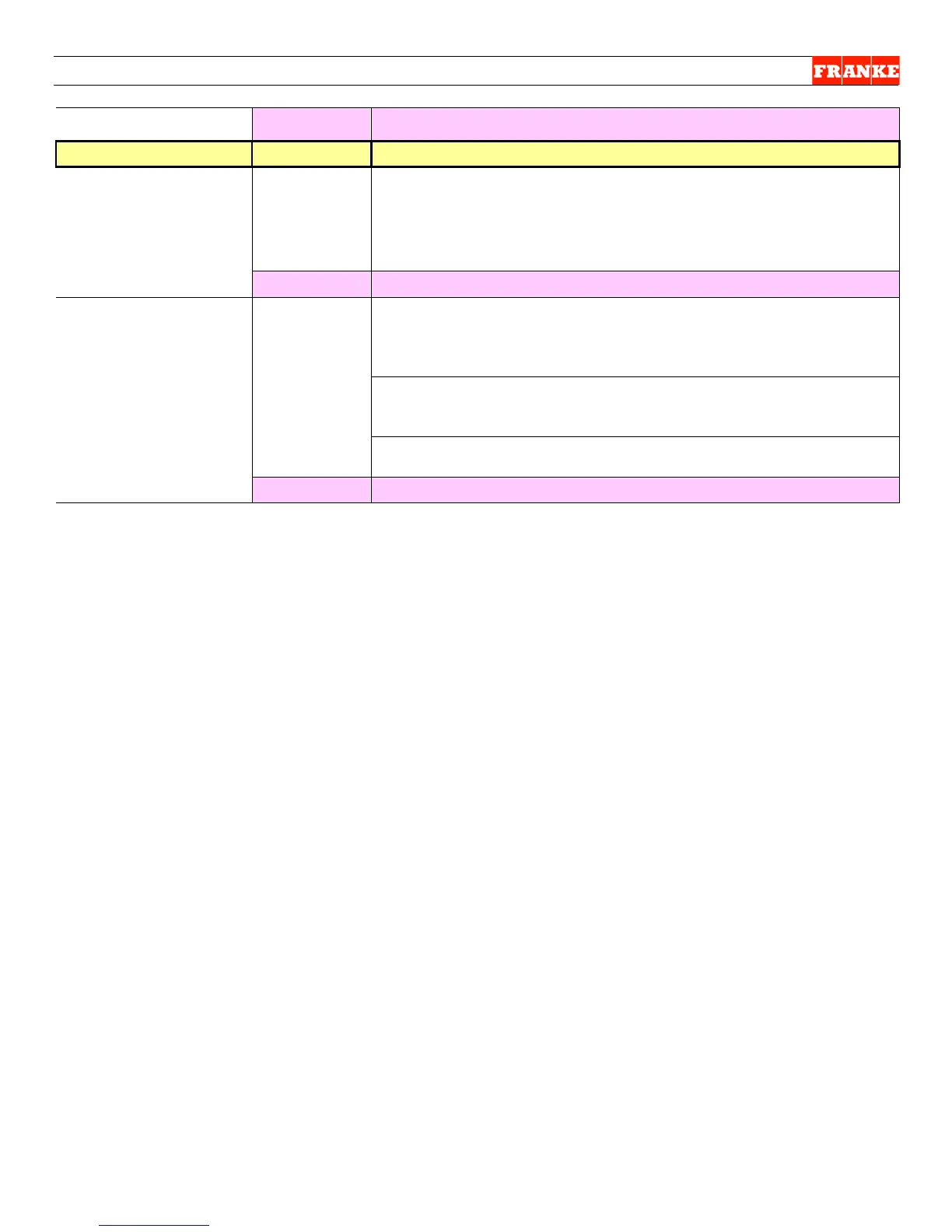
Go to Question 6!
a load by pulling
down on the
product door frame
while it is running
NO!
Check Load Cell calibration per Section 1.9 instructions. OK? Yes
= Continue No = Replace Load Cell per Section 2.10
dispense a load by
pushing the bump
switch?
NO!
Does Control Panel indicate Load Ready? Yes = Continue
Press and hold LANE OFF/ON button for four seconds. Did Ready
appear in display and basket lights come on within 20 seconds?
No = reassemble Hopper, Drum & Baffle
Check wiring harness from Bump Switch to PC Control Board OK?
Yes =Continue No = connect or replace harness. Contact
Franke Technical Support for P/N & Instructions
Check Bump Switch. OK? Yes = Continue No = Replace
Basket Fill Plunger Switch per Section 2.13
The darn thing works. Don’t bother us!
Rev. 1 6/2012



 To Next Page