F3D3 Series Service Manual Load Cell Calibration / Section 1.9
Questions? Call Franke Technical Support Group For Your Area. Copyright 2012 Franke, Inc. All rights reserved.
D3 Load Cell Calibration Continued:
13
Press 1 = Recal [if error occurs during
Calibration Procedure]…or
[Returns to screen shown in
Step 6 on page 1]
13A
Accepted !!
Test Motors ?
14
Exit Lev2 ?
Press touchpad 2 = OK [to Exit]
Shut… [appears briefly, then
display goes blank]
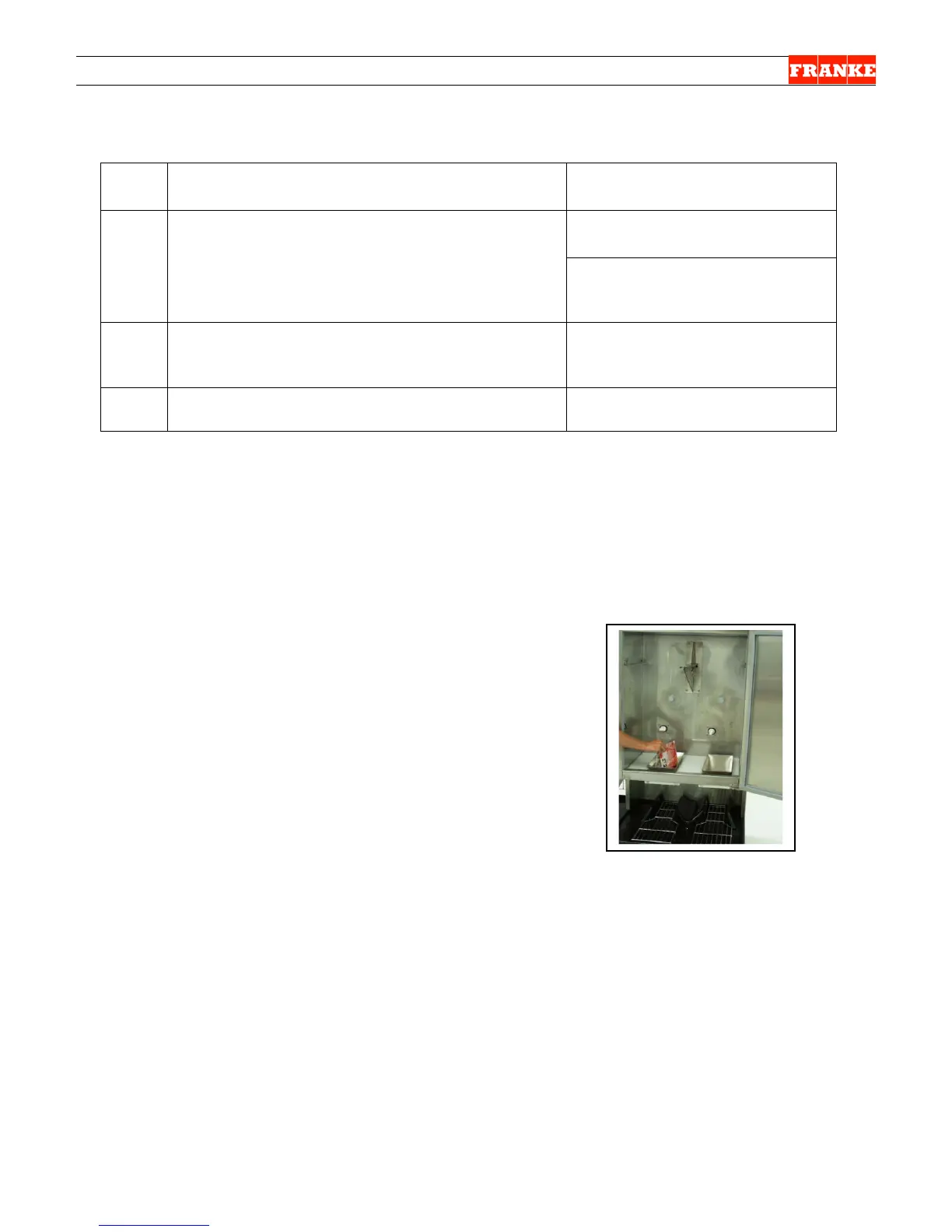
16) Remove calibration weight from the Product Loading Bucket.
17) Reinstall Product Hopper in freezer and fill it with 2 bags of frozen fries.
18) Power up the Lane being calibrated. Check LCD display to insure “Ready” is shown for
Lane being refilled with fries.
19) Dispense several loads from this lane at each size: Small, Medium and Large, to verify
calibration procedure has been completed successfully.
NOTES & Tips:
1. A US Calibration Weight 1.5 lb [680 gm] is available
through Franke Technical Support Group.
2. If a US Calibration Weight is not available, use six
frozen 4:1 hamburger patties. Place them in a
clean bag or on aluminum foil. IMPORTANT:
If hamburger patties are used, clean and sanitize the
Product Chute to avoid any chance of cross
contamination.
Rev. 1 6/2012
pound/680 gram weight is
not available, use six 4:1
frozen hamburger patties.
Clean Product Bucket
after calibration.



 To Next Page