10 | Configuration Franke Kaffeemaschinen AG
60 User manual SB1200 FM CM
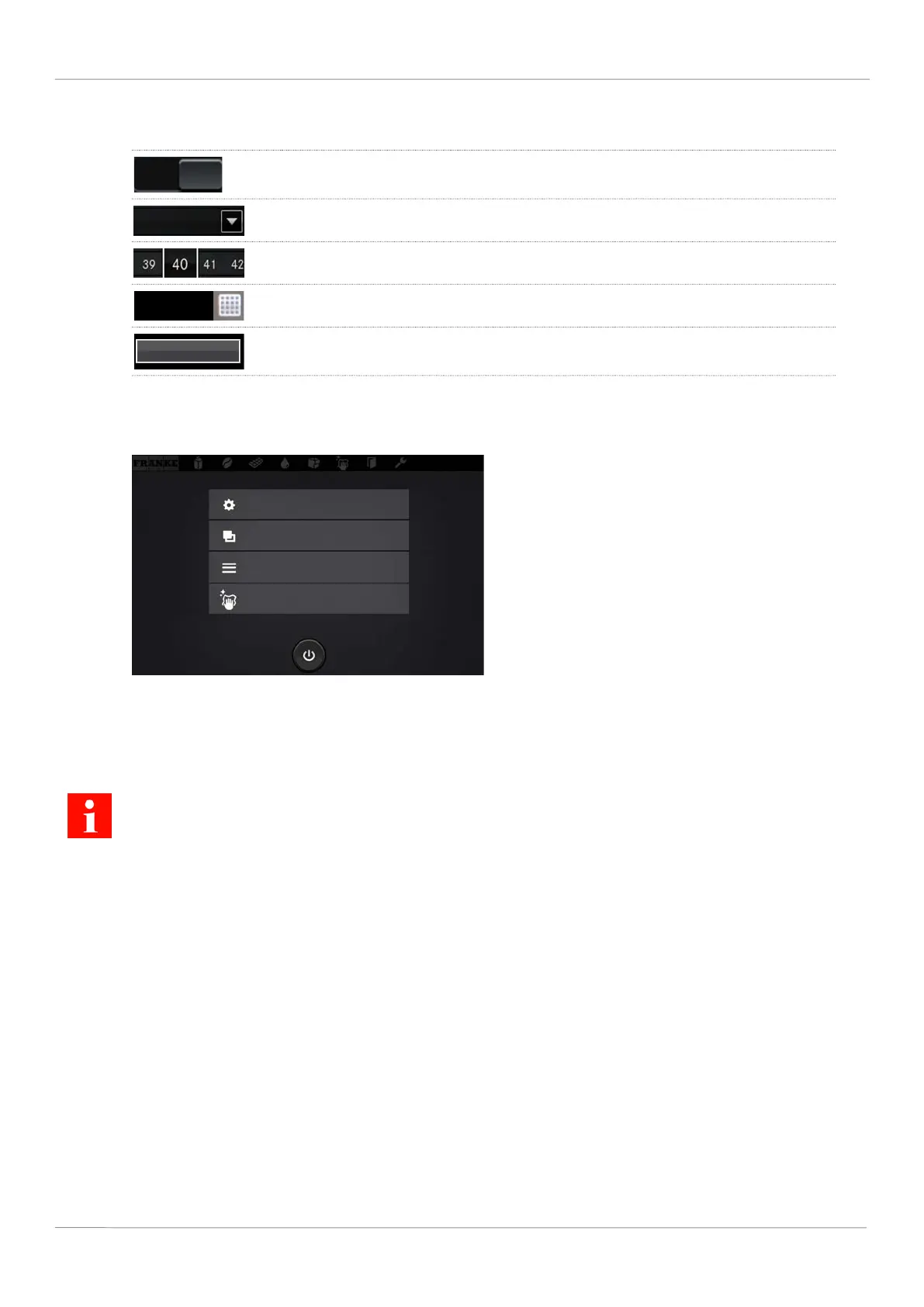
10.4 Input methods
Tap the switch to switch between Yes/No or On/Off. The visible value is active.
Tap the arrow to display the selection and to select the option.
Drag the scale to adjust parameters. The framed value is active.
Tap the keyboard to enter text or numbers.
Press the button to carry out the corresponding settings, e.g. Start, Test.
10.5 My settings
2020-03-02
10:54
My settings
Individualization and data transfer
Counters
Cleaning and maintenance
10.5.1 Menu 0 Commissioning
Menu item 0.10 System information
Here you will find information regarding the hardware and software versions of the machine and the configuration.



 To Next Page