Franke Kaffeemaschinen AG Description of machine | 5
User manual SB1200 FM CM 29
5.3 Overview of operating modes
The suitable operating mode depends on the utilization of your coffee machine, your product range and the prefer-
ences of your customers.
Your service technician will be happy to help you set the appropriate operating mode.
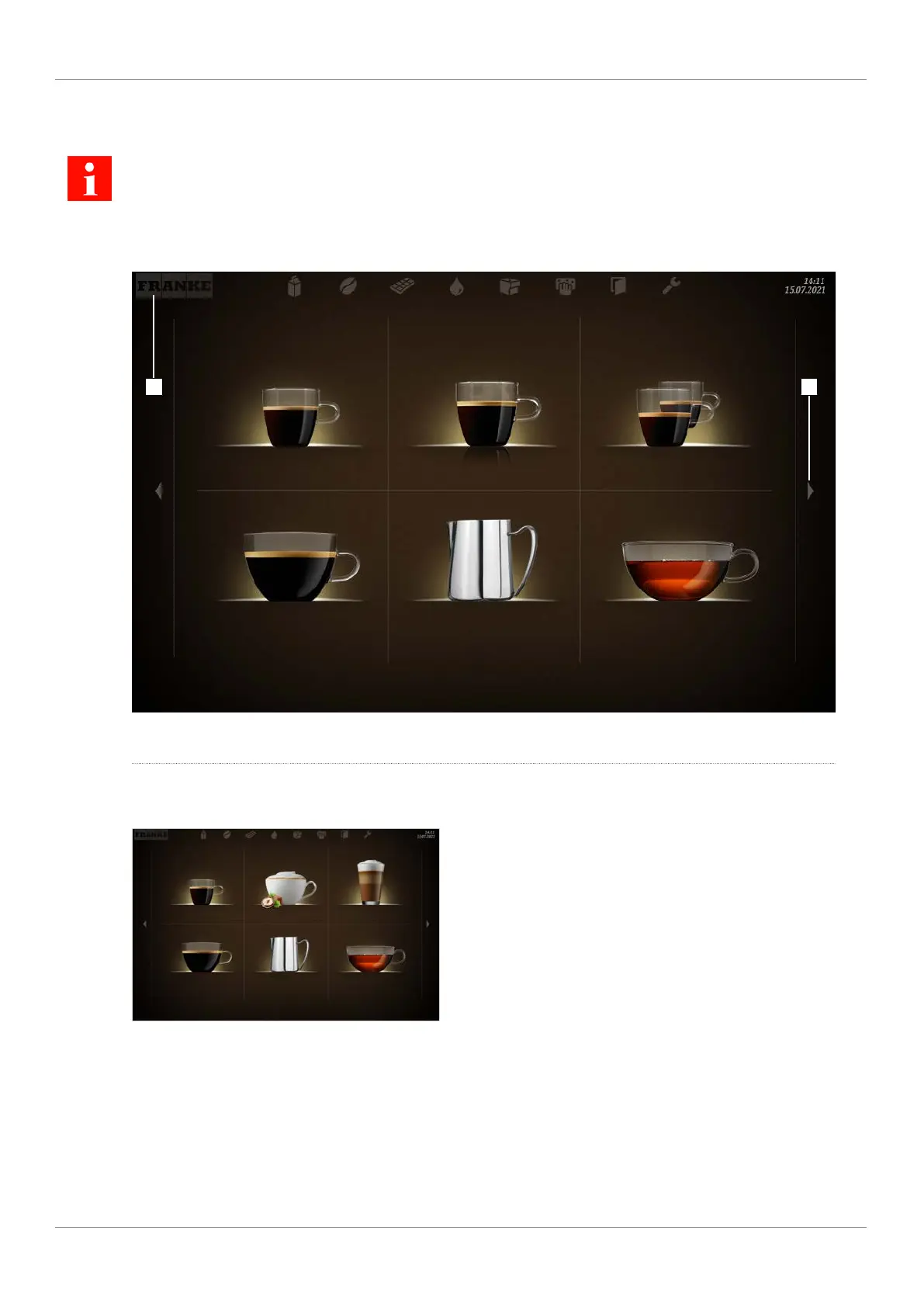
5.3.1 User interface
Espresso Double Espresso 2 Espressos
Caffè Crema Steam Tea water
1 2
1
Use the Franke logo to switch between the
maintenance level and product selection
2
Scroll forwards or backwards
5.3.2 Quick Select operating mode
Espresso
Hazelnut Cappuccino
Chococcino
Caffè Crema Steam Tea water
The Quick Select operating mode is the standard setting for self-service. Once your customer has selected a drink,
he/she can adapt it in the second step if product options are activated.
Structure of the user interface
– Level 1: Product selection, up to 5 pages; 6, 12 or 20 product buttons can be displayed per page
– Level 2: Modify drink, select product options, initiate drink-preparation process



 To Next Page