13
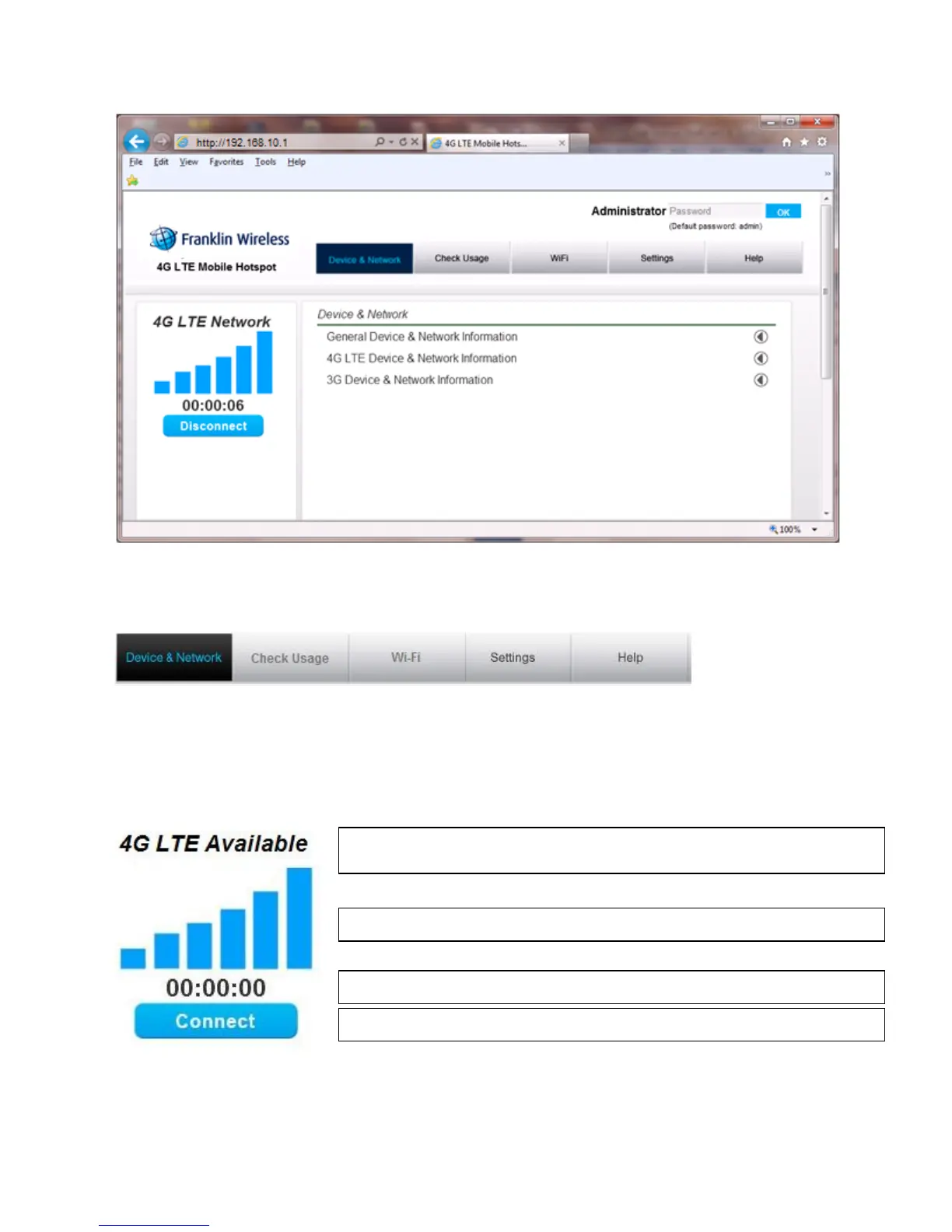
The main menu appears down across the top of the browser interface and allows for ease of Web browser
interface navigation.
Information regarding your current network connection can be seen in the Network Connection Box
displayed down the left side of the main page. This box displays both 3G and 4G LTE service signals
which are available. The box has the following items:
Service Type: Not Activated / 4G LTE Available / 4G LTE Network / 3G Available /
3G Network
Signal Strength Bars: The more bars, the stronger is the service signal
Connection Time: Count starts when connected.
Connection button: Activate / Connect / Disconnect



 To Next Page