22
Settings Menu
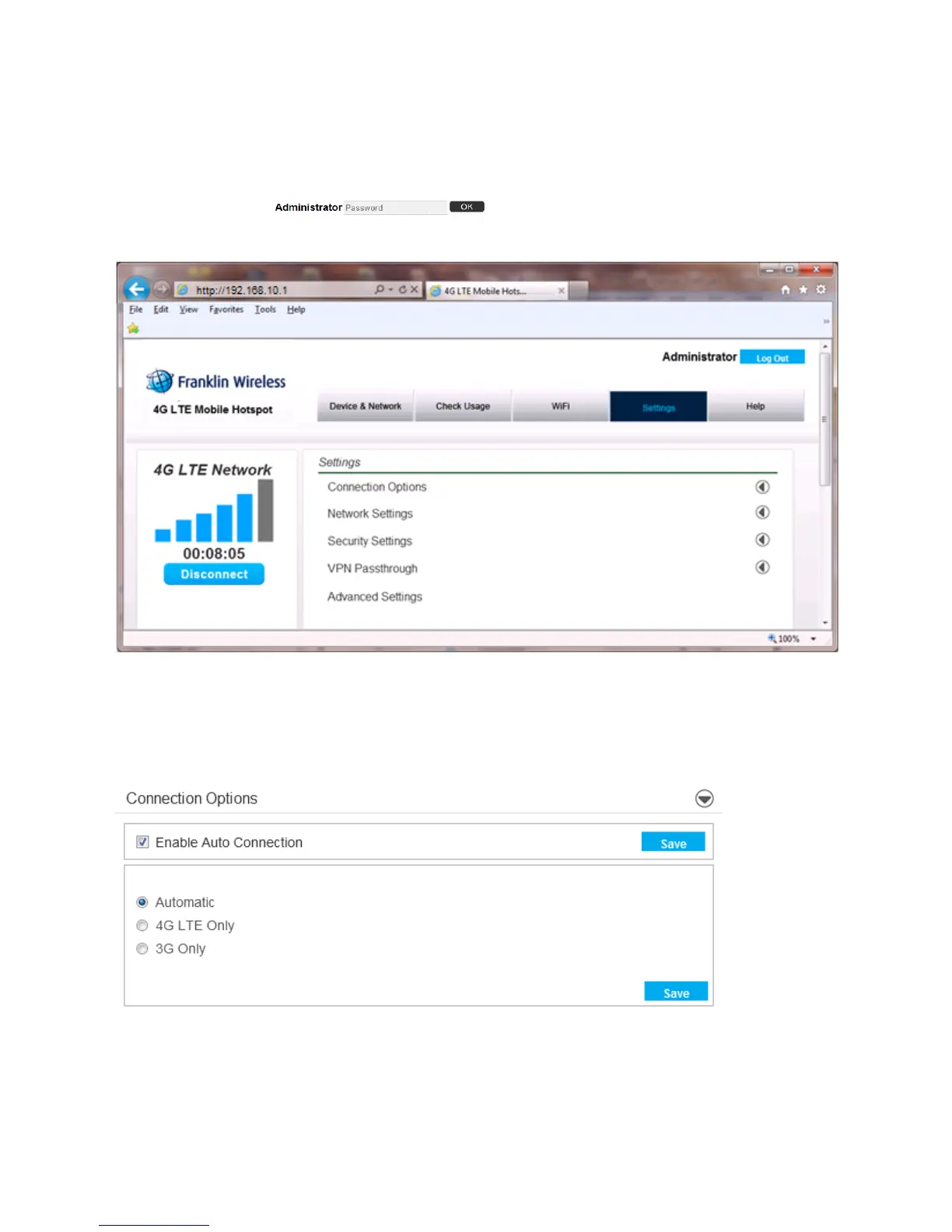
The Settings menu allows you to set various setting options including Connection Options, Network
Setting, Security Settings, VPN Passthrough, and Advanced Settings. In order to see all settings, you must
login as Administrator . The default Administrator password is “admin”.
You can change the default Administrator password from the Advanced Setting menu.
Connection Options
When you open the Connection Options menu, the following choices are available:
Enable / Disable Auto Connection
1. Check or uncheck the Enable Auto Connection.



 To Next Page