25
Security Setting
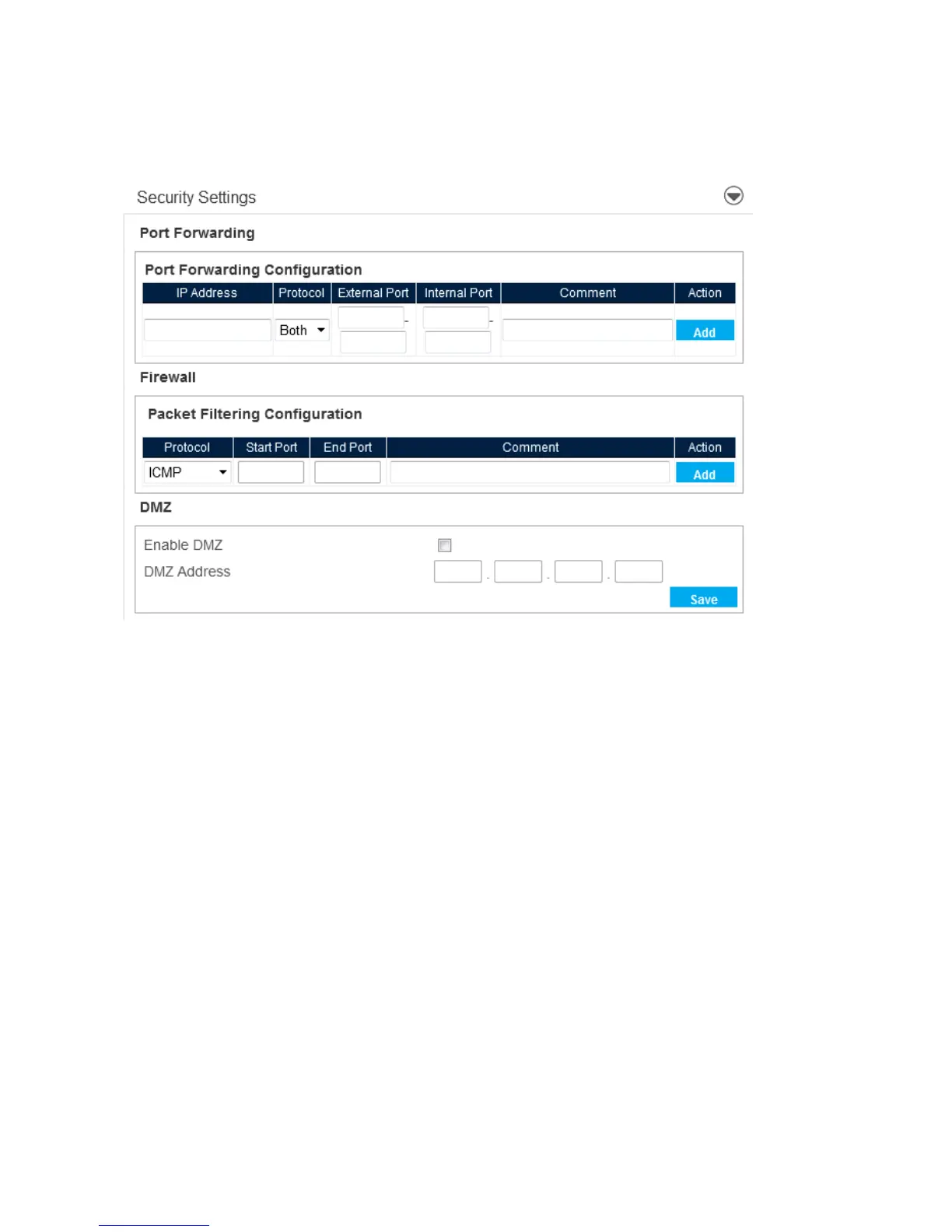
When you open the Security Setting menu, the following choices are available:
Port Forwarding
● IP Address – Enter IP address to forward
● Protocol– Both / UDP / TCP
● External Port – Enter external port range
● Internal Port – Enter internal port range
● Comment – Enter comments for the port forwarding setting
Firewall
● Protocol– Select protocol to use for Firewall. ICMP/ TCP / UDP / ICMPv6 / TCP UDP
● Start Port – Enter Start Port
● End Port – Enter End Port
● Comment – Enter comments for the firewall setting
● Custom DNS - Allows you to use a customized DNS rather than the one assigned by your
network.



 To Next Page