27
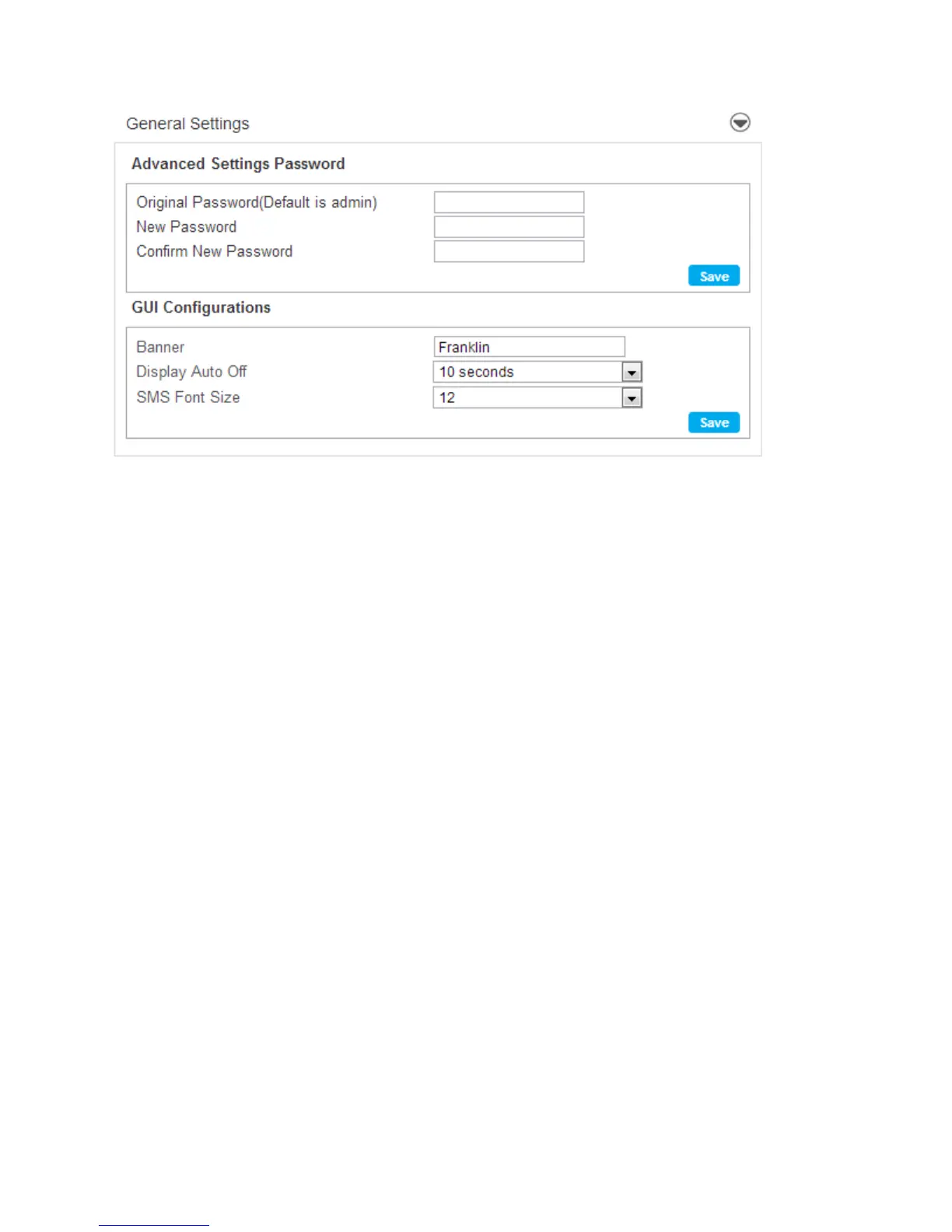
Advanced Settings Password
The Advanced Settings Password section allows you to change the Administrator login password.
To change your password:
1. Enter the original password in the Original Password field. (factory default password is
admin)
2. Enter your new password in the New Password field.
3. Re-enter your new password in the Confirm New Password field.
4. Click Save.
GUI configurations
The GUI configurations section allows you to change the GUI displayed in the LCD window of your 4G
LTE Mobile Hotspot.
● Banner - The Banner Settings allows you to change the banner displayed in the LCD window of
the device.
To change your banner:
1. Click the current banner window and type the new text to display on your 4G LTE Mobile
Hotspot LCD display.
2. Click the Save button.



 To Next Page