30
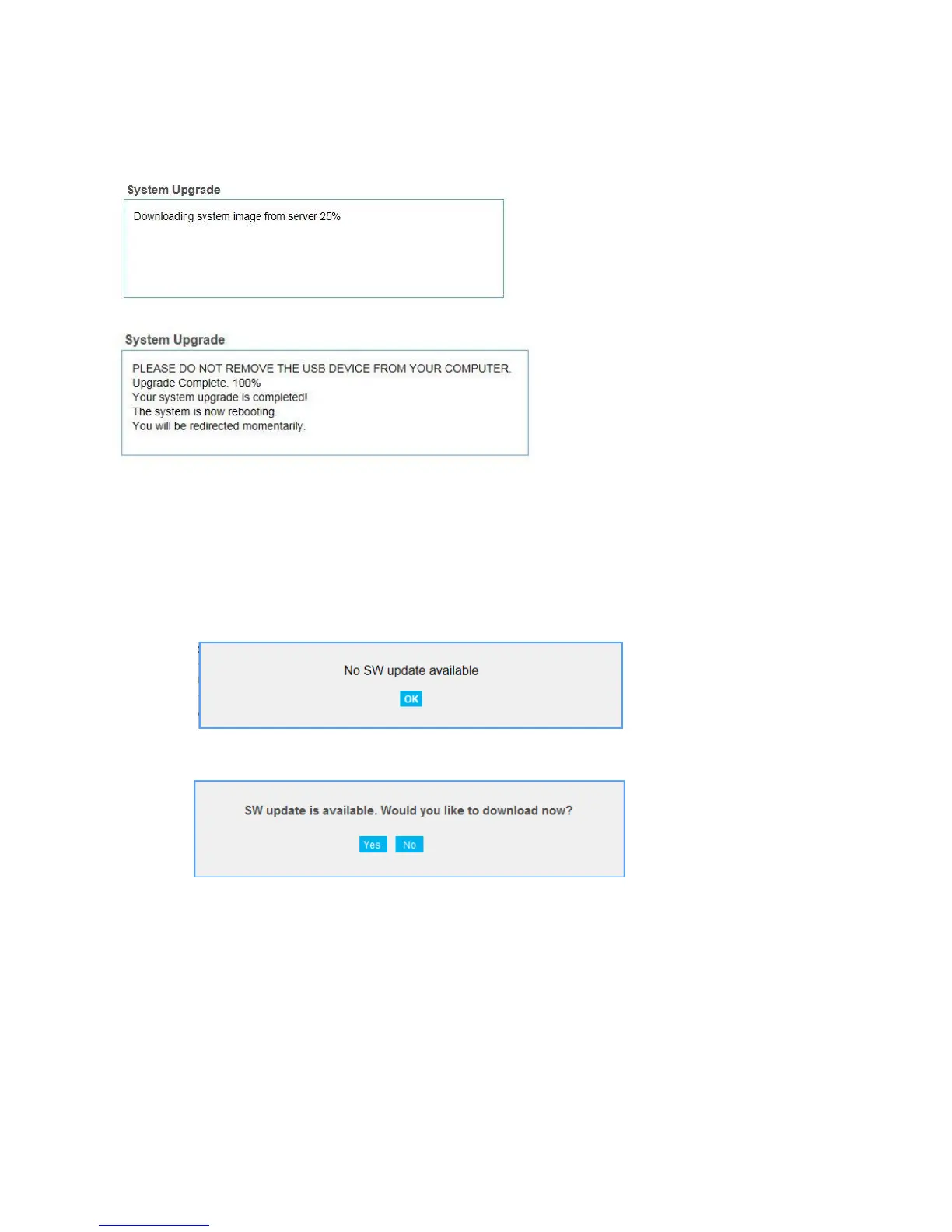
If you click Yes, downloading will start and automatically update the Web User Interface software (SW)
to the latest version.
Check System Upgrade
The Check System Upgrade box reflects your current software version and allows you to upgrade the
Web browser interface as needed. To get the latest Web browser interface:
1. Click Check Now.
2. If the current version is the latest, you will see the following dialog: click OK.
If a newer version is available, you will see the following dialog:
3. Click Yes and select a folder your want to save the software (SW) update file in your
computer.
Software Update
To update:
1. Click Browse.. button and select the software (SW) update file you downloaded. Then, click
Open.



 To Next Page