ADD
NOTE
3pm
3
6
9
12
15
18
21
10:23 PM
My Glucose
GLUCOSE IN RANGE
6
.2
1m ago
mmol/L
mmol/L
6pm 9pm
21
15
9
3
2pm 6pm 10pm
Ends in 13 days
10:23pm
mmol
L
6
.2
2
What’s inside
Downloading the app .................... 3
Applying your sensor .................... 4
Starting a new sensor .................... 5
Scanning your sensor .................... 5
Understanding your scan ............. 6
Frequently asked questions
How do I share my readings
with others? ................................... 7
How does the sensor work? .... 8
If I did a finger-prick test,
w
ould the results match my
sensor reading? ............................9
Customer service ............................10
Meet the
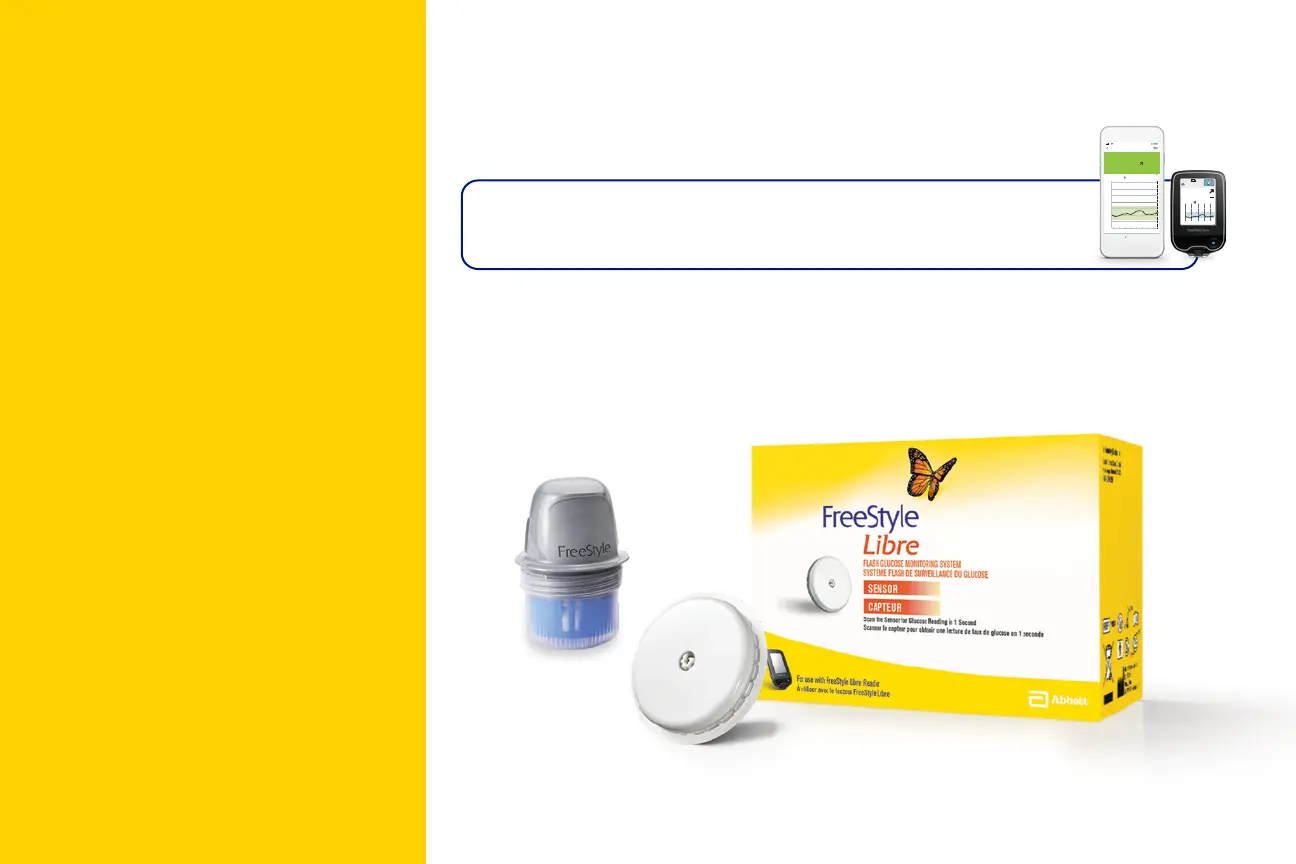
FreeStyle Libre system
You can use the FreeStyle LibreLink app OR the
FreeStyle Libre reader to scan your sensor.
The FreeStyle LibreLink app is free and easy to use!
To share your glucose data with others using the
LibreLinkUp app,* the FreeStyle Libre sensor must be scanned
with the FreeStyle LibreLink app.
The LibreLinkUp app is only compatible with certain mobile device and operating systems. Please check www.librelinkup.com for more information
about device compatibility before using the app.
* The LibreLinkUp mobile app is not intended to be a primary glucose monitor: home users must consult their primary device(s) and consult a
healthcare professional before making any medical interpretation and therapy adjustments from the information provided by the app.



 To Next Page