5
Starting a new sensor
Follow these steps to activate your sensor and
connect it to your FreeStyle LibreLink app or
your FreeStyle Libre reader. You’ll be able to start
getting glucose readings after 1 hour.
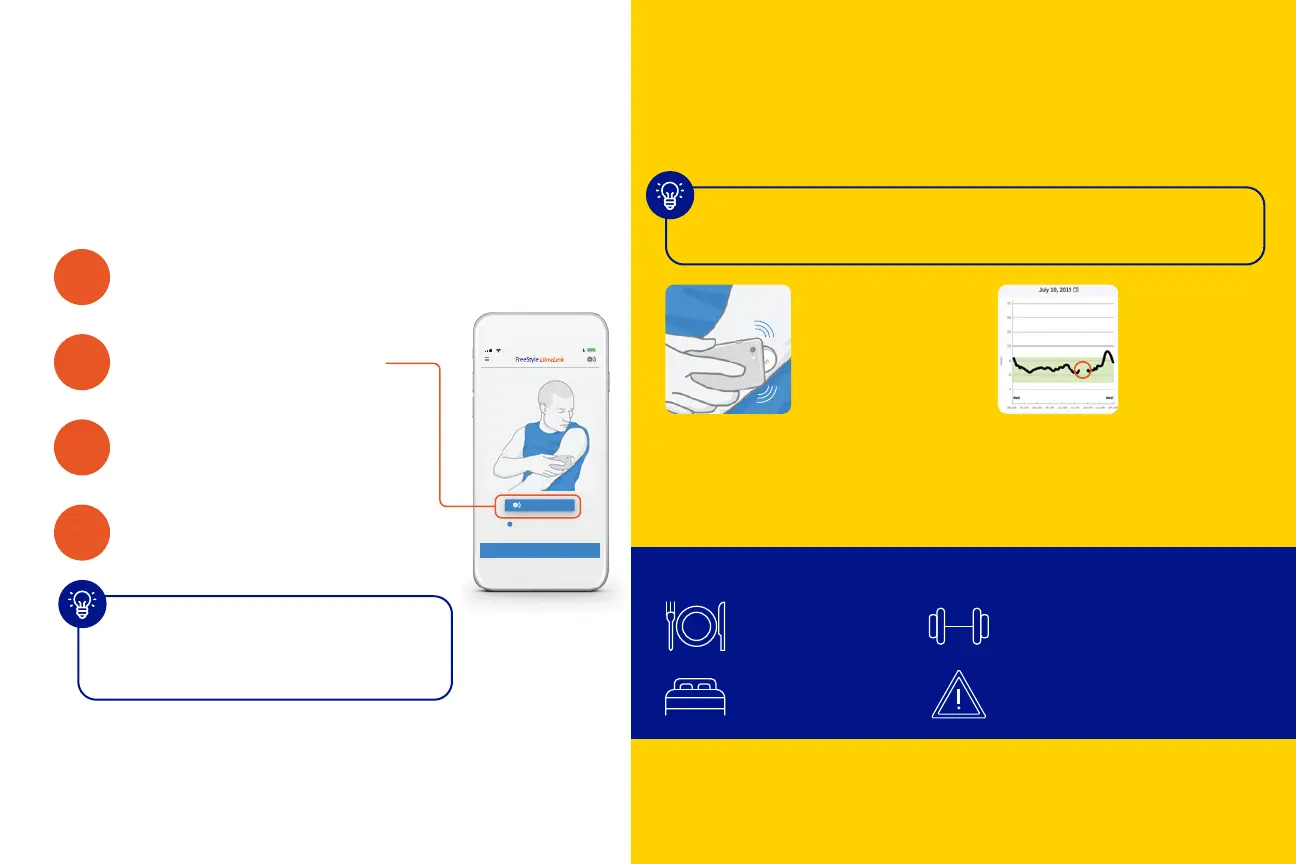
1
Open the app or
turn on the reader
2
Tap Scan new sensor
3
Scan your sensor
4
Your sensor will be ready
to scan in 1 hour
You’ll see a countdown on your
screen to let you know when
you can start scanning
Scanning your sensor
The more you scan, the more you know about your
glucose levels.
Did you know that people who scan more frequently
have improved control?
1
How to scan
Hold your device within 4 cm
of your sensor to scan right
through your clothes.*
Scan frequency
Scan at least once every
8 hours to avoid gaps in
your daily graph.
Key times to scan:
Before and after
meals or snacks
Before sleep and
after waking up
Before and after exercise
or other physical activity
When you feel symptoms
of low glucose
* The reader can capture data from the sensor when it is within 1 cm to 4 cm of the sensor.
Reference: 1 Berard L, Virdi N, Dunn TC. Canadian real-world analysis of flash glucose monitoring and impact
on glycemic control. Poster presented at: Diabetes Canada Conference; October 2-5, 2019; Winnipeg, MB.
.
BACK
HOW TO SCAN A SENSOR
?
SCAN NEW SENSOR
10:23 PM
5



 To Next Page