Upshifting
NOTE: A request to upshift or downshift can
only be accepted in the manual mode.
With the transmission in drive, to request an upshift,
pull the control lever up (towards you). If the gear is
available, the transmission will upshift.
An unavailable request to upshift is not stored in
memory. The upshift must be requested again. Skip
shifting in manual mode is not available with the ZF
Meritor version of SmartShift.
Downshifting
NOTE: A request to upshift or downshift can
only be accepted in the manual mode.
With the transmission in drive, to request a down-
shift, push the control lever down (away from you). If
the gear is available, the transmission will downshift.
An unavailable request to downshift is not stored in
memory. The downshift must be requested again.
Skip shifting in manual mode is not available with the
FreedomLine version of SmartShift.
IMPORTANT: A downshift request can never
result in a shift into neutral, even if the vehicle is
in the drive position in the lowest possible gear.
Selecting A Nondefault Starting Gear
NOTE: For the clutch to engage, pressure in the
primary air system must be at least 100 psi (689
kPa).
1.
Select drive (D) by pressing in the safety release
and moving the selector switch downward to the
position below neutral.
2.
Select manual mode (MAN) by moving the two-
position slide switch towards the steering column
until it is in the manual position.
3.
To increase the starting gear, pull the lever up
(towards you). To decrease the starting gear,
push the lever down (away from you).
4.
Select automatic mode (AUTO), if desired, by
moving the two-position slide switch away from
the steering column until it is in the automatic po-
sition.
Driver Message Center
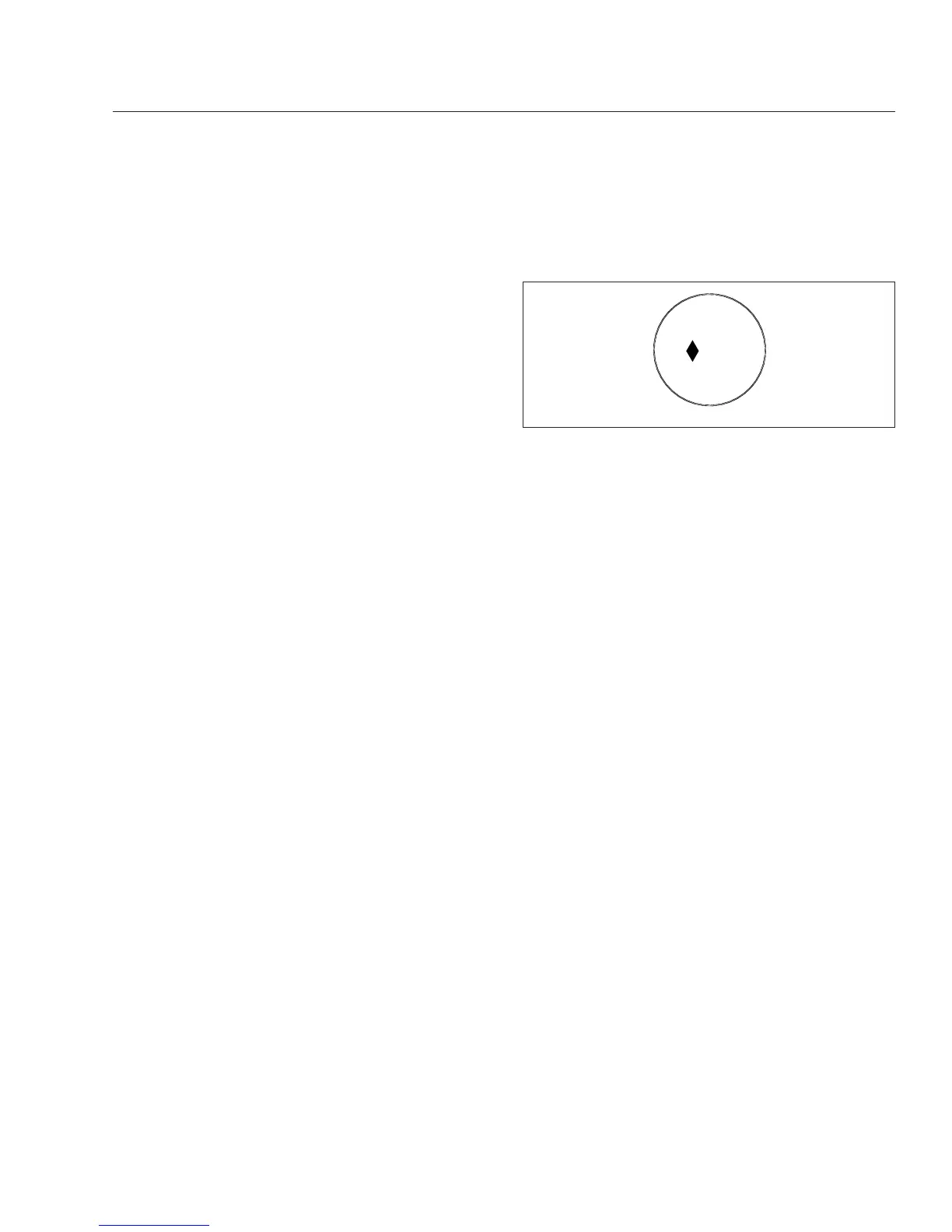
On the Columbia, the gear is displayed on the round
Meritor message center display. See Fig. 8.4.
The first character of the display is either blank, to
indicate the transmission is in manual mode, or an
up-and-down arrow to indicate the transmission is in
automatic mode.
NOTE: Pre-production vehicles will have a small
numeric "10" in place of the up-and-down arrow
when in automatic mode.
The next two characters indicate the current gear.
For forward drive gears, this appears as a two-digit
number (
Examples
: "03, "11"). For reverse, two let-
ters appear, either "RL" for low reverse (the default),
or "RH" for high reverse. For neutral, a single letter
"N" appears.
Eaton Fuller Range-Shift
Transmissions
Refer to the Eaton website for additional information,
www.roadranger.com.
General Information, Eaton Fuller
Range-Shift
To operate a range-shift transmission, move the shift
lever through all the low gear positions and then acti-
vate a range switch to provide an additional set of
ratios in the high range. Using the same shift lever
positions as in low range, move the shift lever
through each position as before. On some models,
the initial low gear is often used only in low range.
IMPORTANT: Not all lever positions are used in each
range and the shift patterns vary between transmis-
sions. Be sure to read the shift pattern decal on the
03/28/2002
f603017
07
Fig. 8.4, Round Meritor Display
Transmissions
8.6











 To Next Page