For vehicles built to operate in Canada, the marker
lights must be on before the road lights can be
turned on.
Utility Light Switch, Optional
Utility lights can be swivel-mounted on top of the
cab, mounted on the intake/exhaust support, or flush-
mounted in the back of the cab or sleeper box. They
are operated by the utility light (UTLY LAMP) switch
which, when turned on, also illuminates a red indica-
tor light in the switch (if equipped).
Panel Lamp Control Switch
The circuit to the panel lamps is activated by the
headlight switch. When the headlights are on, the
panel lamp switch controls the intensity of the instru-
ment panel lamps. Slide the switch up to brighten
them and down to dim them.
Interior Light Controls
The interior lights include dome lights, red map
lights, clear reading lights, and courtesy lights.
SleeperCabs have additional lights in the bunk area,
including bunk reading lights, under-bunk lights (bag-
gage compartment lights), and fluorescent lights.
Dome Light Switches
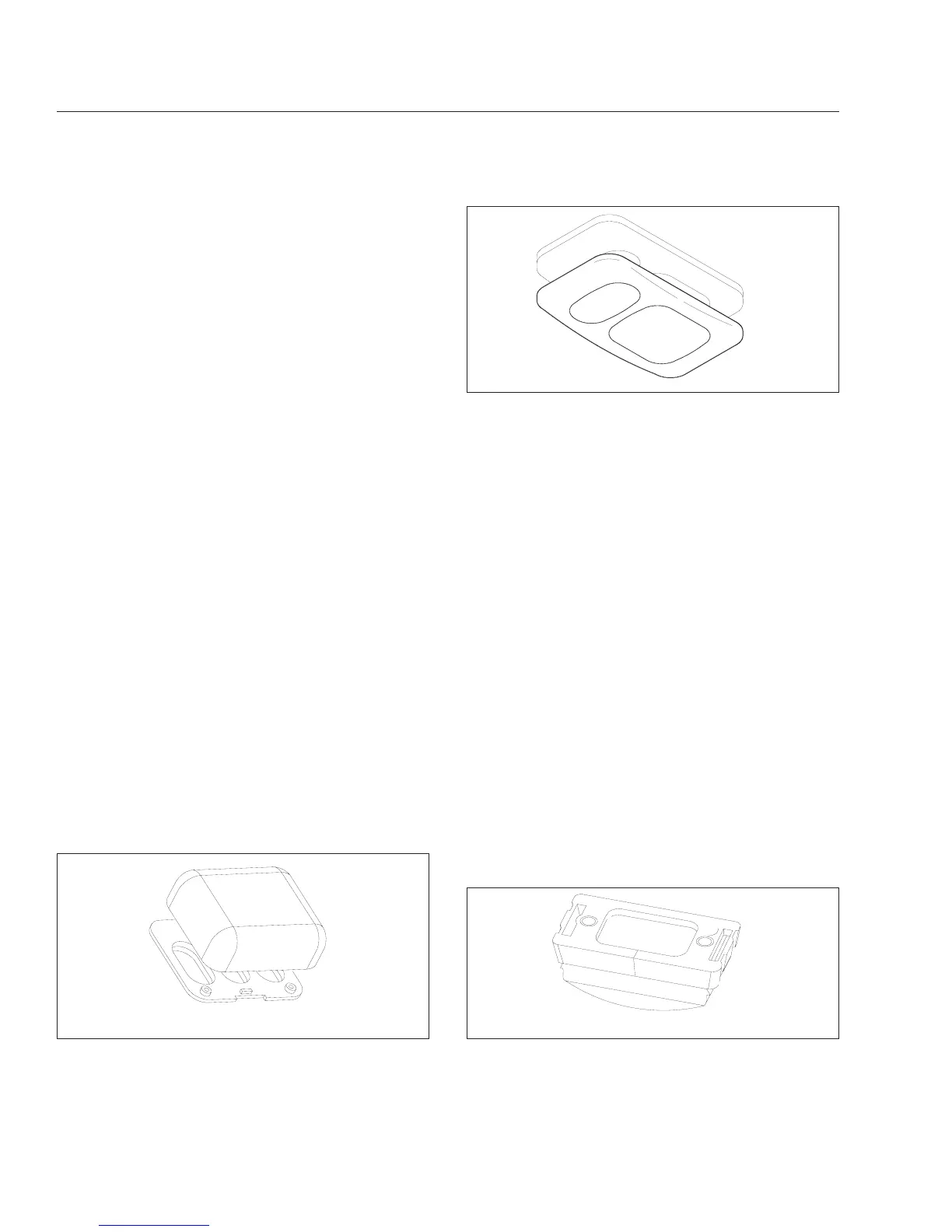
Diffuse dome lights are installed on all cabs. See
Fig. 2.38 and Fig. 2.39. The dome lights are located
either on the overhead console, or on the cab roof (if
no overhead console is installed). Both dome lights
turn on when either the driver’s or passenger’s door
is opened. The dome lights can also be turned on by
pressing in on the light lens.
Red Map Light Switches
Red map lights are available on all cabs. See
Fig. 2.38 and Fig. 2.39. They are located next to the
dome lights in the same fixture. Like the dome lights,
the map lights can be turned on by pressing in on
the light lens.
Clear Reading Light Switches, Optional—
SleeperCabs Only
Clear reading lights are available on SleeperCabs
only. See Fig. 2.38. They are located next to the
dome lights in the same fixture. Like the dome lights,
the reading lights can be turned on by pressing in on
the light lens.
Courtesy Light Switch, Optional
Courtesy lights are available on all cabs. They illumi-
nate the footwell area on both sides of the cab. The
driver’s courtesy light is attached to the steering col-
umn and the passenger’s footwell light is located on
the lower right dash panel. To turn on the courtesy
lights, press the rocker switch on the dash. When the
lights are on, the switch is illuminated by a light in-
side it. See Fig. 2.40 and Fig. 2.41.
07/11/97
f541715
Fig. 2.38, Dome/Tray, Red Map, and Clear Reading
Lights (SleeperCab)
07/14/97
f541717
Fig. 2.39, Dome Light with Red Map Light
07/14/97
f541716
Fig. 2.40, Driver’s Floor Courtesy Light
Instruments and Controls Identification
2.31











 To Next Page