Operating on the Telephone
Instructions: Operating the Answering Machine with the Telephone
You can operate the answering machine with the telephone using a
voice menu, for instance to switch the answering machine on or off
and to listen to messages.
Here is how to establish a connection to the answering machine:
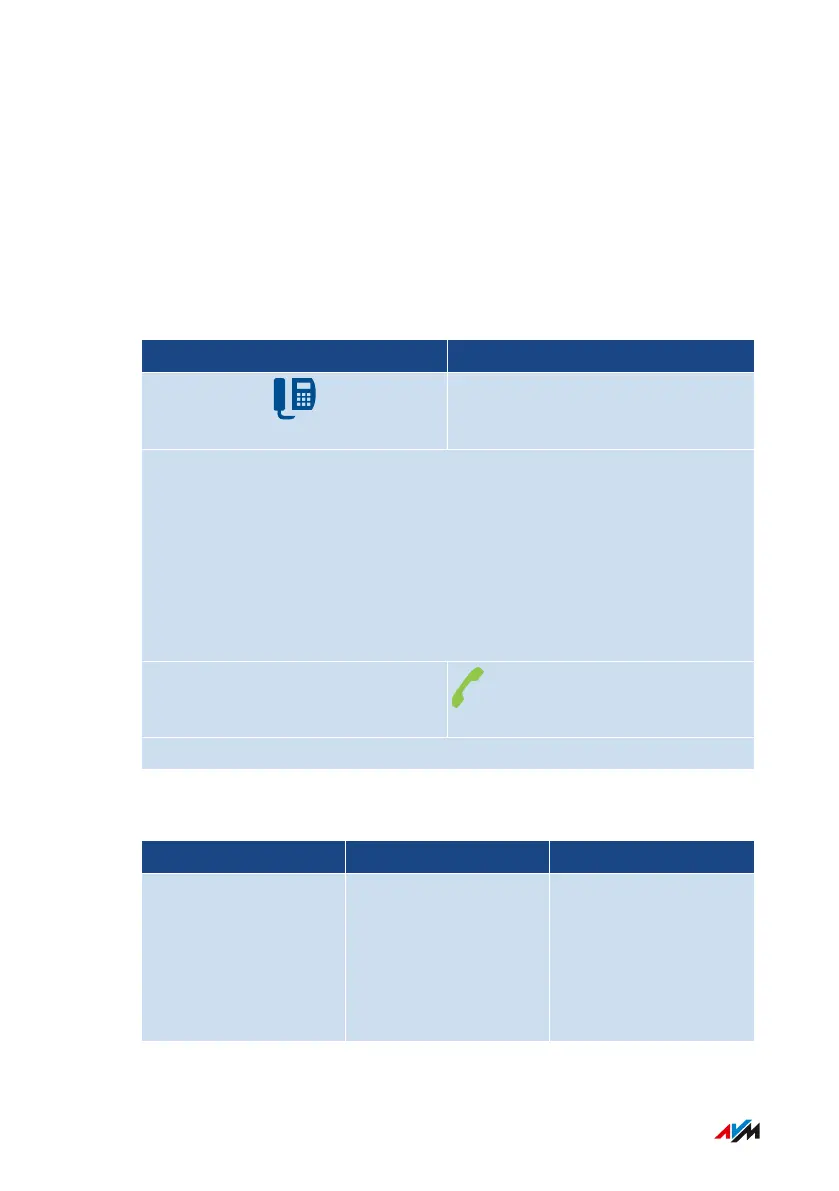
Telephone without Call Button Telephone with Call Button
Establish a connection to the answering machine:
**600 (answering machine1)
**601 (answering machine2)
**602 (answering machine3)
**603 (answering machine4)
**604 (answering machine5)
Follow the voice menu
Voice Menu of the Answering Machine
Main Menu (Level1) Level2 Level3
1 Play back mes-
sages
3 Return call
5 Delete message
7 To previous mes-
sage
9 To next message
FRITZ!Box7590 271
Controlling the FRITZ!Box with Keypad Codes
• • • • • • • • • • • • • • • • • • • • • • • • • • • • • • • • • • • • • • • • • • • • • • • • • • • • • • • • • • • • • • • • • • • • • • • • • • • • • • • • • • • • • • • • • • • • • • • • • • • • • • • •
• • • • • • • • • • • • • • • • • • • • • • • • • • • • • • • • • • • • • • • • • • • • • • • • • • • • • • • • • • • • • • • • • • • • • • • • • • • • • • • • • • • • • • • • • • • • • • • • • • • • • • • •



 To Next Page