Operating on the Telephone (ISDN Convenience Features)
Overview
The following convenience features can be used if the FRITZ!Box is
connected with an ISDN line.
Instructions: Callback on No Reply
You can enable a callback for internal and external calls in the follow-
ing cases:
• The telephone number called is busy. You will be called back when
the telephone number is free again.
• The party called did not accept your call. You will be called back the
next time the party ends a call.
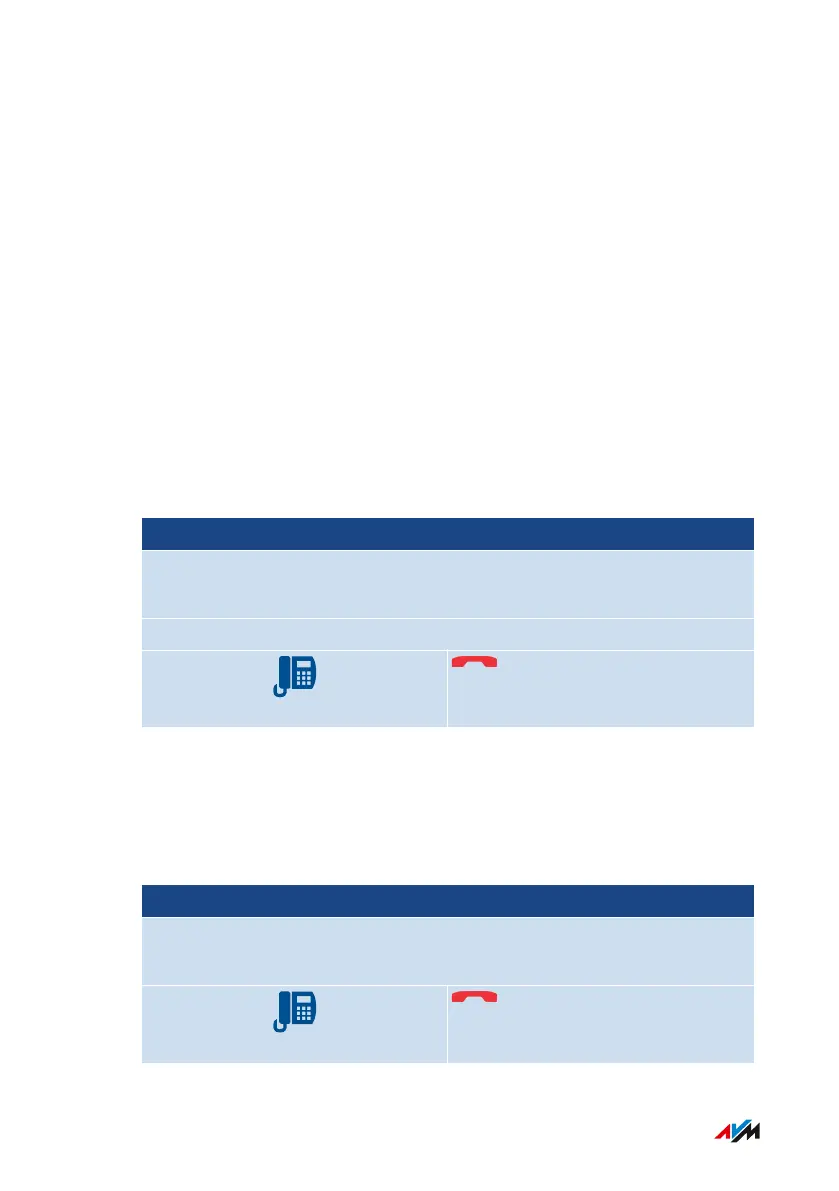
Telephone without Call Button Telephone with Call Button
Press the following key before hanging up:
5
Wait for acknowledgment tone
Instructions: Enabling Tracing
The tracing feature (also known as MCID, malicious call identification)
allows the recording of call data for a caller suppressing her or his
caller ID. This feature has to be enabled for your ISDN line.
Telephone without Call Button Telephone with Call Button
During a call, or after the caller hangs up, press the following keys:
R*39#
FRITZ!Box7590 284
Controlling the FRITZ!Box with Keypad Codes
• • • • • • • • • • • • • • • • • • • • • • • • • • • • • • • • • • • • • • • • • • • • • • • • • • • • • • • • • • • • • • • • • • • • • • • • • • • • • • • • • • • • • • • • • • • • • • • • • • • • • • • •
• • • • • • • • • • • • • • • • • • • • • • • • • • • • • • • • • • • • • • • • • • • • • • • • • • • • • • • • • • • • • • • • • • • • • • • • • • • • • • • • • • • • • • • • • • • • • • • • • • • • • • • •



 To Next Page