Instructions: Using Keypad Shortcuts
Keypad shortcuts are commands consisting of characters and numer-
als which you enter on the telephone. With keypad shortcuts you can
control services and features in your telephone provider’s network. For
information about which keypad sequences you can use, contact your
carrier.
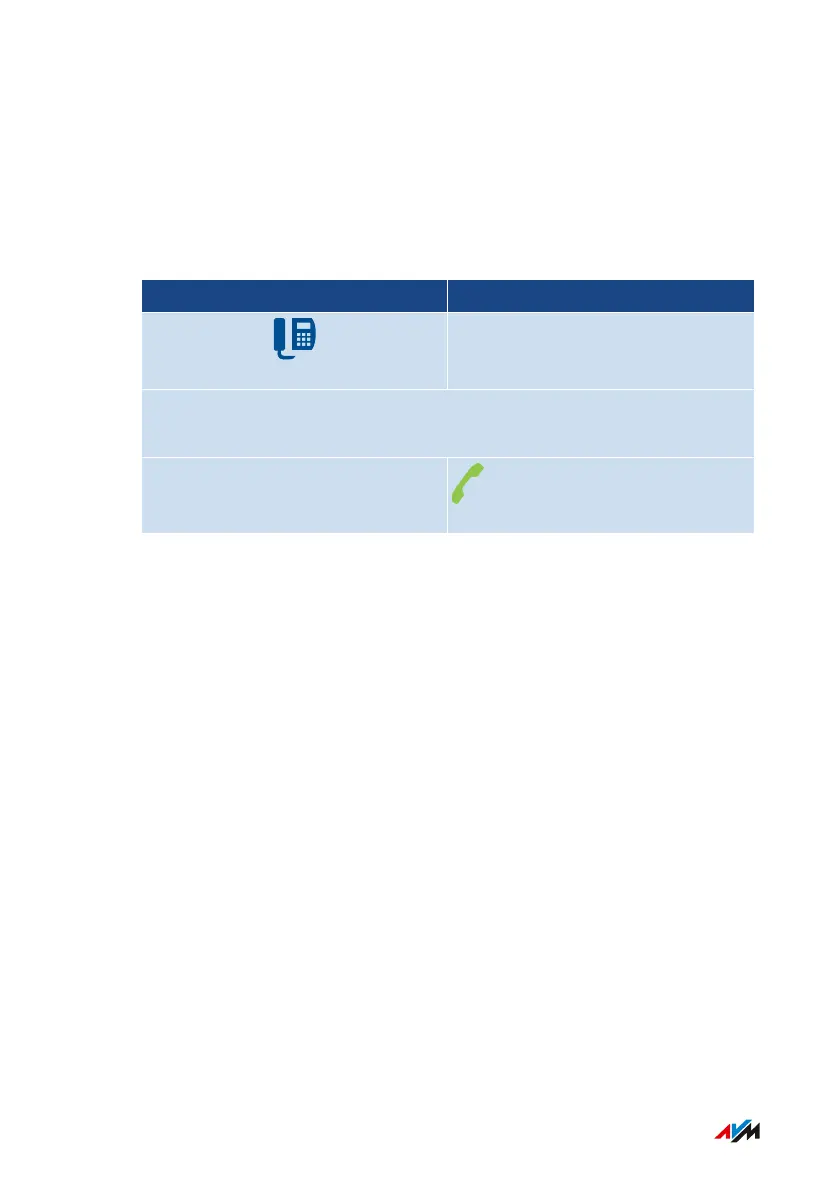
Telephone without Call Button Telephone with Call Button
Press the following keys (<Seq> is the keypad shortcut):
*#<Seq>
FRITZ!Box7590 281
Controlling the FRITZ!Box with Keypad Codes
• • • • • • • • • • • • • • • • • • • • • • • • • • • • • • • • • • • • • • • • • • • • • • • • • • • • • • • • • • • • • • • • • • • • • • • • • • • • • • • • • • • • • • • • • • • • • • • • • • • • • • • •
• • • • • • • • • • • • • • • • • • • • • • • • • • • • • • • • • • • • • • • • • • • • • • • • • • • • • • • • • • • • • • • • • • • • • • • • • • • • • • • • • • • • • • • • • • • • • • • • • • • • • • • •



 To Next Page