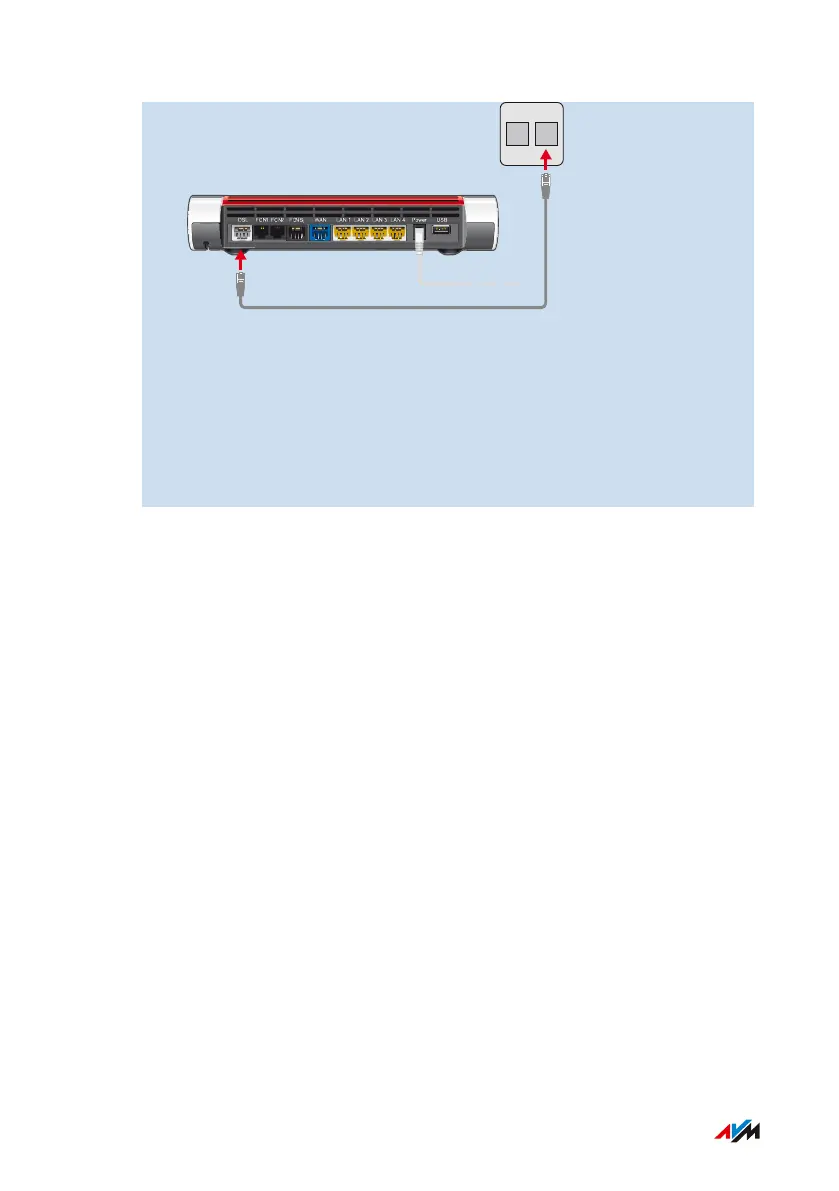
2. Insert the free end of the cable into the appropriate socket on
your telephone jack. If the plug on the cable does not fit into the
telephone jack, use the DSL adapter included in the FRITZ!Box
package.
After a short time the Power/DSL LED on the FRITZ!Box lights up. The
FRITZ!Box is ready to connect to the internet.
FRITZ!Box7590 37
Connecting
• • • • • • • • • • • • • • • • • • • • • • • • • • • • • • • • • • • • • • • • • • • • • • • • • • • • • • • • • • • • • • • • • • • • • • • • • • • • • • • • • • • • • • • • • • • • • • • • • • • • • • • •
• • • • • • • • • • • • • • • • • • • • • • • • • • • • • • • • • • • • • • • • • • • • • • • • • • • • • • • • • • • • • • • • • • • • • • • • • • • • • • • • • • • • • • • • • • • • • • • • • • • • • • • •



 To Next Page