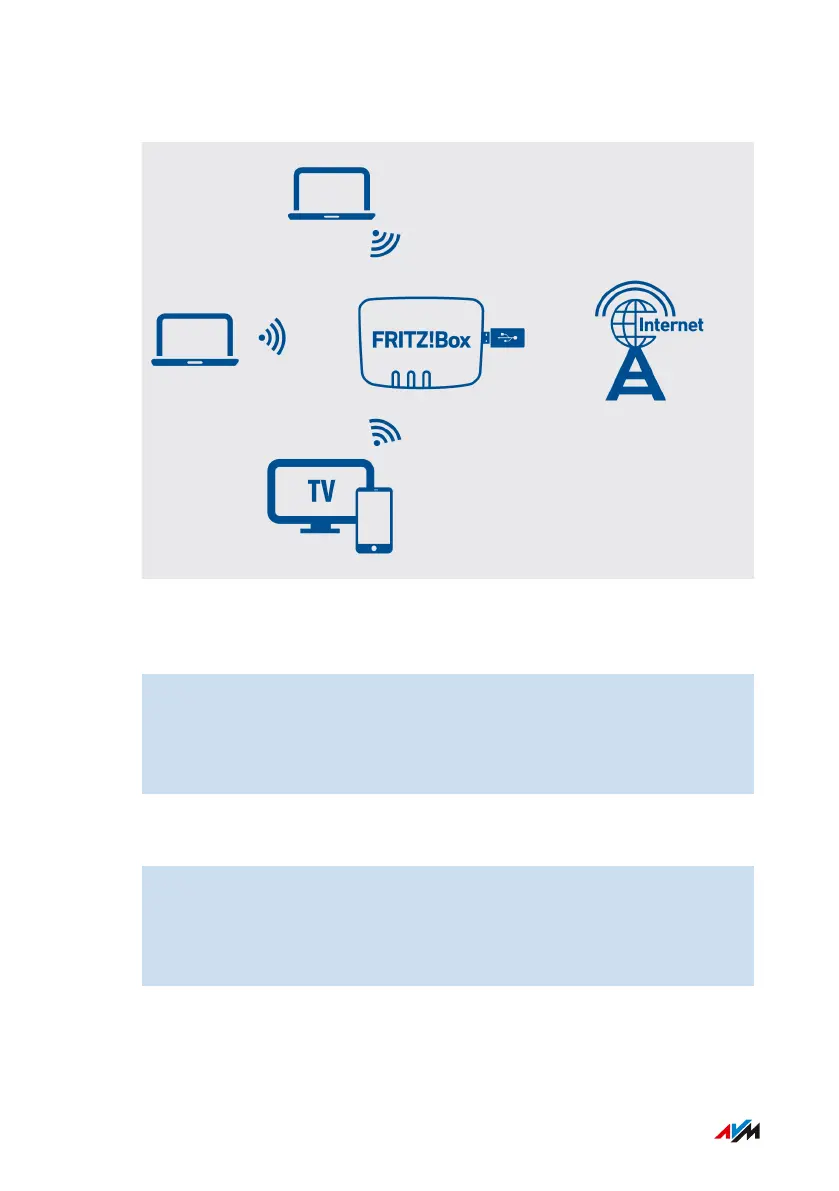
Example Configuration
Instructions: Connecting the Mobile Network Dongle
1. Insert the mobile network dongle into a USB port of the
FRITZ!Box.
2. Configure the internet connection via the mobile network; see
page83.
Instructions: Connecting a Smartphone to the USB Port
1. Connect the smartphone to a USB port on the FRITZ!Box using a
USB cable.
2. Configure the internet connection via the mobile network; see
page83.
FRITZ!Box7590 55
Option: Connecting with the Mobile Network Connection
• • • • • • • • • • • • • • • • • • • • • • • • • • • • • • • • • • • • • • • • • • • • • • • • • • • • • • • • • • • • • • • • • • • • • • • • • • • • • • • • • • • • • • • • • • • • • • • • • • • • • • • •
• • • • • • • • • • • • • • • • • • • • • • • • • • • • • • • • • • • • • • • • • • • • • • • • • • • • • • • • • • • • • • • • • • • • • • • • • • • • • • • • • • • • • • • • • • • • • • • • • • • • • • • •



 To Next Page