SERVICE MANUAL FS360_EN01 Version00.doc
FROMM
For further updates, see our website www.fromm-stretch.com and Login!
It is forbidden to duplicate this manual or parts thereof or any other form without the author’s authorisation © 2018
STARTING AND STOPPING OF THE TURNTABLE WRAPPING CYCLE
Automatic run mode with settable cycles
Activate this run mode, after the machine has been turned on and the safety conditions have been
complied with, by pressing the START pushbutton provided that the corresponding work cycle has
been set via the pushbutton panel.
ATT. An acoustic signal device has been installed in the electrical panel.
This signal acoustic actives when switch on the machine (it make an long acoustic signal and at the
same time the buzzer lights up).
The machine will only start to operate after this period has been elapsed.
N.B. The automatic wrapping cycle is only started, if the start conditions are fulfilled.
A failure indication is displayed, if not all start conditions are fulfilled.
The start conditions for the automatic wrapping cycle are:
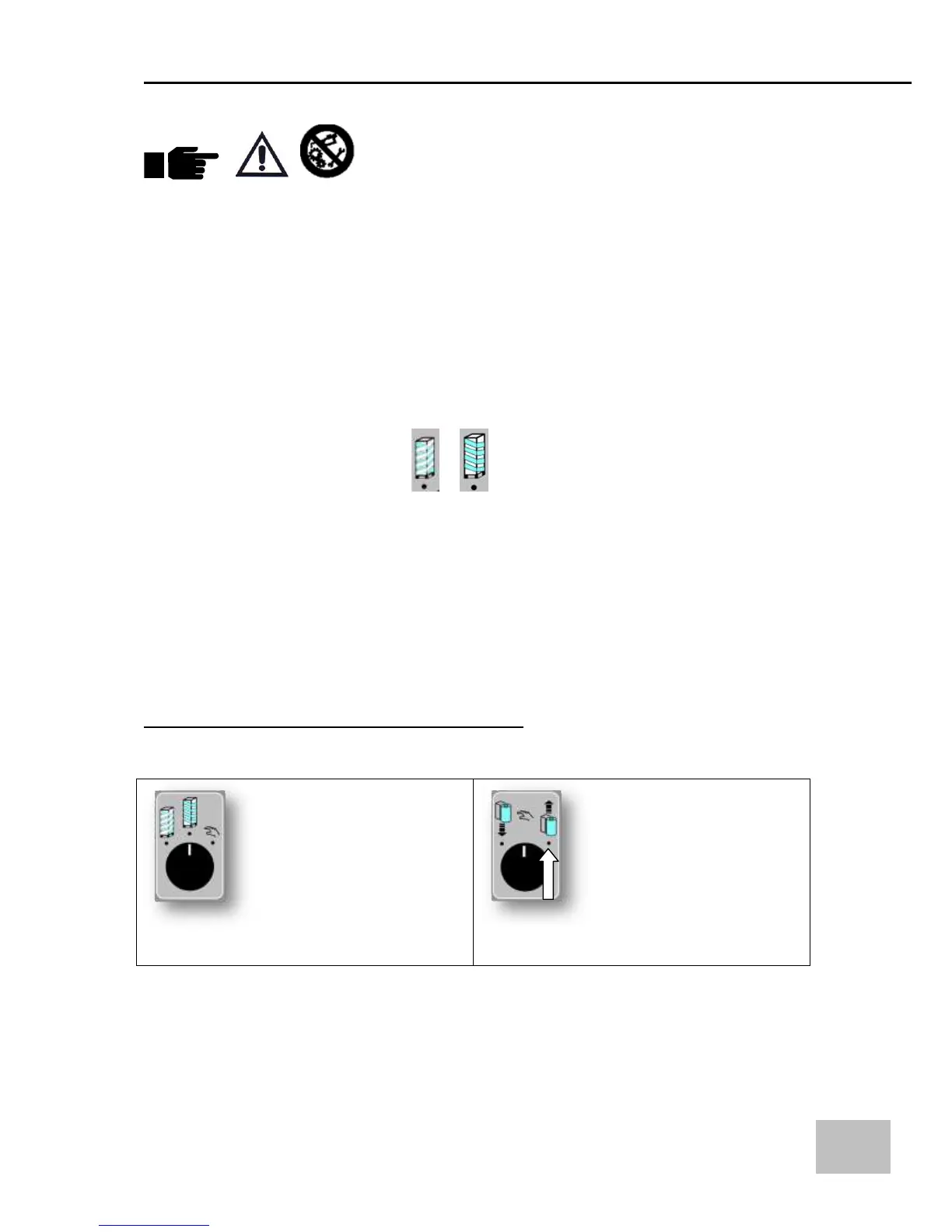
- One of the WRAPPING PROGRAMS or ;
- Photocell "pallet height" should be activated;
- Emergency stop not activated;
- No failure detected;
Stop with table deceleration
This stop is commanded as follows:
- by pressing the stop pushbutton.
NOTE: with this type of stop the machine can restart from the operating point in which it had stopped
by pressing the start button.
“DEMONSTRATION FOR TRADE FAIRS” program
With the machine in Stop, select


 To Next Page