20
Power supply
Battery 2 x 1.5 V RAM batteries (1800 mAh)
Power supply unit 9 V
DC
; 0,5 A
Protection NEMA1; IP 20
Operating temperature 0 - 40° C
32 - 104° F
Frequency range 915 MHz
Radio range up to 300 m in the open
Dimensions 190 x 114 x 53 mm
7.48 x 4.49 x 2.09 in.
Power supply 240 V
AC/
/ 208 V
AC/
Protection class of plug-in card (installed in the FRONIUS IG)
see FRONIUS IG operating instructions
Plug-in card operating temperature -20 to +50° C
-4 to 122° F
Frequency range 915 MHz
Dimensions 140 x 100 x 26 mm
5.51 x 3.94 x 1.02 in.
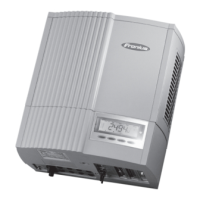
Personal display
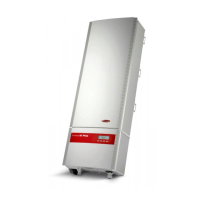
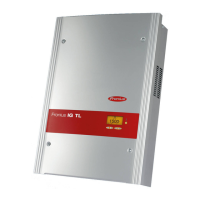
Plug-in card
Technical data
Troubleshooting
(continued)
ERROR BATT
Power supply connected, battery charging
Cause: Wrong or faulty batteries installed.
Remedy: Check batteries
FULL LIST
in „ADD IG“ search mode
Cause: There are already 15 FRONIUS IGs in the system.
No communication is possible between the personal display and the FRONIUS IG
Cause: Only one personal display can ever communicate with the FRONIUS
IGs in the system.
Remedy: If the personal display is replaced with a new one, then all the
FRONIUS IGs in the system should be deleted from the personal
display’s configuration (see "The Setup menu", section "DEL IG").
NOTE! If the inverters in the system have not been deleted from the configurati-
on of the personal display and if the personal display used previously is no
longer available (because of damage, for instance), then the display card in the
FRONIUS IG must be reset.
Resetting the display card on the FRONIUS IG:
1. Open the setup menu and choose "DatCom"
2. Use arrow keys to move to the "PDCD RST" menu item
3. Press the Enter key to reset the display card


 To Next Page