EasyManua.ls Logo

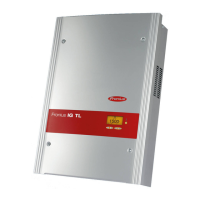
Fronius IG-TL 3.0 - User Manual

Fronius IG-TL 3.0
140 pages
Print Icon
To Next Page IconTo Next Page
Loading...
42,0426,0074,EA 03/2011
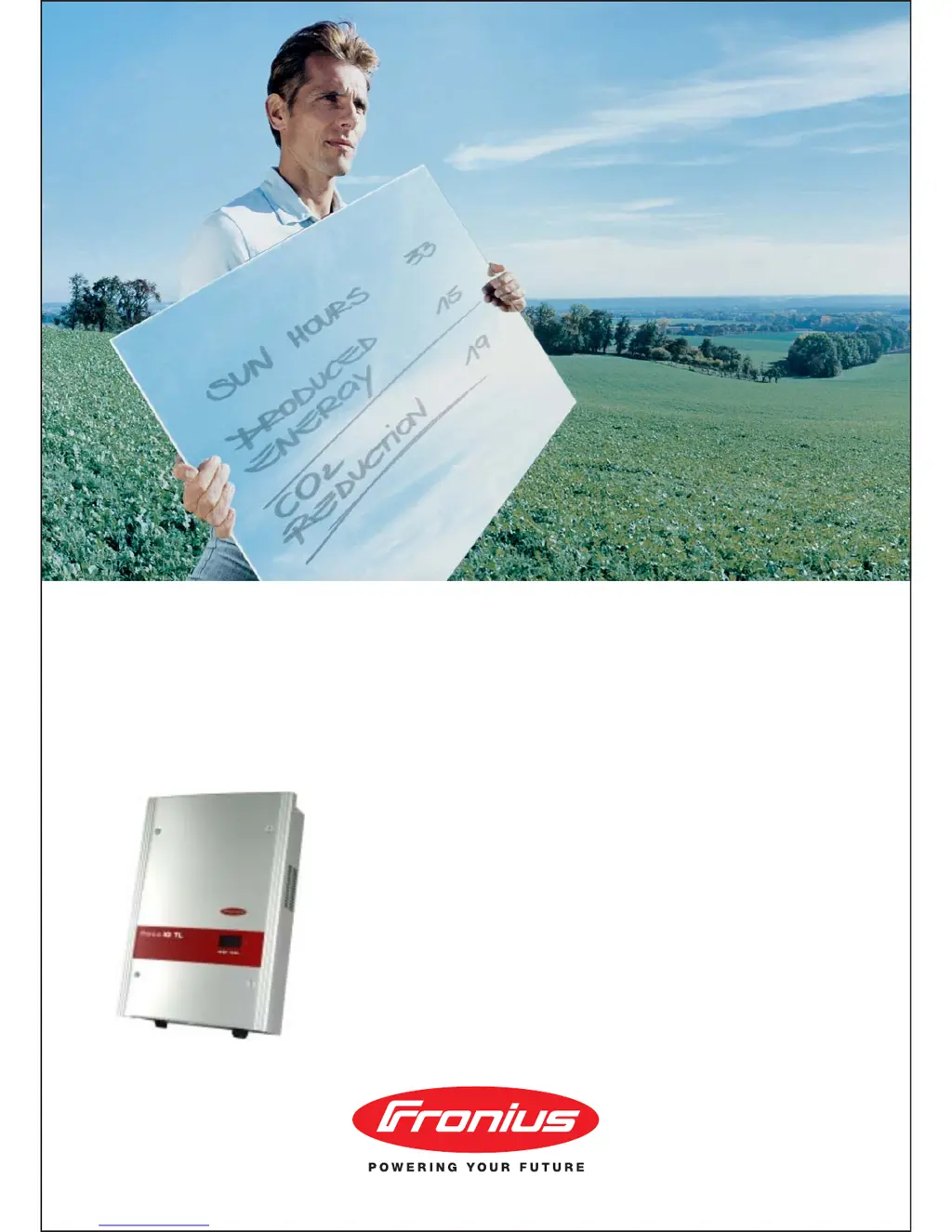
Fronius IG-TL 3.0 / 3.6 / 4.0 / 4.6 / 5.0
g
Operating Instructions
Inverter for grid-connected photo-
voltaic systems

Table of Contents

Questions and Answers

  • M
    Michelle BennettSep 23, 2025
    What to do if Fronius Inverter shows invalid device type?
    • C
      Charles HoustonSep 23, 2025
      If your Fronius Inverter displays an invalid device type, press the ‘Enter’ key to confirm the error. If the status code persists, contact a Fronius-trained service technician.
  • J
    Joshua DelgadoAug 23, 2025
    What to do if Fronius Inverter AC voltage is too high?
    • N
      Nathan CampbellAug 23, 2025
      If your Fronius Inverter indicates an AC voltage that's too high, first check the grid connections. If the problem continues, it's recommended to contact your system installer for further assistance.
  • A
    amymyersAug 25, 2025
    What to do if Fronius Inverter AC voltage is too low?
    • K
      kelly67Aug 26, 2025
      If your Fronius Inverter displays a message indicating the AC voltage is too low, start by inspecting the grid connections. If the problem persists, contact your system installer.
  • A
    aguilarpamelaAug 27, 2025
    What to do if Fronius IG-TL 3.0 Inverter AC frequency is too high?
    • R
      Robert SmithAug 27, 2025
      If your Fronius Inverter shows that the AC frequency is too high, you should check the grid connections. If the status code keeps recurring, contact your system installer.
  • S
    Stephen AvilaAug 27, 2025
    What to do if Fronius Inverter AC frequency is too low?
    • K
      Katelyn OrtizAug 27, 2025
      If the AC frequency of your Fronius Inverter is too low, check the grid connections. If the issue continues, contact your system installer.
  • C
    carladamsSep 18, 2025
    What to do if Fronius IG-TL 3.0 internal component is defective?
    • P
      patriciacarterSep 18, 2025
      If your Fronius Inverter indicates an internal component is defective, contact a Fronius-trained service technician.
  • A
    Adrienne EricksonSep 15, 2025
    What to do if measurement signal recording is not possible for the insulation test on Fronius IG-TL 3.0 Inverter?
    • M
      Melissa GraySep 15, 2025
      If your Fronius Inverter indicates that measurement signal recording is not possible for the insulation test, and the status code persists, contact a Fronius-trained service technician.
  • R
    robert46Sep 16, 2025
    What to do if Fronius Inverter AC polarity is inverted?
    • V
      Valerie JordanSep 16, 2025
      If your Fronius Inverter indicates that the AC polarity is inverted (L/N), check AC polarity (L/N). If the status code persists, contact a Fronius-trained service technician.
  • C
    Christine GonzalezSep 6, 2025
    What to do if Fronius Inverter shows fixed voltage setting error?
    • A
      Austin KirbySep 7, 2025
      If the 'fixed voltage' setting has been selected instead of MPP voltage operation and the voltage is set to a value that is too low or too high on your Fronius Inverter, remove excess solar modules so DC voltage fits within inverter limits. If the status code persists, contact a Fronius-trained service technician.
  • I
    Isabella HicksSep 4, 2025
    What to do if Fronius IG-TL 3.0 DC input voltage is too high?
    • W
      William BrownSep 4, 2025
      If your Fronius Inverter shows that the DC input voltage is too high, the fault should rectify automatically. If this status code keeps recurring, contact your system installer.

Summary

Safety Rules

Safety Symbols and General Guidelines

Explains safety symbols, general safety rules, and precautions for qualified personnel.

General Information

Protection of Persons and Equipment

Details safety features like RCMU and grid monitoring for user and equipment safety.

Warning Notices and Safety Symbols

Describes warning labels on the device and their meaning for safe operation.

Intended Purpose and Application

Defines the proper use of the inverter and its field of application.

Fronius IG TL Unit in the PV System

Explains the inverter's role, functions, and system upgrades in a PV setup.

Installation and Startup

Fronius IG TL Installation Overview

Outlines main components and sections for installation and connection.

Choosing the Installation Location

Provides criteria for selecting a suitable, safe, and optimal installation site.

Connection Options and Wall Bracket

Details connection terminals, knockouts, and wall bracket mounting procedures.

Connecting AC and DC Power

Step-by-step guide for connecting the inverter to the grid and solar modules.

String Fuses and Selection Criteria

Instructions for installing and selecting appropriate string fuses.

Data Communication and USB Stick Usage

Explains data networking, communication racks, and USB stick functions.

First Startup Procedure

Guides through initial setup, including language and time settings.

Operation

Keys, Symbols, and Display

Explains the inverter's control keys, symbols, LEDs, and display interface.

Startup Phase and Grid Feed-in

Details the inverter's startup process and how it feeds power into the grid.

Navigation and Display Modes

Covers menu navigation, display illumination, and different display modes.

Setup Menu Operations

Guides users on accessing and configuring various inverter settings.

Troubleshooting and Maintenance

Status Diagnosis and Error Codes

Explains how to interpret status codes for diagnosing issues and potential remedies.

Maintenance and Service Procedures

Provides instructions for routine maintenance, cleaning, and opening the inverter.

Replacing String Fuses

Step-by-step instructions for safely replacing fuses within the inverter.

Appendix

Technical Data and Specifications

Lists detailed technical specifications for all inverter models.

Standards, Directives, and Warranty

Covers relevant standards, directives, warranty terms, and disposal information.

Fronius IG-TL 3.0 Specifications

General IconGeneral
AC voltage range180 - 260 V
Number of MPP Trackers1
Frequency Range50 / 60 Hz
CoolingNatural convection
Protection ClassIP 65
Rated Power3.0 kW
Max. apparent AC power3.0 kVA
AC Power Output3.0 kW

Related product manuals