CHARGING THE BATTERY
The battery can last up to 6 months before recharging but varies based on activity
level, temperature, and image quality.
To check the battery level of your Wireless Doorbell Camera:
1. Log into the Frontpoint app.
2. Tap “Doorbell Camera” in the navigation menu ( ).
3. Tap in the top right corner.
4. Refer to “Battery Level” to see the current percentage.
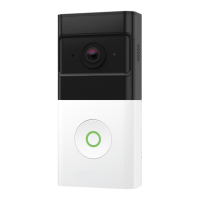
To charge the Wireless Doorbell Camera’s battery, follow the steps below:
1. Remove the battery from the camera body:
A. Unlatch the bottom of the Standard Mounting Bracket.
B. Remove the Wireless Doorbell from the Standard Mounting Bracket.
C. Separate the battery pack from the Wireless Doorbell’s body by pulling down on
the bottom of the Wireless Doorbell Camera.
2. Plug the included micro-USB cable into the battery.
3. Plug the USB end of the cable into a USB wall charger* and insert the charger
into an outlet.
*We recommend using a 5V/1.5A USB wall charger for the most eicient charging.
1
2
3
4
1
2
3
A
B
C
19


 To Next Page