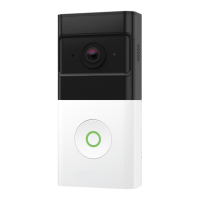
LED behavior when the Wireless Doorbell Camera is fully assembled:
Mode Description
Doorbell Button
LED Behavior
Standby or
O
The camera is in standby mode (normal operation) or the
battery is drained and requires recharging.
O
Wi-Fi
Pairing
The camera is in Wi-Fi pairing mode. To enter this mode,
press and hold the doorbell button for 46-60 seconds until
the LED is flashing white.
(The LED will first start flashing blue, continue to hold the
button until it begins flashing white)
Flashing white
Device
Connection
The camera is connected to a Smart Chime that is connected
to the internet.
Solid green
No Device
Connection
The camera is not connected to the Smart Chime or the Smart
Chime the camera is connected to has lost connection to the
internet.
Solid red
Low Battery The camera’s battery is low and requires recharging.
Alternating red and blue
Connecting
to the
Smart Chime
The camera is connecting to the Smart Chime
Flashing red
Power Cycle
The camera is power cycling. To enter this mode, press and
hold the doorbell button for 61-75 seconds until the LED is
flashing yellow.
Flashing yellow
Factory Reset
The camera is resetting to factory default. To enter this mode,
press and hold the doorbell button for 76-180 seconds until
the LED is alternating red and green.
Alternating red and green
Firmware
Upgrade
The camera’s firmware is being updated.
Flashing yellow rapidly
TROUBLESHOOTING
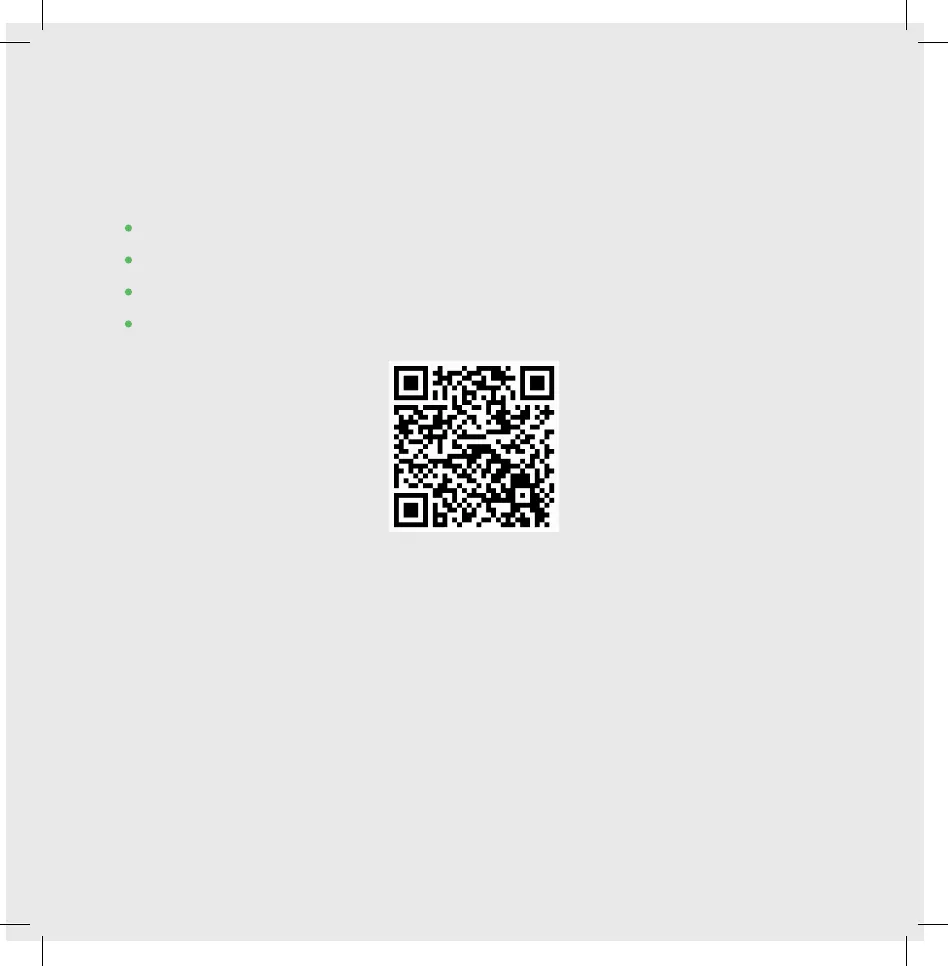
If you’re having issues with either the setup or operation of the Wireless Doorbell
Camera, please scan the QR code below for answers to a range of questions such as:
• How can I complete the installation without my Wi-Fi password?
• How can I factory reset my Wireless Doorbell Camera?
• Why did my Wireless Doorbell Camera disconnect?
• How can I see my Doorbell Camera in the mobile app if I have multiple?
http://redirect.frontpointsecurity.com/WirelessDBTroubleshooting
For any other questions or to chat with a live support agent:
Tap Support in the navigation menu of the Frontpoint mobile app
-OR-
Visit frontpoint.com/support
To speak to an agent, you can also
call 1-877-602-5276.
23


 To Next Page