WIRELESS DOORBELL CAMERA USER GUIDE
The Frontpoint Wireless Doorbell Camera is a top-of-the-line solution to bring you enhanced
features and high resolution- with ultimate flexibility.
Within this user guide, you’ll learn how to set it up and take advantage of features like:
• Rapid person detection
• Advanced notifications and clip recordings
• Two-Way Audio
Setup of your Wireless Doorbell Camera consists of three main steps:
1. App setup: Adding the Wireless Doorbell Camera to your Frontpoint system.
2. Installation: Mounting the Wireless Doorbell Camera in your desired location.
3. Configuration: Setting up rapid person-detection, advanced notifications, and
recording rules.
Let’s begin!
3
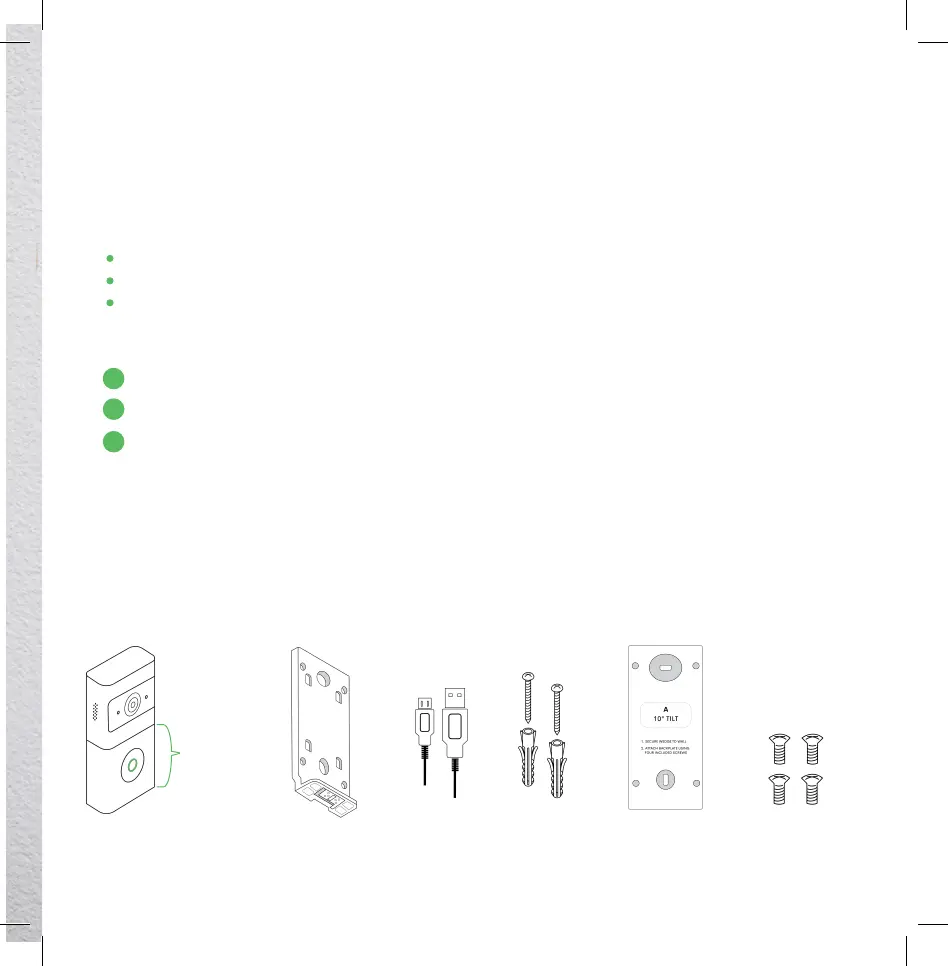
Wireless
Doorbell Camera
Rechargeable
Battery Pack
In the box:
Standard
Mounting
Bracket
Micro-USB
Cable
Screws and
Anchors
for Standard
Mounting Bracket
Optional
Mounting Wedge
Mini Screws for
Wedge Setup
3
2
1


 To Next Page