Quick Reference For Programming Codes
8-1
Programming
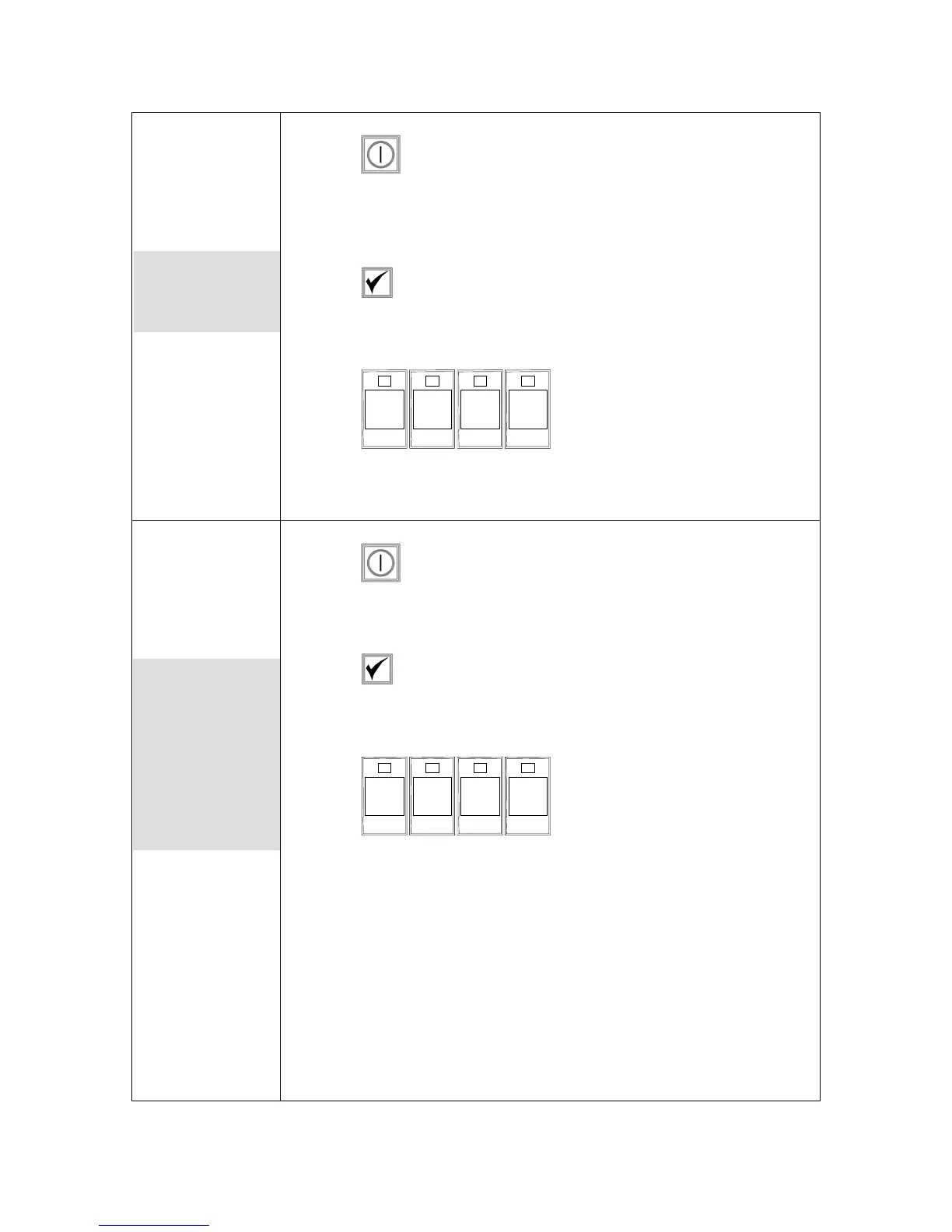
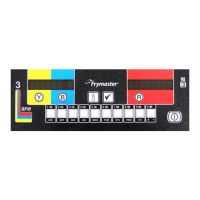
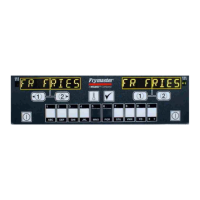
1. Press .
2. Computer displays OFF. Computer must be off to enter
programming mode.
3. Press .
4. code shows in the left display.
5. Press
1 6 5 0
(1650). See detailed description
on pages 4-2 — 6-3.
Set Up
1. Press .
2. Computer displays OFF.
3. Press .
4. code shows in the left display.
5. Press
1 6 5 6
(1656). This code is used to set
up the computer. See detailed description on pages 3-1— 3-2.
Used to program
product buttons
and add new
menu items.
Used to set up
computer on
initial install or to
move a computer
to a fryer with a
different
configuration.
Get user manuals: See SafeManuals.com









 To Next Page