Quick Reference For Programming Codes
8-4
Hi-Limit Check
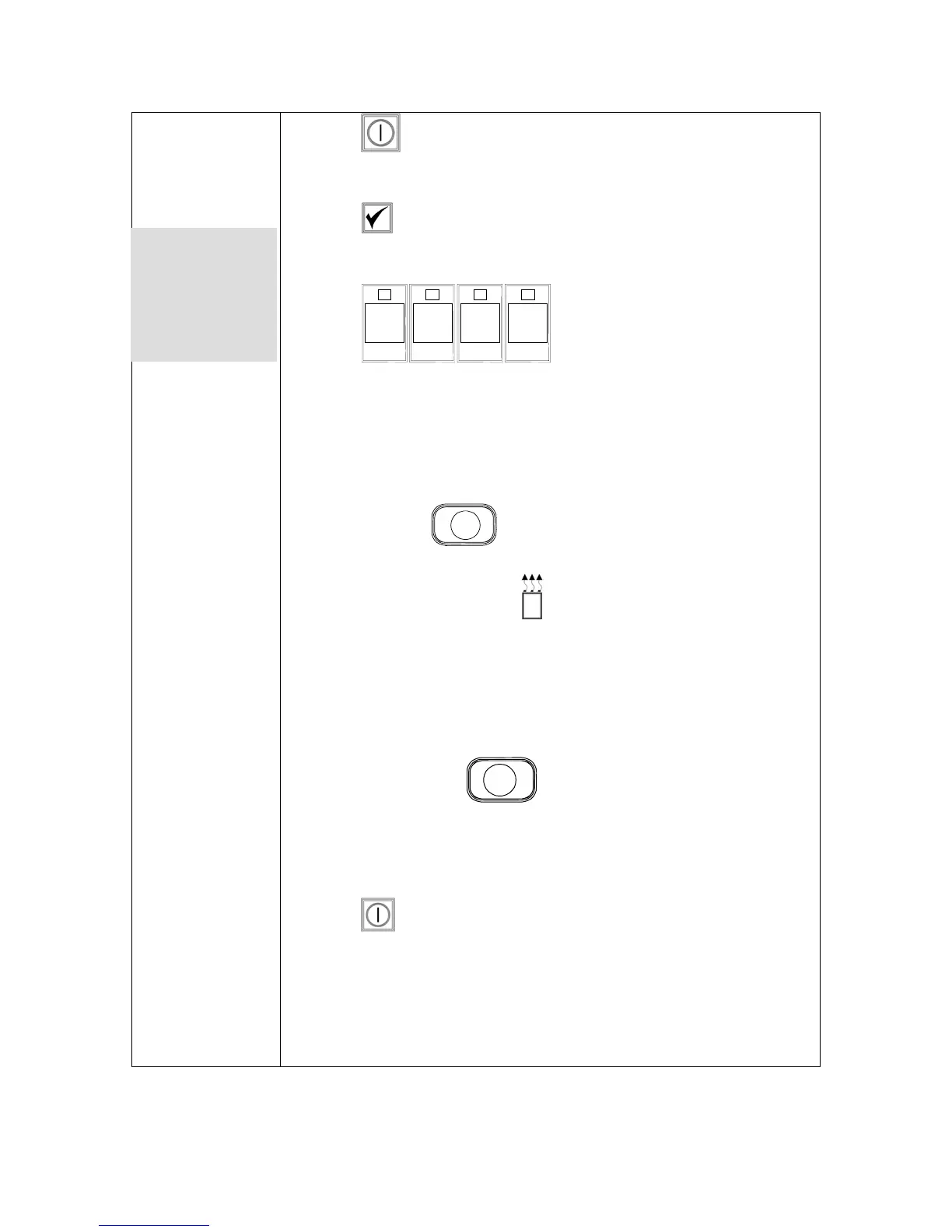
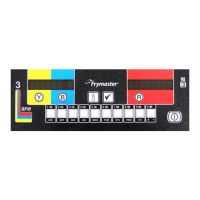
1. Press .
2. Computer displays OFF.
3. Press .
4. CoDE shows in the left display.
5. Press
9
YZ-
9
YZ-
9
YZ-
9
YZ-
(9999*) for full vat or right
side of split pot. Note: The test can only be conducted with the oil
above 180°F (82°C). If the shortening temperature is below 180°F
(82°C), the computer will display TOO COLD.
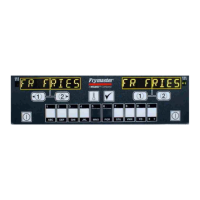
6. HI-LIMIT shows in the right display.
7. Press and hold
1
right cook channel key.
8. Fryer will call for heat and illuminates.
9. Right display will alternate between HI-limit and the
temperature until shortening reaches 410°F (210°C). Then the
display changes, alternating between Hi-1 and the temperature.
10. Heat is turned off now and hi-1 test is complete.
11. Press and hold right
2
, which starts Hi-Limit 2 test.
12. The display will alternate between Hi-Limit and the
temperature display until the hi-limit opens. The display will
show Hi-2.
13. Press to clear test and turn computer off.
14. Failure of the Hi-Limit 2 test is indicated by an alternating display
of HI-2 and BAD. Call for service immediately if this occurs.
*Note: For left-
side use 8888
and the left 1 &
2 buttons)
Get user manuals: See SafeManuals.com









 To Next Page