CR-IR341
Service Manual
MC - 188
009-051-04
05.31.99 FM2460
2 3 4 5 6 7 9 101 8
C
ONTENTS
MC - 188
10.8 Checking and Replacing Subscanning Motor (MZ1)
■ Checks
CAUTION
Before removing the covers, be sure to turn OFF the high-voltage switch. If the machine is
powered ON with any of the covers removed, the photomultiplier will be damaged.
(1) Remove the following covers.
Lower front cover, lower left-hand side cover, lower left-hand side trsnsparent cover
“3. Removing and Reinstalling Covers”
(2) Power ON the machine.
(3) Touch the U-Utility button.
➮ The screen switches to the U-Utility mode.
(4) Touch the upper left and upper right corners of the operation panel in sequence.
➮ M-Utility is activated.
(5) Select “6. MECHANICAL UTILITY” and “2. ACTUATOR” in sequence.
(6) Select “2. DRIVE”.
➮ A list of actuator Nos. is displayed.
(7) Type in the number of MZ1 (FFM).
(8) Set up an operation parameter as instructed by the onscreen message.
➮ MZ1 operation starts.
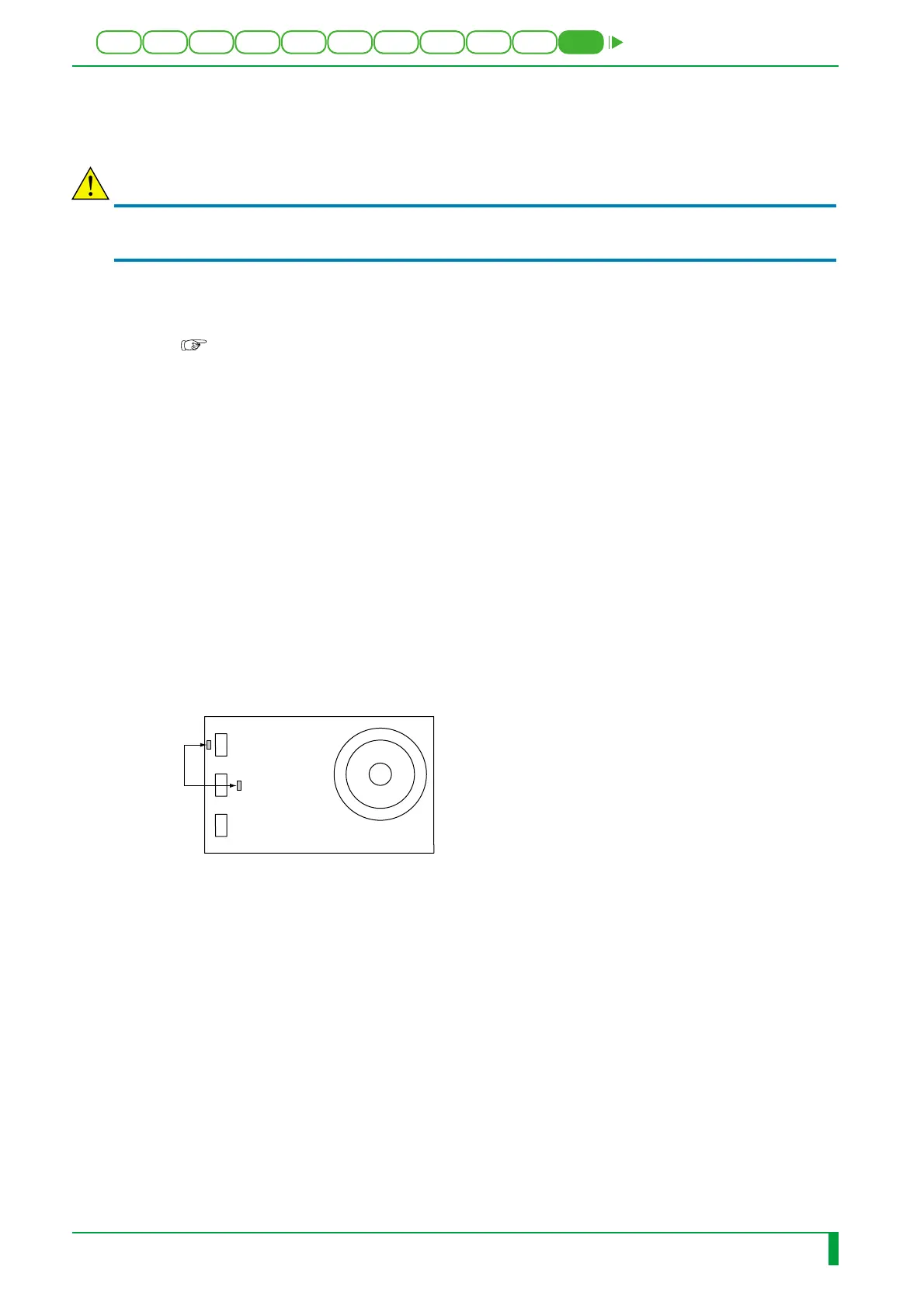
(9) Measure the voltage between OK and 5G on MZ1.
(10) Select “3. STOP”.
➮ A list of sensor Nos. is displayed.
(11) Type in the number of MZ1 (FFM).
➮ MZ1 stops.
(12) Change the operation parameter for MZ1 at step (7) as follows, and repeat steps (5)
through (10).
• Rotation in normal direction
• Rotation in reverse direction
If MZ1 rotates for all of the operation parameters and the voltage between OK and 5G
on MZ1 is less than 1 V, then the check is completed.
If MZ1 does not rotate or the voltage between OK and 5G on MZ1 is greater than 1 V
for any of the operation parameters, then check the SLC08A board.
FR1H1874.EPS
MZ1
(FFM)
5G
OK






 To Next Page