EasyManua.ls Logo

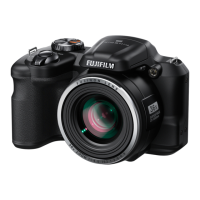
FujiFilm Finepix S8600 Series - User Manual

FujiFilm Finepix S8600 Series
128 pages
Print Icon
To Next Page IconTo Next Page
Loading...
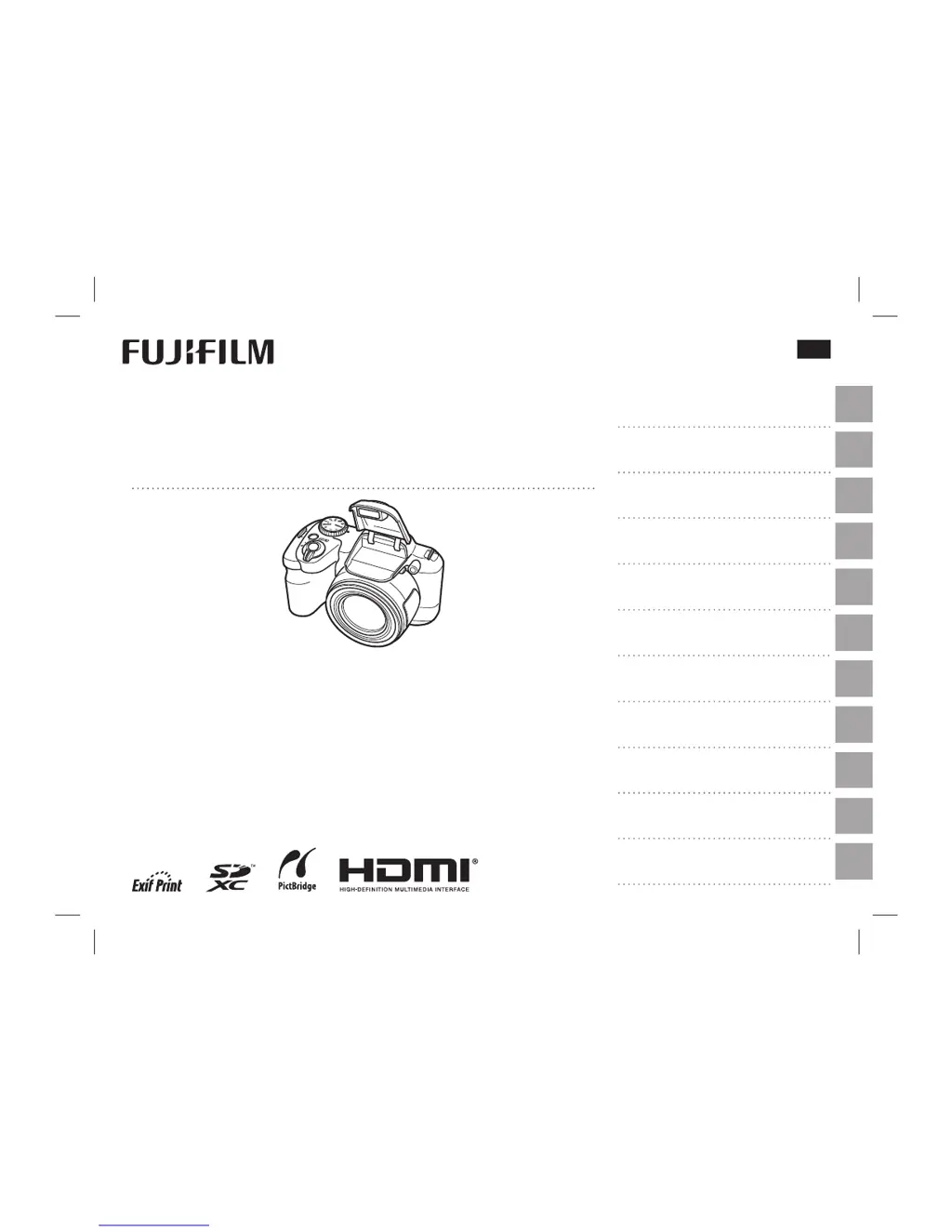
DIGITAL CAMERA
FINEPIX S8600 Series
Owner’s Manual
For information on related products, visit our website at
http://www.fujifilm.com/products/digital_cameras/index.html
Before You Begin
First Steps
Basic Photography and Playback
More on Photography
More on Playback
Movies
Connections
Menus
Technical Notes
Troubleshooting
Appendix
BL04301-101
EN
$01 Cover_En.indd i$01 Cover_En.indd i 2014/01/06 10:39:502014/01/06 10:39:50

Table of Contents

Questions and Answers

  • E
    Erin CarterSep 5, 2025
    Why is my FujiFilm Finepix S8600 Digital Camera not detecting faces?
    • B
      Bruce AguilarSep 6, 2025
      If your FujiFilm Digital Camera isn't detecting faces, here's what to do: * Make sure the subject's face isn't covered by sunglasses, a hat, hair, or other objects. Remove any obstructions. * If the face is too small in the frame, adjust the composition to make it larger. * Ensure the subject isn't tilting or turning their head; ask them to hold it straight. * Hold the camera straight and steady. * Make sure the subject's face is well-lit; shoot in bright light.
  • M
    medinaanthonyNov 25, 2025
    Why do the batteries run down quickly on my FujiFilm Finepix S8600 Digital Camera?
    • K
      Kent NewmanNov 25, 2025
      If the batteries in your FujiFilm Digital Camera are draining quickly, consider these possibilities: * The batteries may be cold. Warm them up by placing them in a pocket or warm place before re-inserting them. * There could be dirt on the battery terminals. Clean them with a soft, dry cloth. * If the camera is in M mode, try selecting another shooting mode. * If using rechargeable Ni-MH batteries that are new, have been unused for a while, or haven't been fully discharged before recharging, discharge them using the P DISCHARGE option and recharge them in a separate battery charger. If they still don't hold a charge, they may need replacing. * If u CONTINUOUS is selected for F AF MODE, select a different focusing option. * The batteries are exhausted. Insert fresh or fully-cha...
  • J
    Joseph DixonSep 18, 2025
    Why do vertical lines appear in pictures from FujiFilm Finepix S8600?
    • D
      Deborah AndersonSep 18, 2025
      If vertical lines appear in pictures taken with your FujiFilm Digital Camera, it might be because the camera has been used continuously at high temperatures. Turn the camera off and wait for it to cool down.
  • A
    awilliamsSep 16, 2025
    What to do if FujiFilm Finepix S8600 Digital Camera pictures are not recorded?
    • H
      Heather GreenSep 16, 2025
      Pictures are not recorded on FujiFilm Digital Camera because power was interrupted during shooting. Turn the camera off before connecting the AC power adapter/DC coupler. Leaving the camera on can result in corrupted files or damage to the memory card.
  • M
    michellealvarezSep 14, 2025
    Why is macro mode not available on my FujiFilm Finepix S8600?
    • J
      johnellisonSep 14, 2025
      If macro mode is unavailable on your FujiFilm Digital Camera, it's likely because it's not supported in the current shooting mode. Try selecting a different shooting mode.
  • J
    Jacqueline BurkeSep 12, 2025
    Why is face detection not available on my FujiFilm Finepix S8600?
    • E
      Elizabeth BarreraSep 13, 2025
      If face detection is not available on your FujiFilm Digital Camera, it might be because Intelligent Face Detection is not supported in the current shooting mode. Try choosing a different shooting mode.
  • C
    Christopher PhillipsSep 12, 2025
    What to do if monitor goes dark after shooting with FujiFilm Digital Camera?
    • D
      Dustin SnyderSep 12, 2025
      The monitor on your FujiFilm Digital Camera may darken after shooting because the flash has fired and is charging. Wait for the flash to charge.
  • A
    alex20Sep 9, 2025
    How to correct wrong subject selection on FujiFilm Digital Camera?
    • A
      Adam RossSep 9, 2025
      If your FujiFilm Digital Camera is selecting the wrong subject, it might be because the selected subject is closer to the center of the frame than the main subject. Try recomposing the picture, or turn off face detection and use focus lock to frame the picture.
  • M
    Mrs. Lori DavisSep 7, 2025
    Why doesn't the flash fully light the subject on my FujiFilm Finepix S8600?
    • E
      Eddie RamirezSep 7, 2025
      If the flash on your FujiFilm Digital Camera isn't fully lighting the subject, try these steps: * Make sure the subject is within the flash range. * Ensure nothing is blocking the flash window; hold the camera correctly. * If a fast shutter speed is selected, choose a slower one.
  • T
    Tony RossAug 20, 2025
    Why my FujiFilm Finepix S8600 does not turn on?
    • C
      Christopher GrossAug 20, 2025
      Your FujiFilm Digital Camera might not be turning on due to several reasons. It could be that the batteries are exhausted, so try inserting fresh or fully charged spare batteries. Ensure the batteries are in the correct orientation. Also, check that the battery-chamber cover is latched. If using an AC power adapter and DC coupler, make sure they are properly connected. If the camera has been left for a long time without batteries or the adapter connected, wait a few moments after inserting batteries or connecting the adapter before turning it on.

Summary

For Your Safety

Safety Notes and Icon Meanings

Essential safety guidelines and explanations of warning and caution symbols used.

General Safety Precautions

Crucial warnings regarding water, disassembly, electrical hazards, and general handling of the camera.

Power Supply and Battery

Rechargeable Lithium-ion Battery

Details on features, charging, life, storage, and handling of the Li-ion battery.

AA and Other Batteries

Information on using AA alkaline, Ni-MH, or lithium batteries and related cautions.

First Steps

Inserting the Batteries

Step-by-step guide for correctly inserting AA batteries into the camera.

Inserting a Memory Card

Instructions on how to insert an SD, SDHC, or SDXC memory card into the camera.

Basic Photography and Playback

Taking Pictures in SR AUTO Mode

Guide to using the automatic scene recognition mode for capturing photos.

More on Photography

Shooting Mode Overview

Introduction to shooting modes like Scene Recognition, Auto, and Continuous Shooting.

Using the Flash

Instructions on raising the flash and selecting appropriate flash modes (Auto, Forced, Slow Synchro).

Exposure Compensation

How to adjust exposure settings to correct under or overexposed images.

Movies

Connections

Menus

Shooting Menu Options

Comprehensive list of settings available in the shooting menu, with descriptions.

Playback Menu Options

List of available functions in the playback menu for managing pictures.

Setup Menu Options

Detailed list of customizable settings in the setup menu.

Troubleshooting

Power and Battery Issues

Solutions for common problems related to camera power and battery performance.

Shooting Problems

Addresses issues like no picture taken, dark monitor, and focusing difficulties.

Face Detection and Focus Issues

Solutions for problems with face detection and macro mode availability.

Flash Problems

Troubleshooting steps for issues related to the camera's flash not firing or lighting.

Image and Recording Issues

Solutions for blurred pictures, mottled images, and problems in continuous shooting mode.

Warning Messages and Displays

Common Camera Warnings

Explanations and solutions for critical warnings like low battery, focus error, and card initialization.

Memory Card and File Warnings

Information on busy status, card errors, memory full, write errors, and frame number limits.

FujiFilm Finepix S8600 Series Specifications

General IconGeneral
Effective Pixels16.0 million
Optical Zoom36x
Storage MediaSD / SDHC / SDXC memory card
Sensor TypeCCD
ISO Sensitivity100
LCD Monitor3.0-inch, 460K-dot TFT LCD
Power SourceAA type alkaline batteries x 3 / AA type Ni-MH rechargeable batteries x 3
WeightApprox. 450g (including batteries and memory card) / Approx. 400g (excluding accessories, batteries and memory card)
Shutter Speed8 sec. to 1/2000 sec. (Auto mode)

Related product manuals