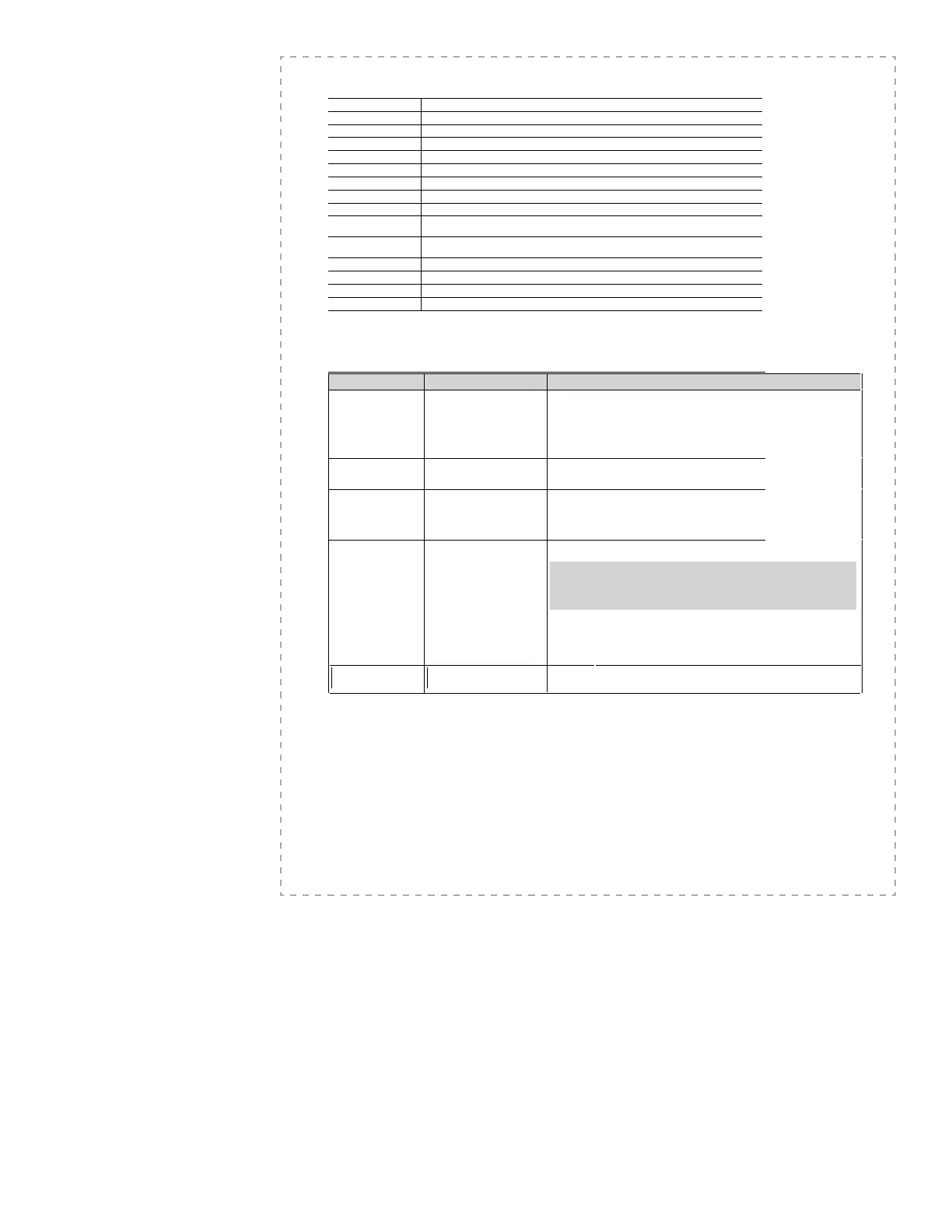
SPECIFICATIONS
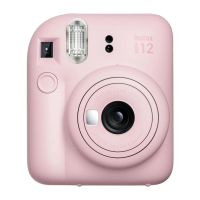
Film FUJIFILM INSTAX mini film
Picture Size 62 mm × 46 mm
Lens 2 components, 2 elements, f=60 mm, 1:12.7
View nder Real
image finder 0.37× with target spot
Shooting range 0.6 m and beyond
Shutter Speed 1/60 sec.
Exposure Control Manual switching system (LED indicator in exposure meter)
Film Feeding Out Automatic
Film Developing Time Approximately 90 seconds (Varies depending on the ambient temperature)
Flash
Constant firing flash (automatic light adjustment) Recycle time: 0.2 sec. to 6 sec.
(when using new batteries) Effective flash range: 0.6 m – 2.7 m
Power Supply
Two AA-size 1.5V alkaline batteries Capacity: 100 shots
(Approximately 10 INSTAX mini 10-pack film packs with new AA batteries)
Auto power o time 5 min.
Others Exposure counter (number of unexposed films), film pack confirmation window
Dimensions 116 mm × 118.3 mm × 68.2 mm
Weight 307 g (without batteries, strap and film pack)
* Speci cations are subject to change without notice.
TROUBLE SHOOTING
During
operation
Problems Possible Causes Solutions
The shutter release won’t
trip.
1 The battery power is low.
2 The batteries are not loaded
correctly.
3 Power is not turned on.
4 Camera has remained idle for
roughly 5 minutes with the
power turned on.
1 Replace the batteries with new ones.
2 Load the batteries correctly.
3 Press the power button to turn on the power.
4 Press the power button after retracting the lens or press the
shutter release button to restore the power-on state.
The lamp on the view
nder blinks and the
shutter release won’t trip.
●
Flash is charging.
●
Wait until the lamp on the brightness adjustment dial is lit without blinking.
The lm pack won’t load
into your camera, or won’t
load into your camera
smoothly.
1 The lm pack is not for your
camera.
2 You are not loading the lm
pack correctly.
1 Use FUJIFILM INSTAX mini fi lm only. (No other fi lms can be used.)
2 Match the yellow line on the fi lm pack with the yellow positioning mark in your
camera. Follow the INSTAX mini fi lm pack instructions.
All lamps on the
brightness adjustment
dial blink at the same
time.
1 The battery power is low, and
it takes a long time to charge
the ash.
2 A more signi cant issue with
your camera has occurred.
●
Replace the batteries with new ones while the power is turned on (when the lens is
extended).
IMPORTANT:
Replace the batteries only while the power is turned on. If you replace the
batteries while the power is turned off
(when the lens is retracted), the lamps on
the brightness adjustment dial blink after turning on the power even with new
batteries.
*
When the problem is due to reason
1, the lamps on the brightness adjustment dial
turn off after replacing the batteries.
If the problem is due to reason 2, the lamps on the brightness adjustment dial blink
even after replacing the batteries. In this case, turn off the power and remove the
batteries immediately, then contact an authorized FUJIFILM repair center.
The red lamp on the view
nder lights up.
● The battery power is low. ● Replace the batteries with new ones.









 To Next Page