23
ESN (Key CD) security operating procedure
23
■
How to read the Electronic Serial Number
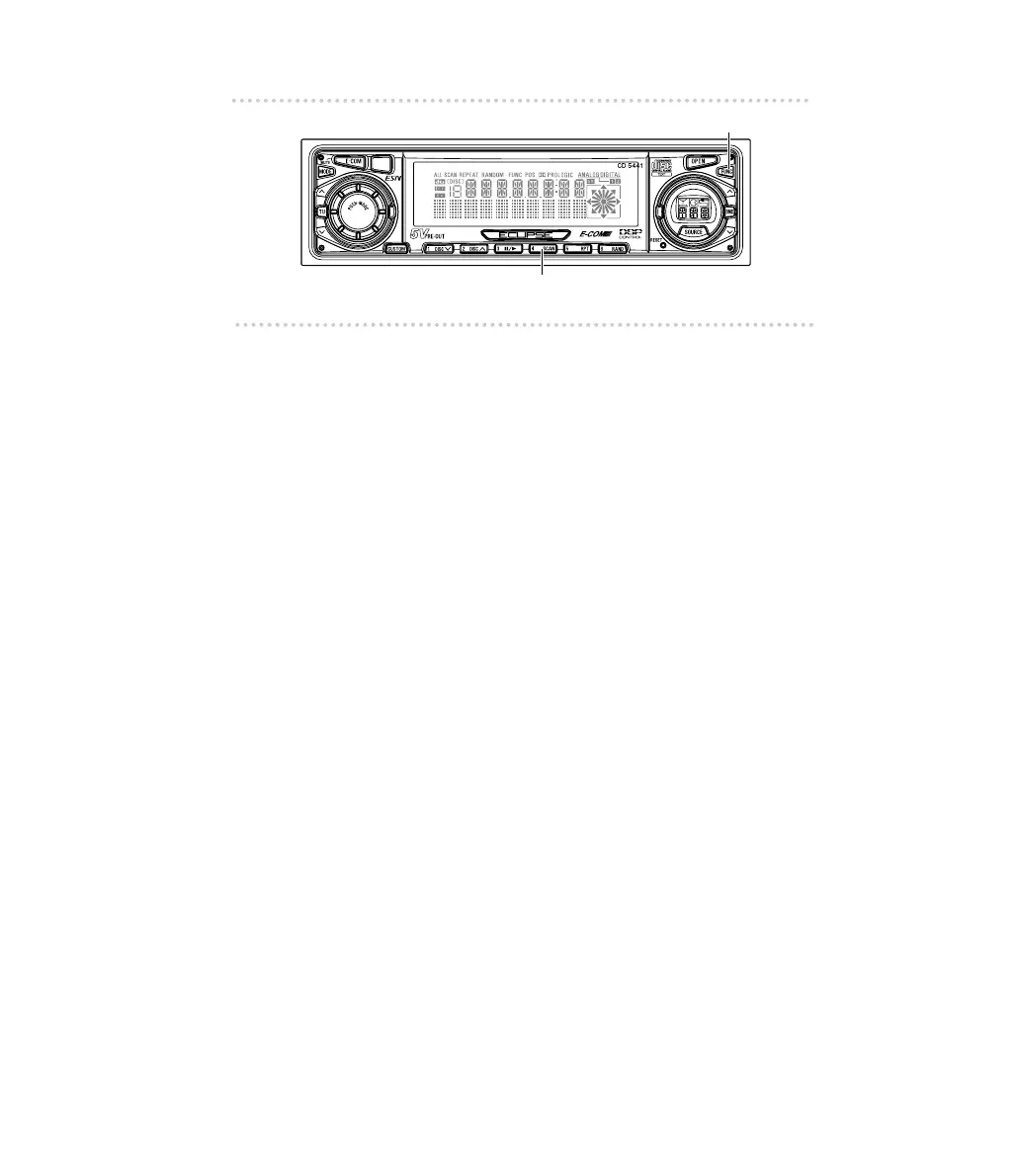
1 .
Turn OFF the Power.
2 .
Press button [4], then the [FUNC] button, and hold
both for more than one second.
[ESN] appears on the display, followed by an eight-digit
number; this number is your electronic serial number (ESN).
You may use this number to identify your Eclipse CD5441
in the event it is recovered after being stolen.



 To Next Page