■
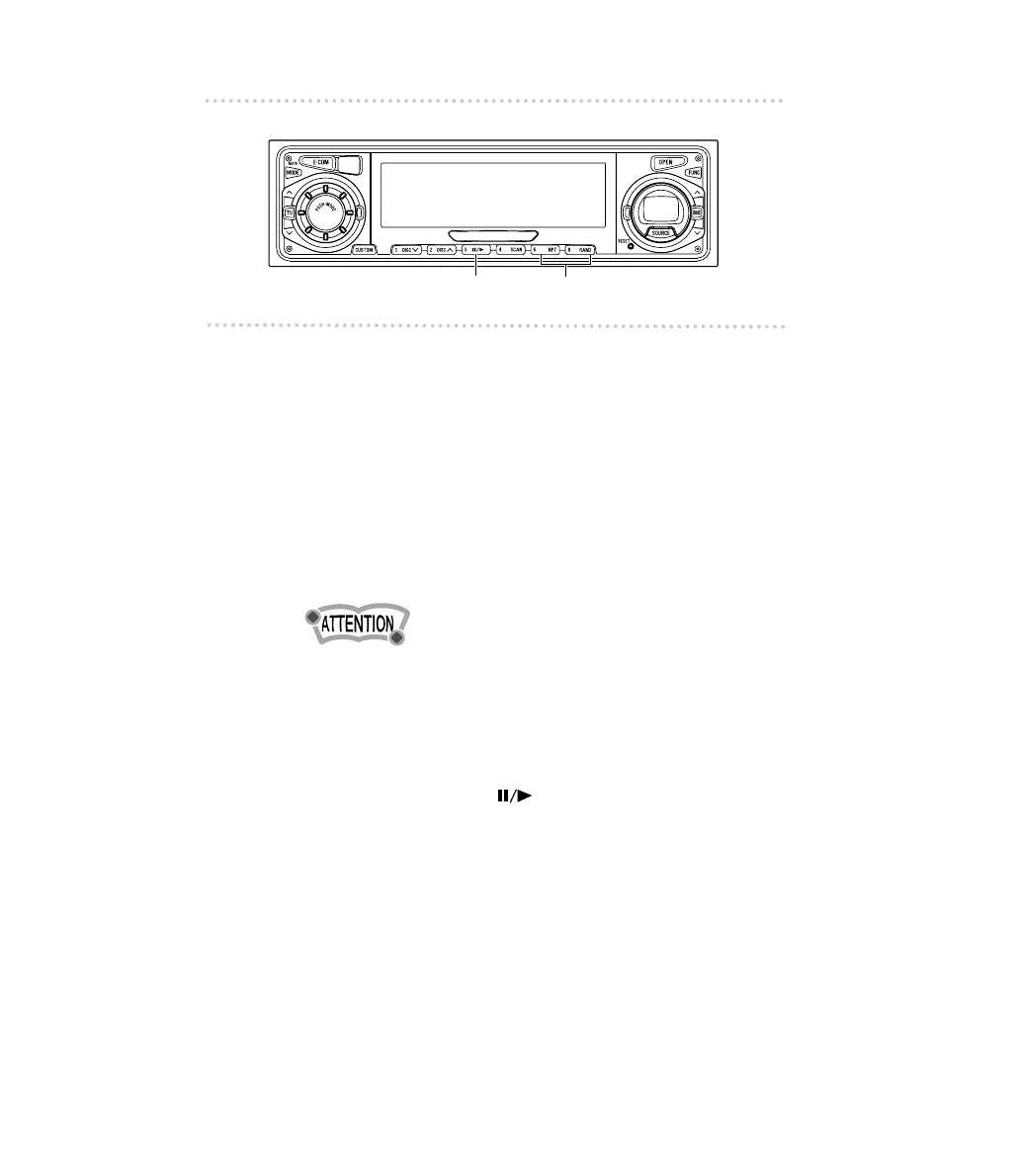
Repeating the same track (REPEAT)
1 .
Press button [5 (RPT)] to repeat the track being
played.
To cancel, press button [5] again.
■
Playing tracks in random order (RANDOM)
1 .
Press button [6 (RAND)] to play the tracks in
random order.
To cancel, press button [6] again.
Occasionally the same track happens to be played
(selected) two or more times in a row; this is normal
operation and is no sign of a problem.
■ Switching a CD to pause / play
1 .
Push button [3 ( )].
It pauses playing a CD.
To cancel, press button [3] again.



 To Next Page