262626
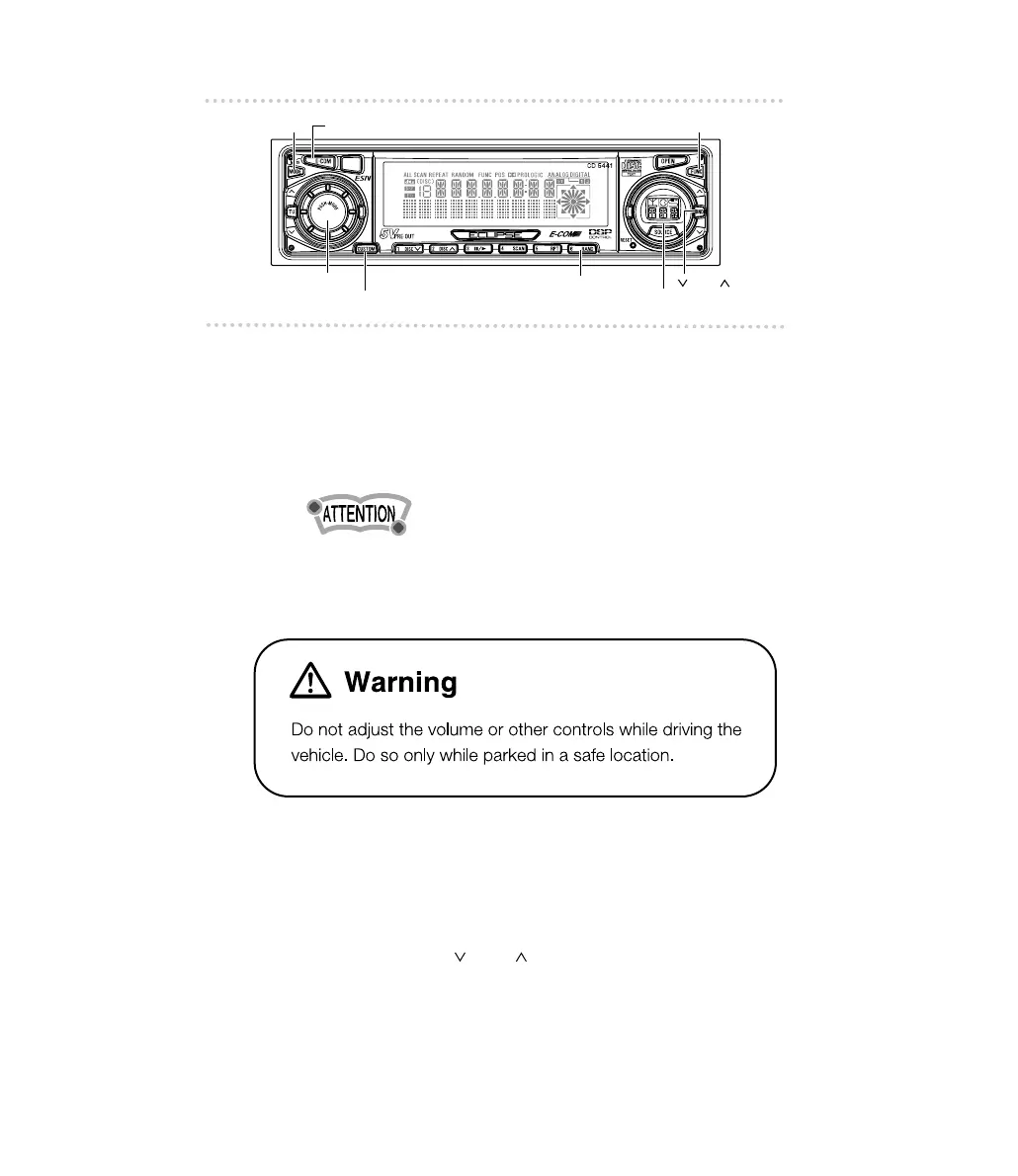
■ Adjusting audio volume
1 .
Turn the [AUDIO CONTROL] button to the left
or right.
Turn to the left : Decreases the volume.
Turn to the right : Increases the volume.
Press the [E-COM] button for more than two seconds if E-
COM is connected and less than two seconds if E-COM is
not connected to cut the volume or restore it instantly.
■ Displaying the clock
1 .
Press the [FUNC] button.
2 .
Press the [ BND ] button repeatedly until
the clock appears on the screen.



 To Next Page