◆
How to operate the tuner
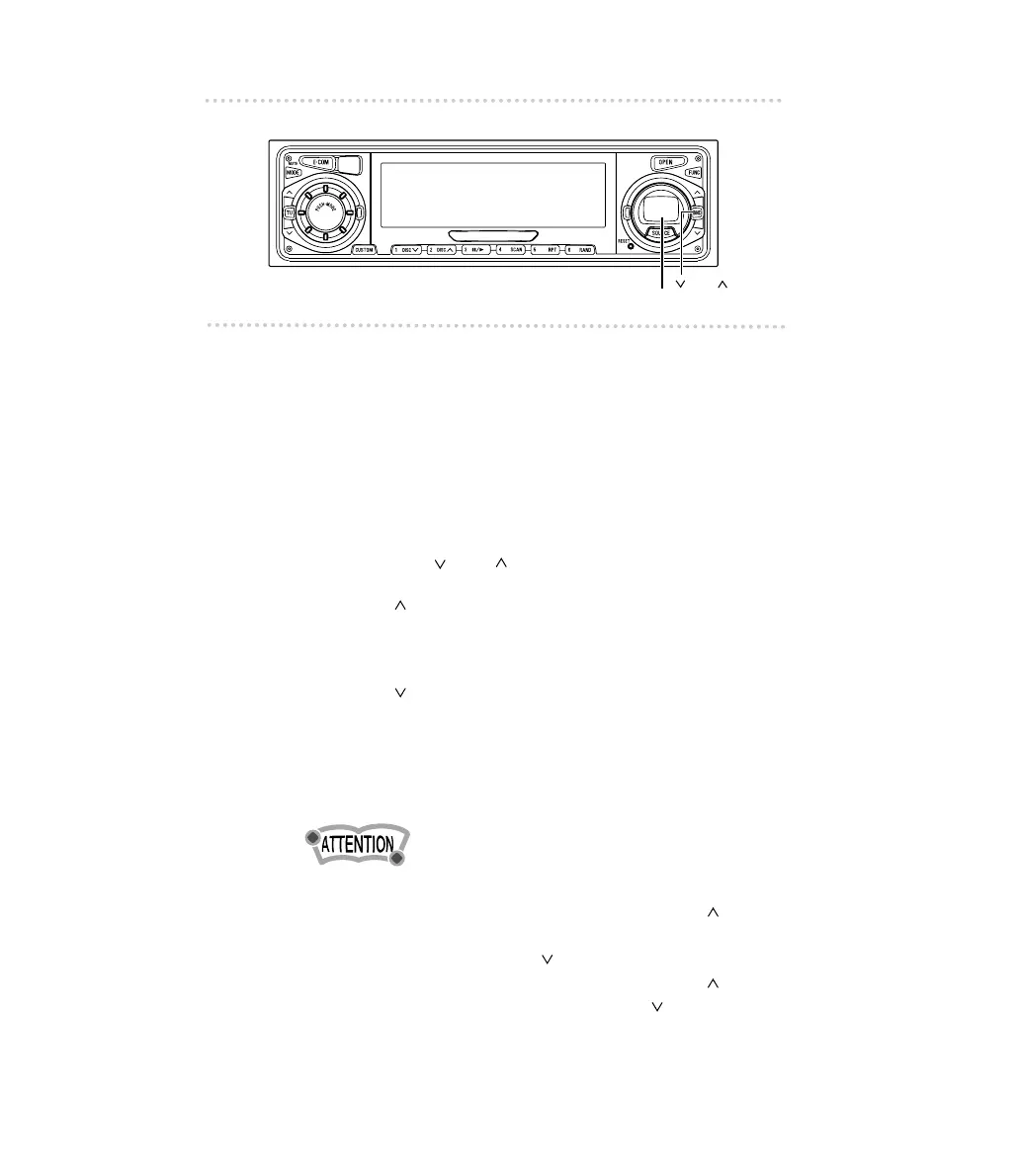
First, press the [SOURCE] button to start tuner operation.
There are automatic and manual methods for setting stations
in memory. The receiver will accept up to 24 stations in
memory: six in AM and 18 in FM (6 each for FM1, FM2 and
FM3.) (Initial setting)
■ Tuning to a station
1 .
Tap the [ BND ] button to switch to the
desired FM or AM bands.
[BND ] button: Switch the FM band.
Pressing the button repeatedly
switches the FM band in the order of
FM1
→ FM2
...
.
[BND ] button: Switch the AM band.
Pressing the button repeatedly
switches the AM band in the order of
AM1
→ AM2
...
.
It is also possible to change the numbers of FM and AM
bands in a certain combination of them (See Page 56).
When switching the tuner band, switching becomes cyclic
in the order of FM1
→FM2→FM3→
...
if the [BND ] button
is used and switching becomes cyclic in the order of AM1
→
AM2→AM3→
...
if the [BND ] button is used.
Therefore, AM cannot be switched with the [BND ] button
and FM cannot be switched with the [BND ] button.
The number of bands that cycle depends on the setting.
See "Changing the number of bands (Page 56)".



 To Next Page