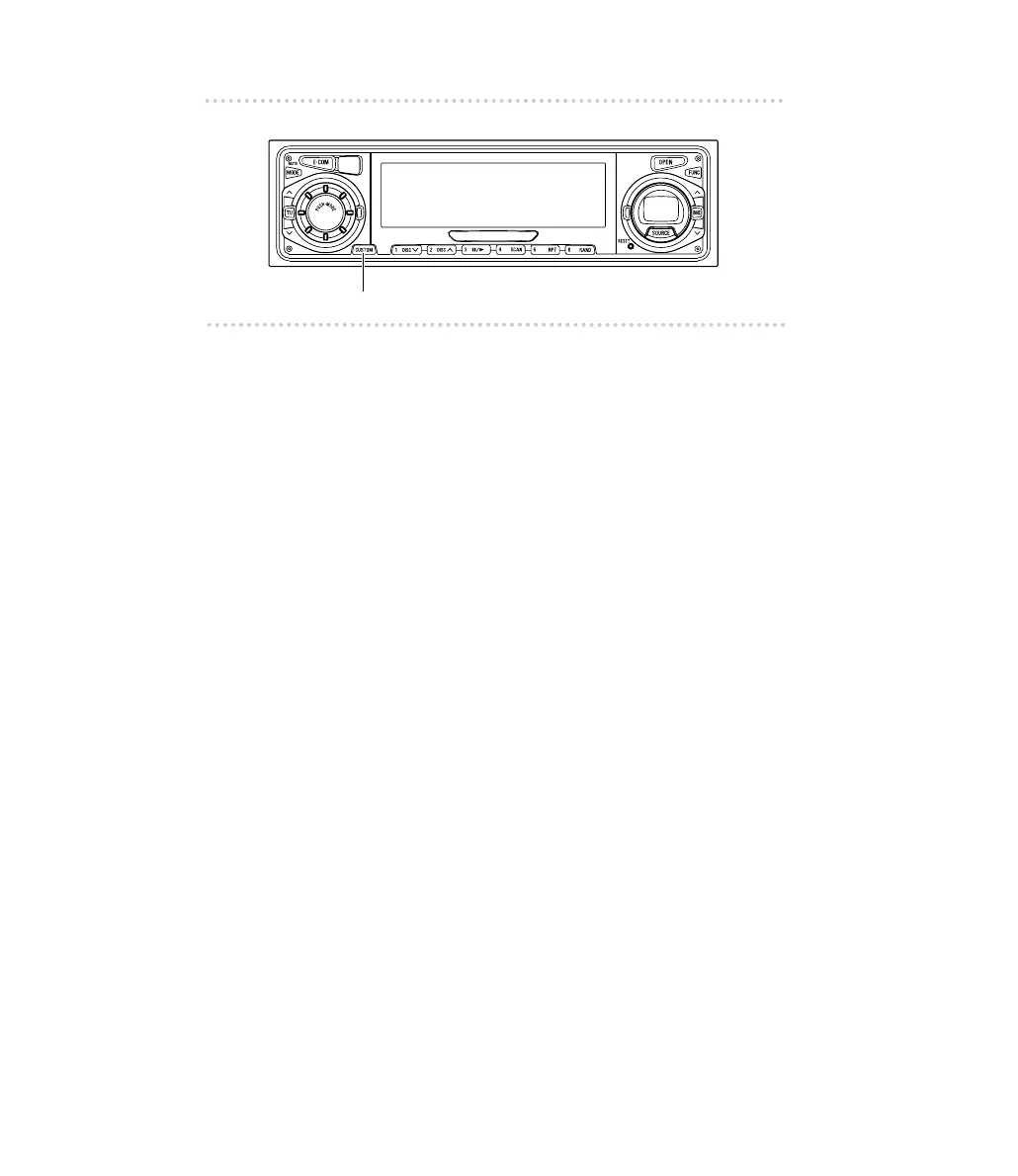
■ Changing the number of CD titles
The number of CD titles that can be set can be changed by
changing the memory allocation. The number of CD titles is
fixed for each pattern and the number of tuner bands that
can be recorded is also changed at the same time.
1 .
Press and hold the [CUSTOM] button for more
than two seconds.
Each time the button is pressed for more than two
seconds, the following patterns are switched.
MEMORY A (standard) AM/FM : 1/3,
CD title memory : 30 titles
MEMORY B AM/FM : 2/5,
CD title memory : 40 titles
MEMORY C AM/FM : 1/3,
CD title memory : 60 titles
MEMORY D AM/FM : 2/5,
CD title memory : 80 titles
MEMORY E AM/FM : 3/8,
CD title memory : 100 titles



 To Next Page