61
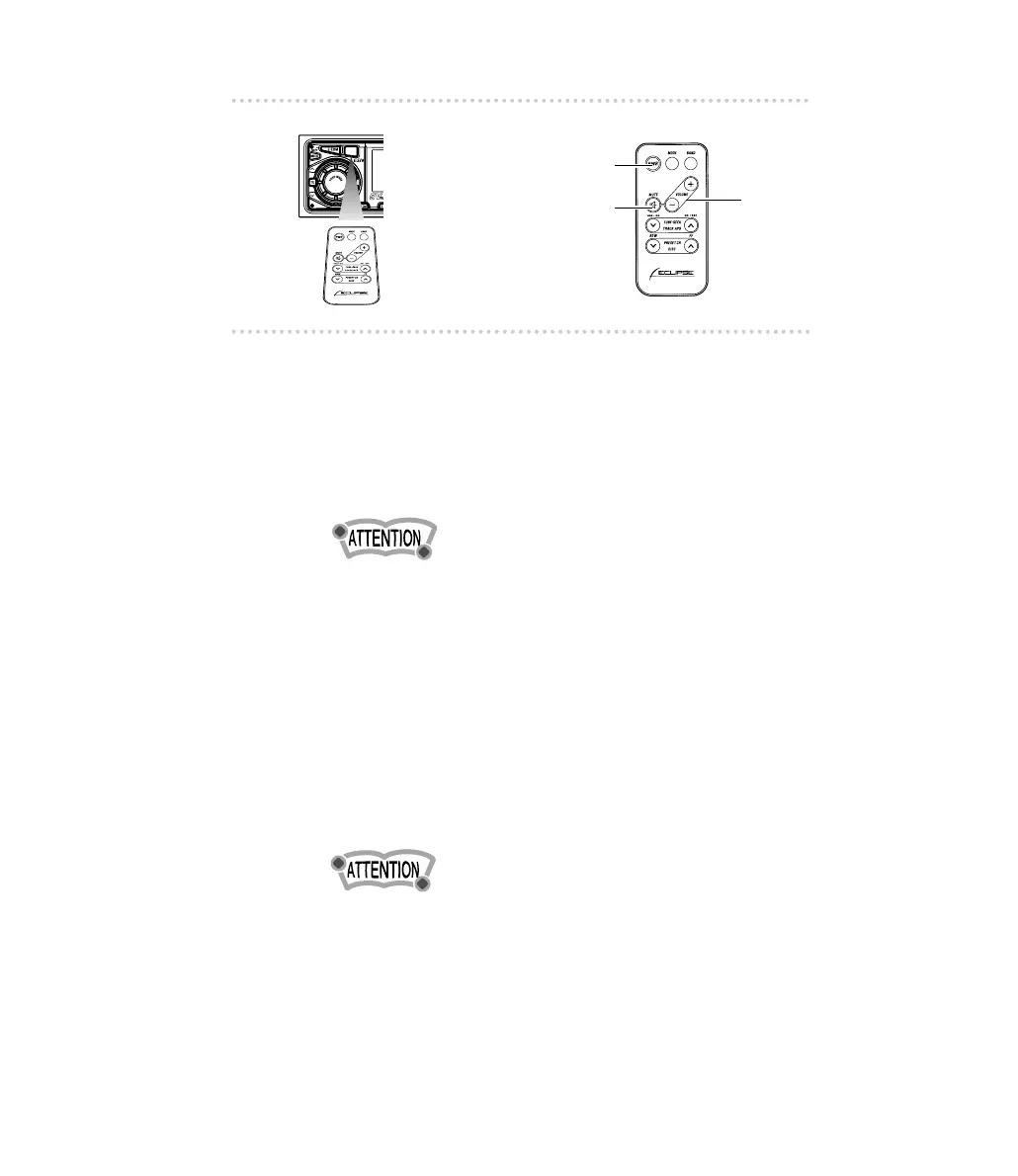
How to use the Card remote control
■ Turning the power on/off
When the power is turned on, the state used when the power
was turned off such as CD and tuner playing is restored.
1 .
Press the [PWR] button.
The power turns on or off each time the button is pressed.
When the main unit is shut down, the remote control will not
work.
■ Adjusting the audio volume
1 .
Press the [+] or [-] button.
[+] button: Increases the volume.
[
- ] button: Decreases the volume.
▼▼
Cutting the volume instantly (muting):
Press the [MUTE] button to cut the volume or restore it
instantly.
Press the [MUTE] button for more than two seconds if E-
COM is connected and less than two seconds if E-COM is
not connected to cut the volume or restore it instantly.



 To Next Page