7878
How to operate the receiver with an optional DSP/EQ unit or Digital Sound Processor connected
▼▼
Fine-tuning an individual room-size mode
Detailed adjustments are available in any of the room size
modes.
1.
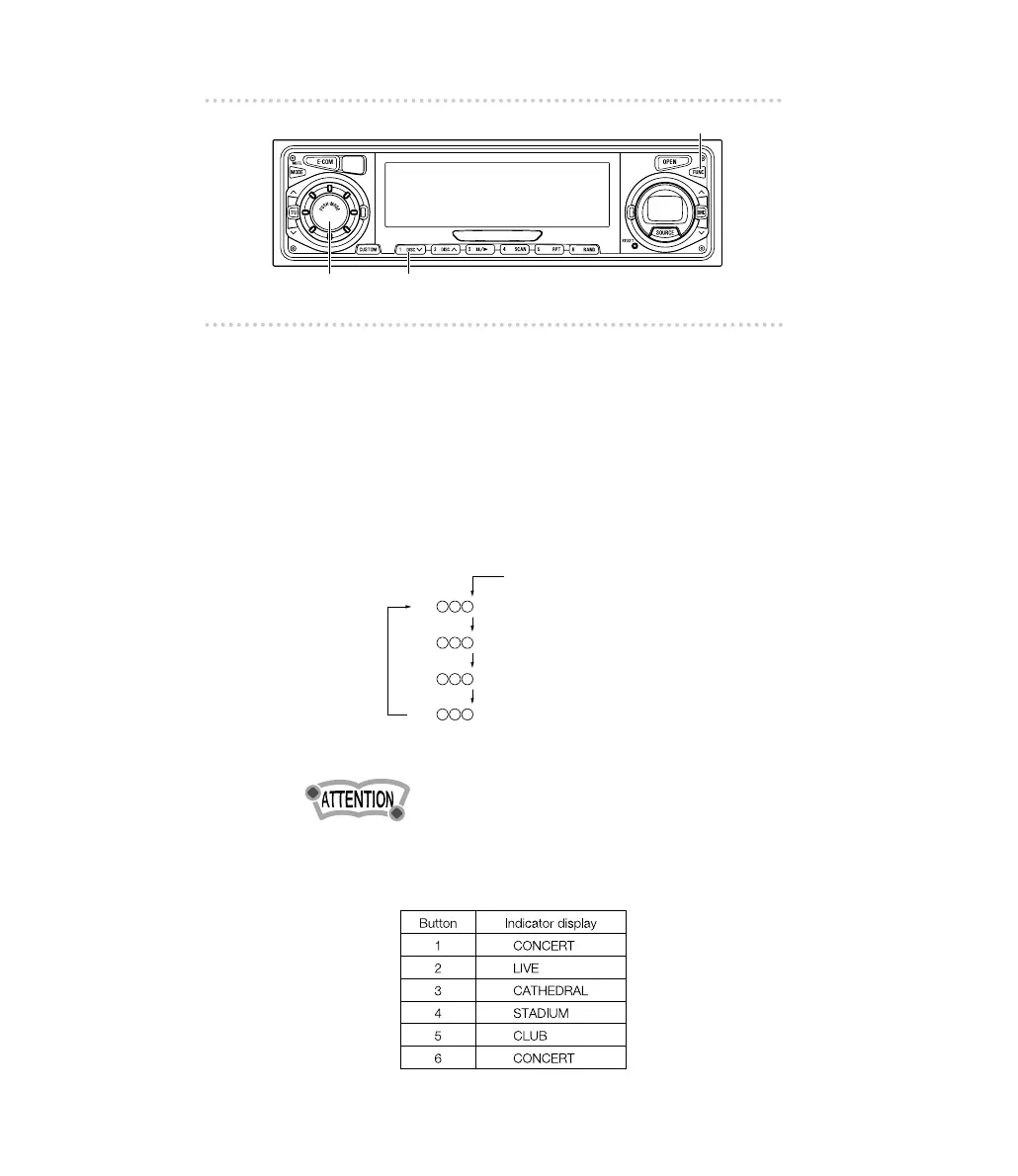
After pressing the [FUNC] button, hold
button [1]
down for more than a second.
The DSP mode starts.
2.
Tap the [AUDIO CONTROL] button to select the desired
mode of adjustment.
The mode sequence on the button is as follows:
• Easy-operation is used in normal audio control mode.
(Refer to page 28.)
• The following patterns are preset at the factory:
Level
•
Duration value
LR
S
LR
dB
ER
mS
ER
dB
(Reverberation duration)*
(Reverberation level)*
(Initial echo delay)
(Initial echo level)
The level and duration adjustments are available
in CONCERT and CATHEDRAL modes only.
*



 To Next Page