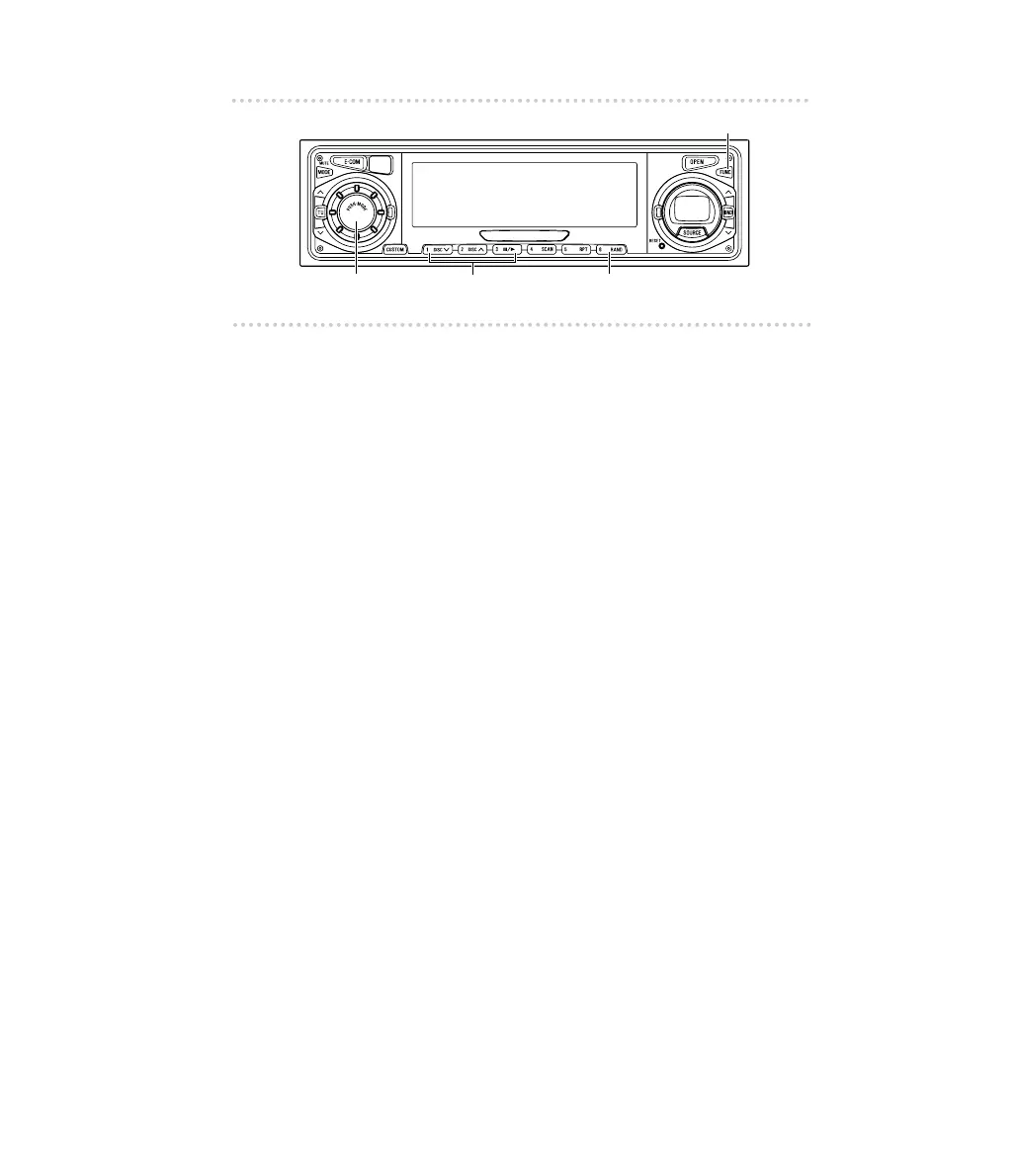
How to operate the receiver with an optional DSP/EQ unit or Digital Sound Processor connected
▼Adjusting the delay (distance) setting
speaker
1. Press the [FUNC] button.
2. Press and hold button [3] for more than two
seconds to shift to the setting mode.
3. Press button [1] to shift to the speaker setting
mode.
4. Press button [6].
The following items are switched in this order:
FR
→
FL
→
RR
→
RL
→
Ce
→
Wo
5. Turn the [AUDIO CONTROL] button to the left or
right to adjust the distance.
6. Press the [FUNC] button to return to the setting
mode.
7. Press the [FUNC] button again to cancel the setting
mode.
▼Adjusting the speaker level
The speaker level is adjusted based on the test tone output
from each speaker.
1. Press the [FUNC] button.
2. Press and hold button [3] for more than two
seconds to shift to the setting mode.
3. Press button [2] to shift to the speaker level
adjustment mode.



 To Next Page