Operation
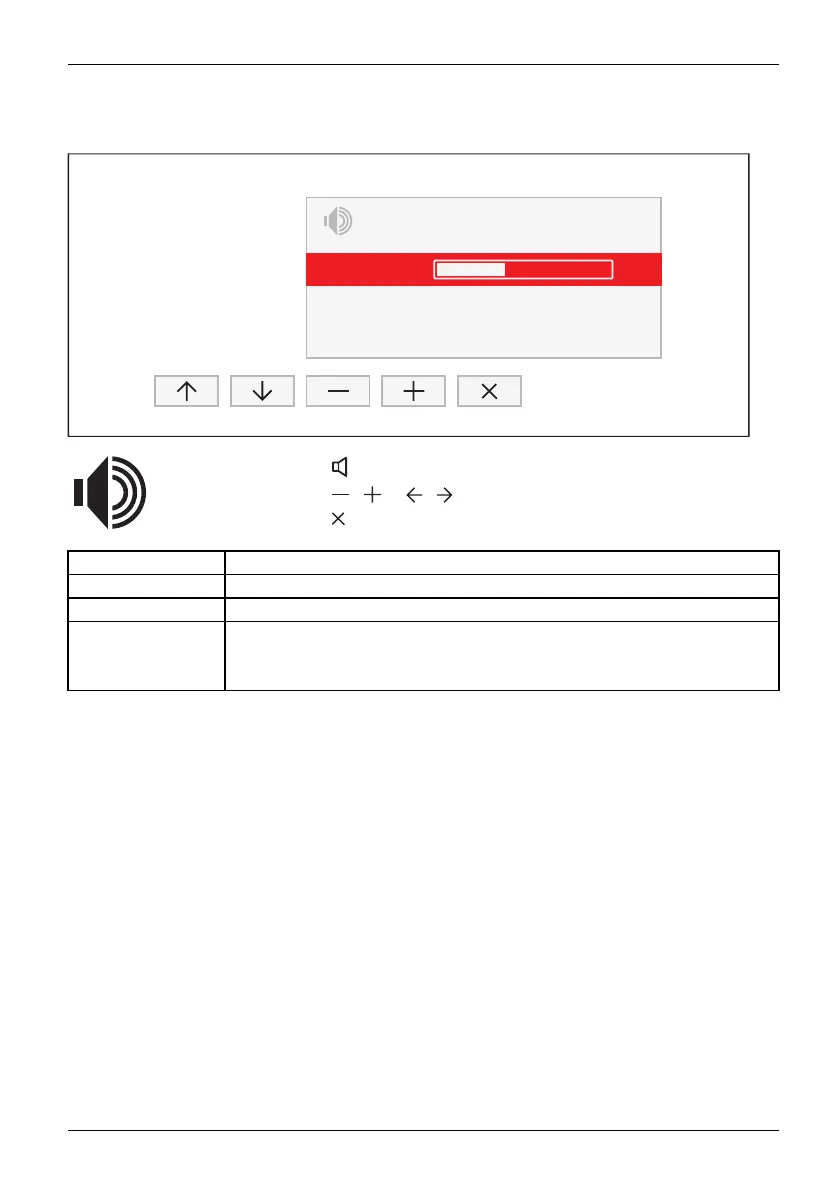
Adjusting the volume
AUDIO
Volume
Mute
Input
40
Off
DP / HDMI
► Press the button to open the AUDIO setting window.
► Press the
/ or / button to m ake the desired setting.
► Press the
button to save the settings and close the menu.
Function Description
Vol u m e
Set the volume for playback with the integrated loudspeakers
Mute
Switch th e loudspeakers off or on
Input
Change the audio input signal to another source
The setting only appears when more than on e audio input signal is possible
(e.g. display port and AUDIO-IN socket).
Fujitsu 31












 To Next Page