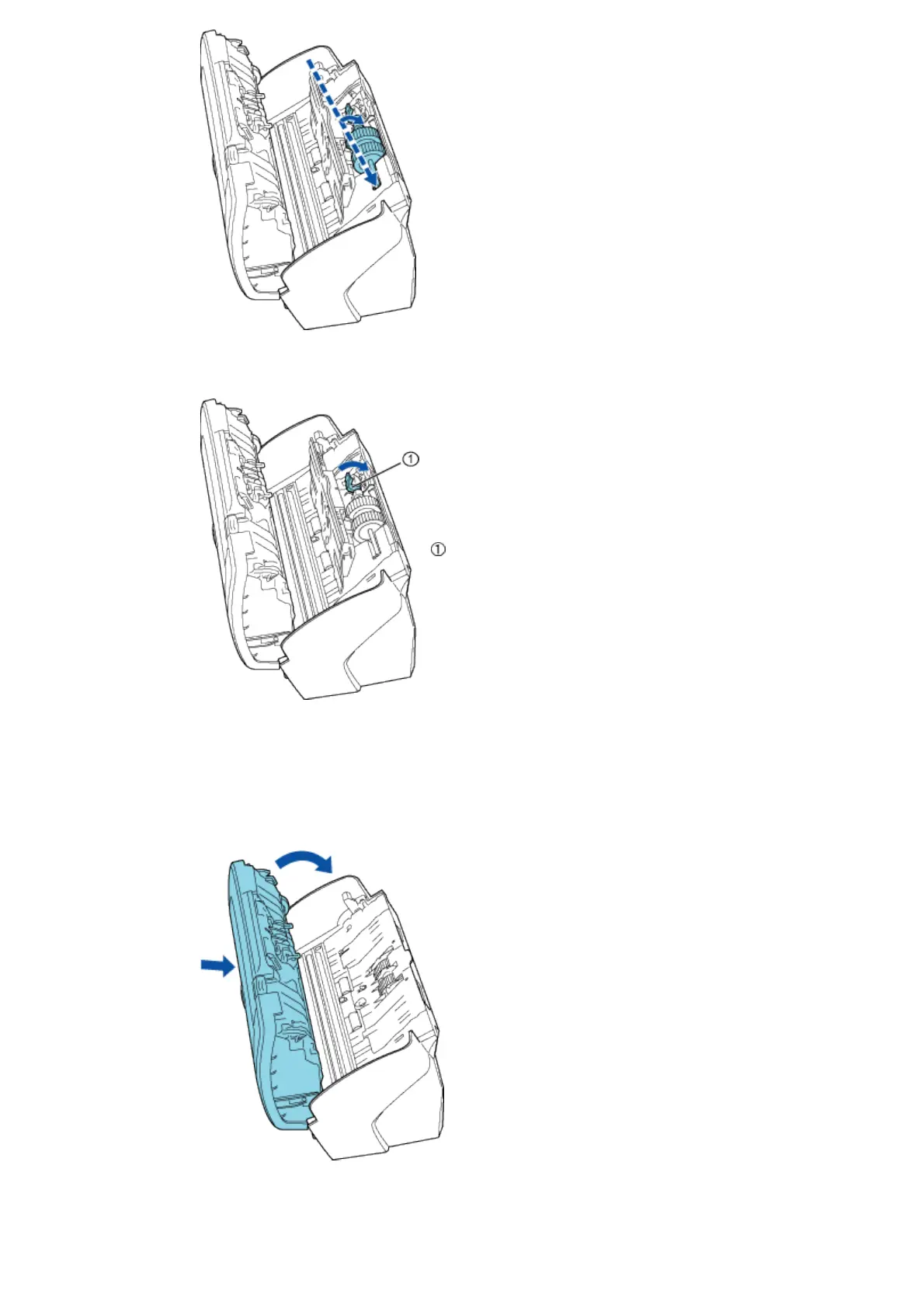
2) Rotate the Pick roller lever in the direction of the arrow.
Lever
3) Close the sheet guide. Make sure that both sides of the side guide are firmly locked.
8. Close the ADF. Press down on the center of the ADF to return it to its original position until the ADF
open leverlocks.
9. Attach the ADF paper chute to the scanner.
With the movie below, review the procedure to replace the Pick roller.



 To Next Page