You can specify the rule to display the counter.
Initial Value Set the initial value of the counter.
Field Width Select the number of digits from 3 to 8.
Number Control Select the increment of the counter value.
Top Margin
You can set the distance between the top of the page and the top of the first line printed on the page with a
numeric.
Range 0.5 to 10.5 in. (1.27 to 26.7 cm)
Minimum unit 0.1 in. (0.01 cm)
Units
You can specify the unit of the top margin; in inch, in cm, or in pixel.
Font
You can specify the font style from Normal, Bold, and Narrow for printing characters.
Rotation
You can specify the text direction for printing characters.
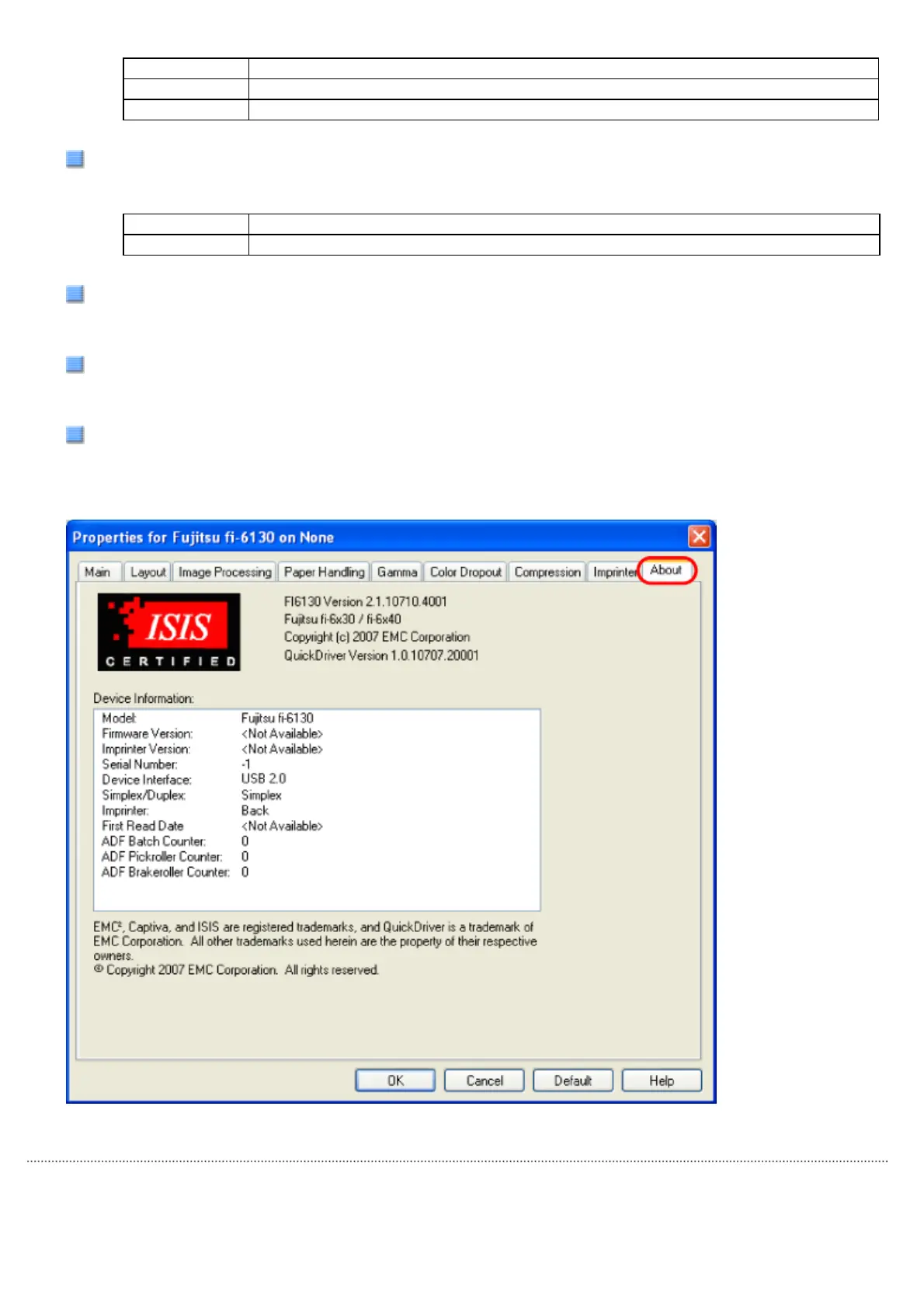
[About] Tab
On this tab, you can view the information about the ISIS driver and the scanner connected to your computer.
All Rights Reserved. Copyright 2007 © PFU LIMITED



 To Next Page