12
7. How to Upgrade BGMA FW (firmware)
This chapter describes how to update the BGMA FW.
The BGMA FW can be updated by PC. The tool “PC Helper.exe” can be used to update the FW. The
following section describes the upgrading of BGMA FW in detail.
7.1 Use SOFTUNE Upgrade FW
When using SOFTUNE, a user can upgrade the BGMA FW.
The following is the method:
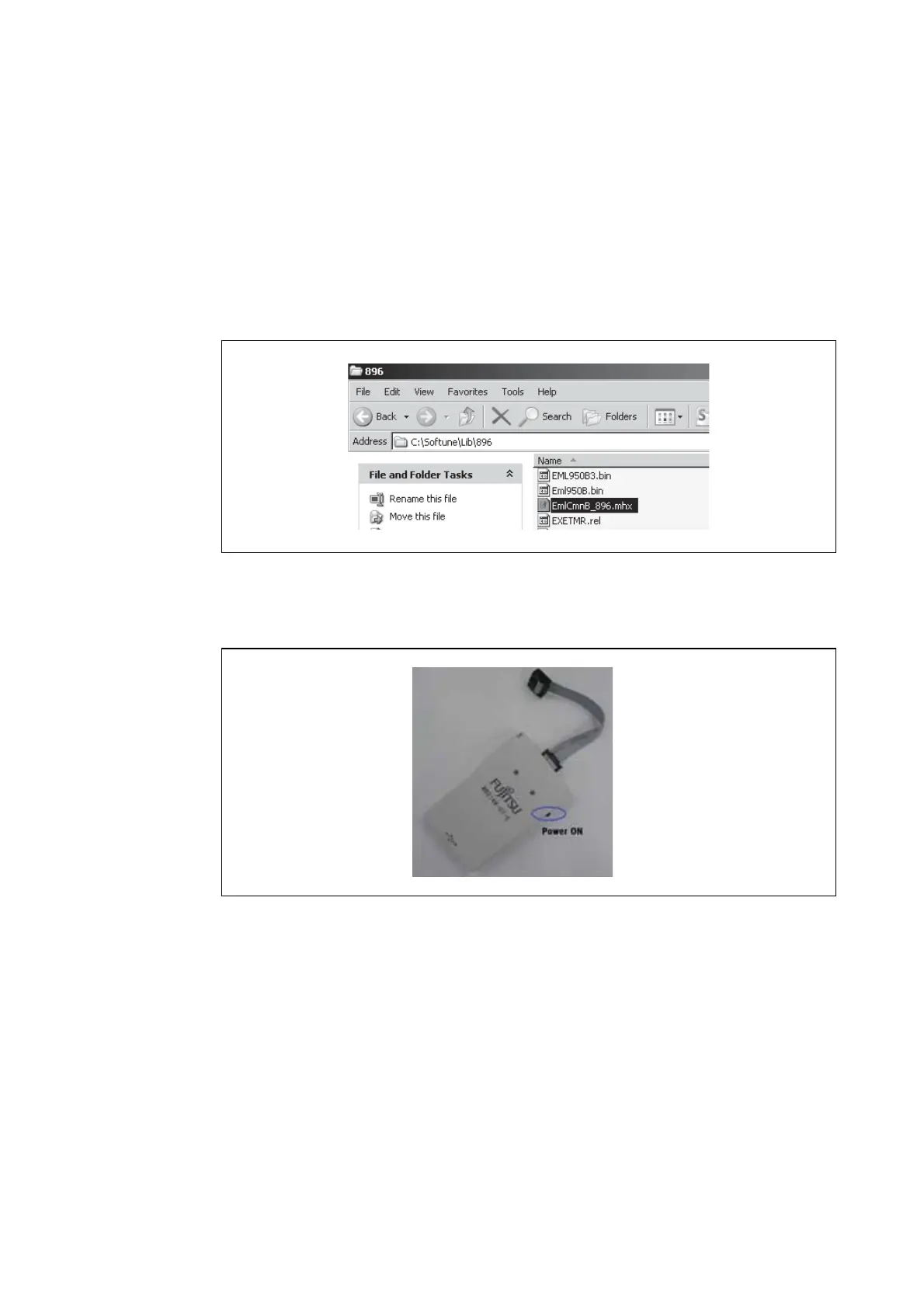
(1) Copy EmlCmnB_896.mhx file in the directry of "..\Softune\896" where Softune is installed.
Figure 12 The examle of adding HEX file
(2) Connect BGMA to PC.
(3) Turn on the BGMA power.
Figure 13 Power-on BGMA








 To Next Page